
Samsung verification codes still targeting an old number require a check of the account's change status. Replacing the SIM does not establish that the two-step destination changed, and an accepted request is different from a completed update.
Inspect the number recorded by the account
Open the Samsung account through an official entry and compare the masked digits. If a signed-in Galaxy device remains usable, preserve it while inspecting the supported settings. A new number appearing in the phone's local SIM information is not evidence that the account's security number has been updated.
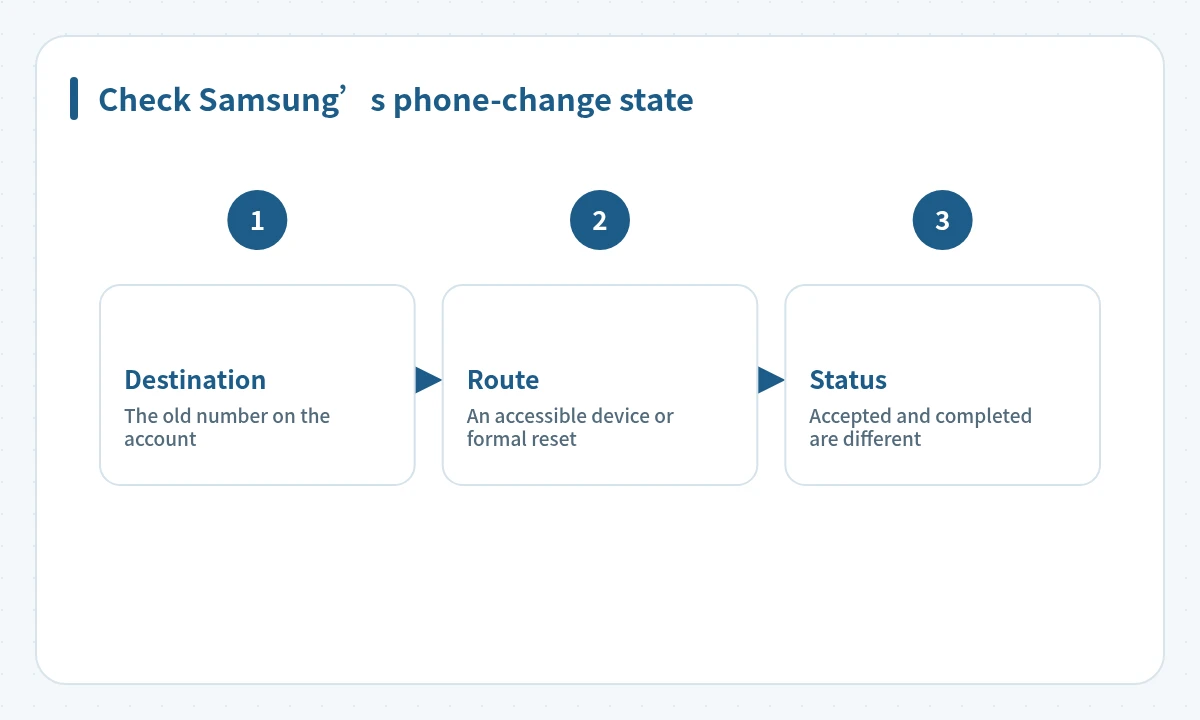
Samsung's US support describes both changes through an accessible device and a formal reset process when the previous number is no longer usable. Region, device and account screens can differ. Follow the route actually offered to your account instead of treating one regional screenshot as a universal path.
Track submission, review and completion separately
| State | What it establishes |
|---|---|
| A request was submitted | The change process was started |
| An acceptance notice arrived | The request entered a processing stage |
| Completion was reported and checked | The resulting destination can be confirmed |
While a request is pending, another prompt showing the old number does not by itself establish that the system reversed a completed change. Inspect the progress and official completion notice first. Distinguish a still-pending update from a completed update whose result appears inconsistent.
Keep enough timing and screen information to identify the same request when asking for help. Do not put live codes or complete security details into an ordinary progress note merely to make the record look complete.
Avoid repeatedly restarting a pending reset
Samsung warns that submitting another request before the relevant reset finishes can restart its waiting process and cause further delay. Follow the current instructions for waiting and checking instead of creating a fresh request each day as a progress test. The applicable regional guidance and account feedback determine timing; there is no universal completion promise in this guide.
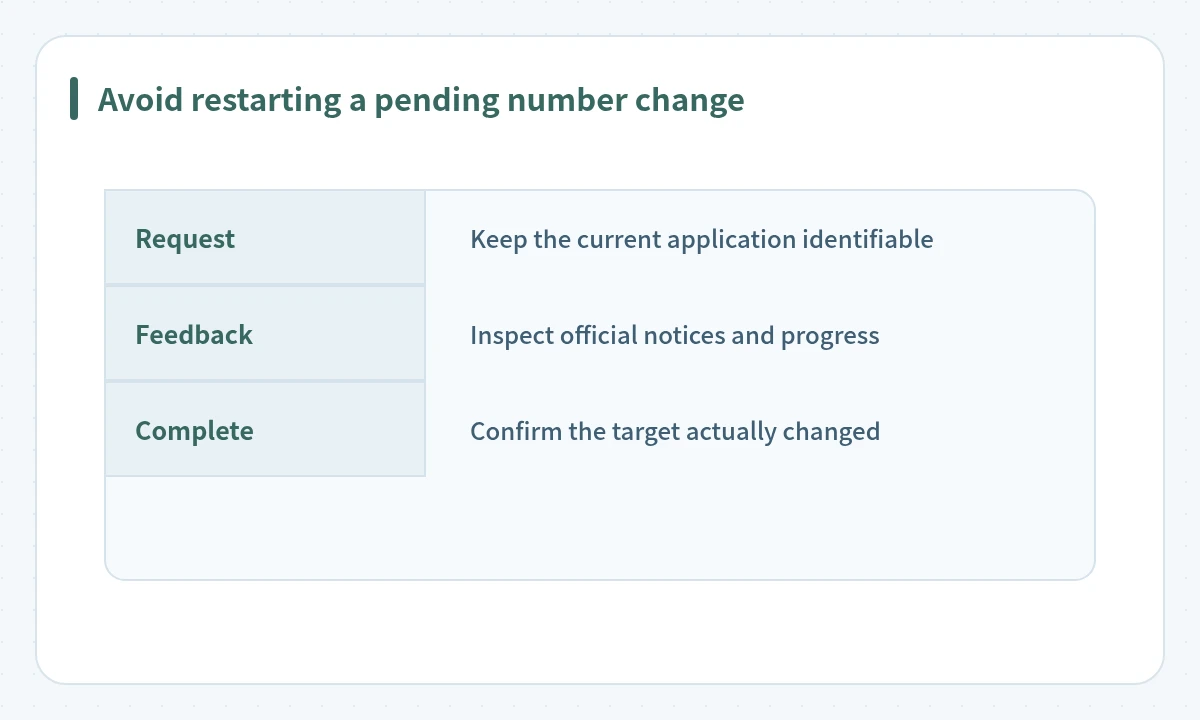
If information was entered incorrectly or the process cannot continue, use official support and explain that situation. Do not disclose the account password, current code or application secrets to an outsider offering to clear the waiting period. That offer does not replace account-ownership verification.
Confirm usable access before retiring old resources
After the official result, inspect the account's recorded number and confirm you can complete the relevant verification. Then plan old-device sign-out and line retirement. Avoid deleting the old phone and remaining methods before establishing that the new arrangement is effective.
A precise support report can say that a number-change request remains under review, or that completion was reported but the next page still shows the old masked destination. Add the time and exact message with secrets hidden. That gives support a process-state question to investigate instead of triggering another round of unrelated SMS filtering checks.
The aim is a verified change in account information, not simply a newer device or one more message arriving on the replacement line.
References
Samsung: Change or reset the two-step verification phone number.
