
Rebtel verification codes used in the app should not be treated as a universal PIN for its website. Rebtel's signup guide explicitly distinguishes the app PIN from the website account PIN. If one entry works and the other does not, establish which credential the second entry actually requests before diagnosing SMS delivery.
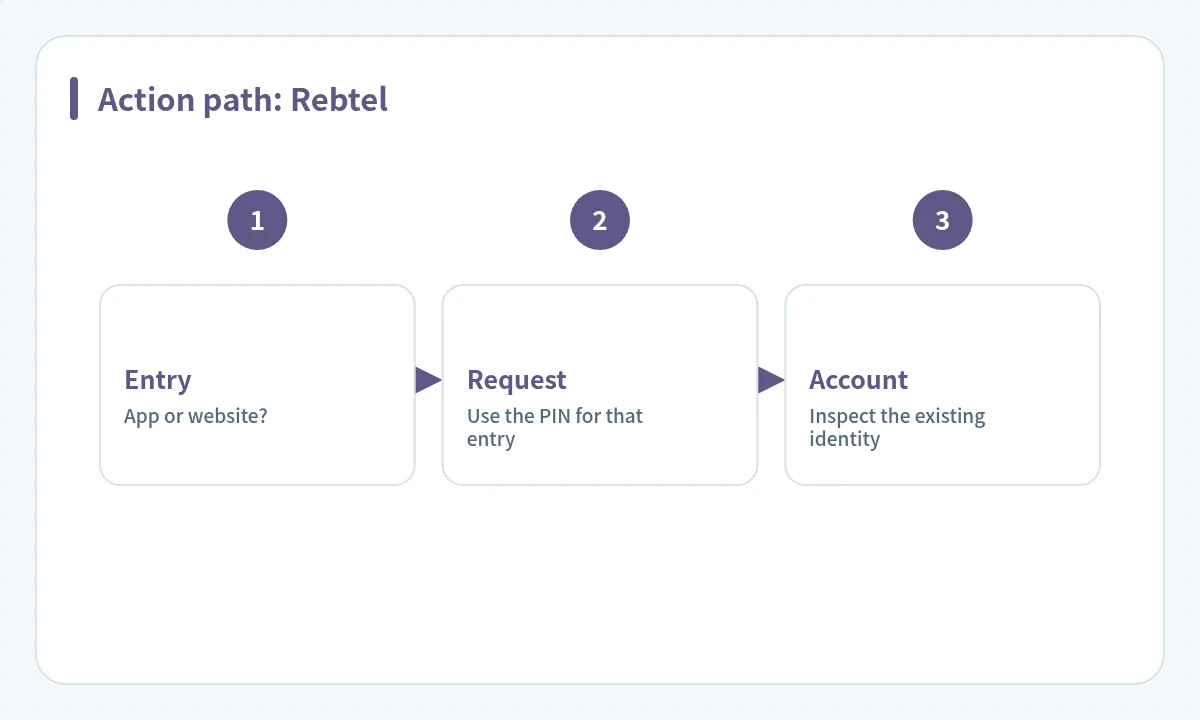
Name the entry point you are using
The official app signup flow asks for a country of residence and phone number, then uses SMS confirmation. Website access is a separate entry point. On a phone, an app and a browser page can sit next to each other, making the distinction easy to overlook.
Do not test a received value by cycling it through several unrelated screens. Return to the entry that produced the request and inspect whether that task is complete. If the website asks for its own PIN or a recovery action, follow that instruction rather than repeatedly reusing the app message.
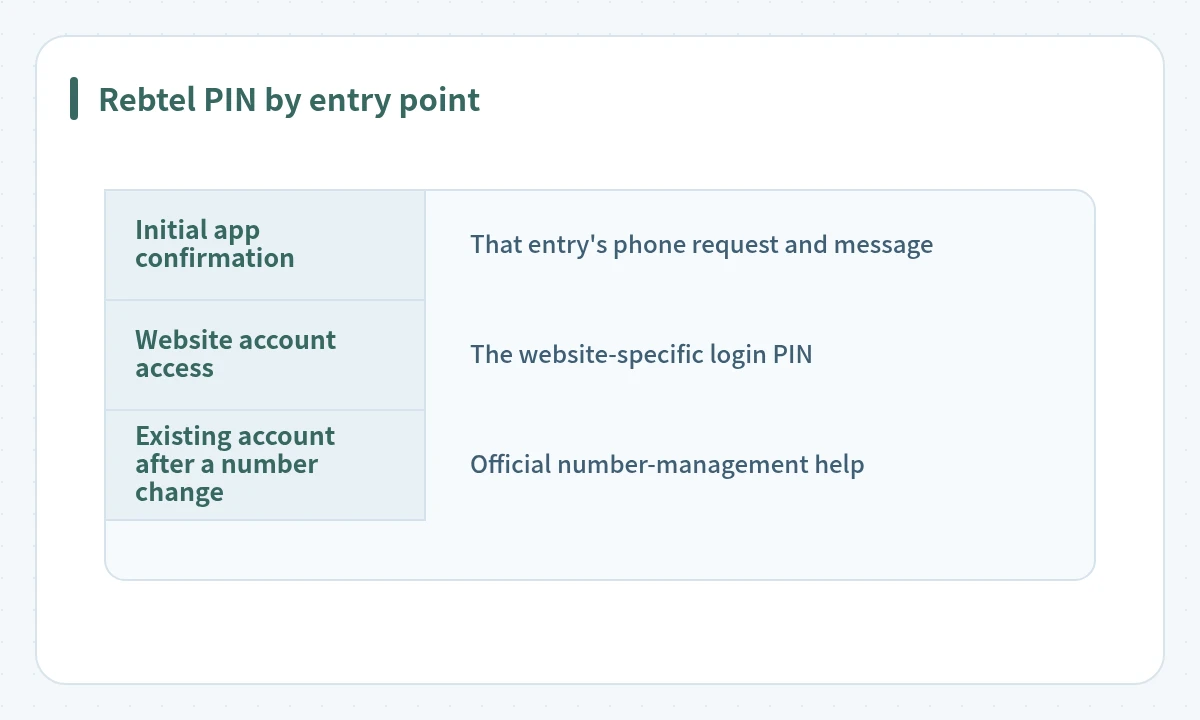
| Current action | Resource to inspect |
|---|---|
| Initial app confirmation | That entry's phone request and message |
| Website account access | The website-specific login PIN |
| Existing account after a number change | Official number-management help |
Autofill is an input event, not the whole outcome
A value appearing automatically in the app shows that the device supplied it to a field. Check the app's resulting state to establish whether it was accepted. A later request for more information should be handled as the current task, rather than taken as evidence that the earlier text never worked.
For manual entry, compare the number and country selection with the page's instructions. Do not confuse the formatting of a contact you intend to call with the PIN used to enter your own account. Contact details concern the destination of a call; access credentials concern the identity managing the account.
If the page appears unchanged after submission, preserve its exact wording and note whether the app still has a network connection. A visible text and an unrefreshed page are two observations, not a complete explanation of why the operation paused.
Preserve the original account when changing numbers
Rebtel's signup help separately addresses existing users with a new number. Review its number-management guidance before creating a different identity and expecting the previous account's information to appear there. Start with the relationship you already have.
Useful support details include the old number's masked ending, which official entry remains accessible, and what you want to change. “The app opens, but the website PIN is not accepted” is more precise than “the verification code is broken.” Keep live PINs and passwords out of public screenshots.
After access, inspect the existing account information to confirm you did not enter under another identity. Account access also differs from call connectivity, pricing, or a subscription result. This guide explains the relationship between entry points and credentials; it does not establish the performance of a line or the terms of any calling product.
References
Rebtel: Signup and the distinction between app and website PINs
