
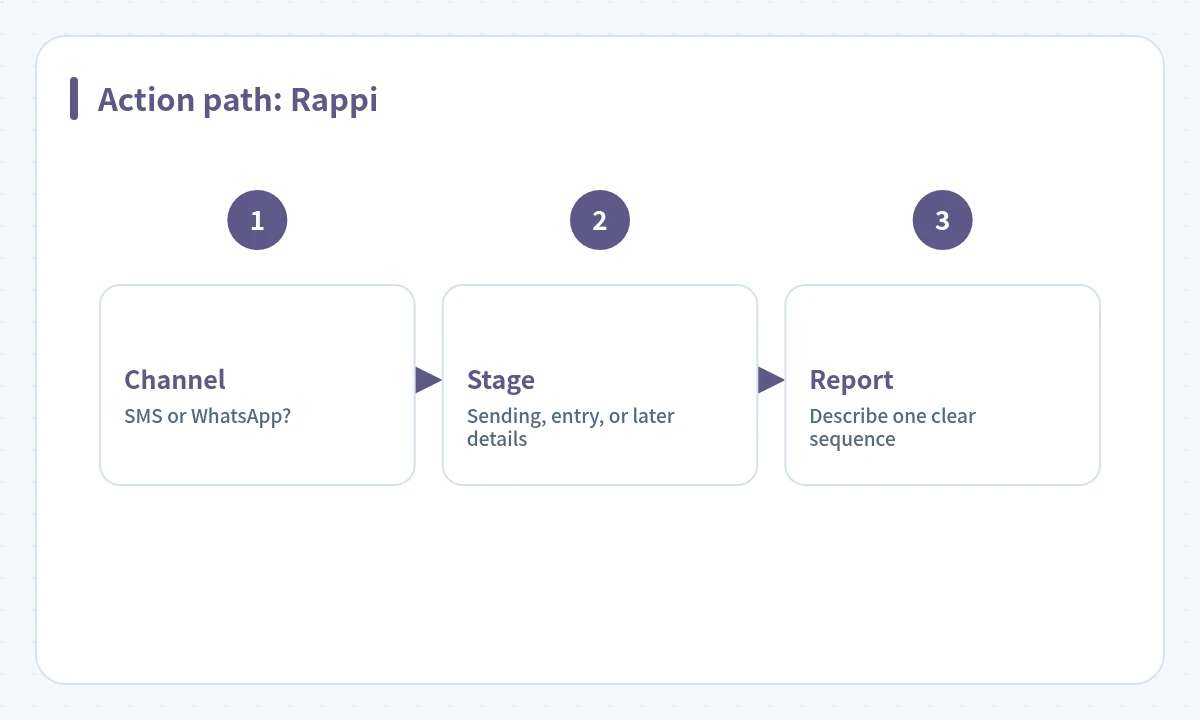
When reporting problems with Rappi verification codes, identify WhatsApp or SMS and the stage that failed. Rappi's official signup-report page lists these separately. A general description such as invalid code can hide the difference between a request never submitted and a value rejected after receipt.
Choose the channel actually used
Return to the page where you initiated signup and inspect the selected method. The same phone number does not mean both channels receive the response. If WhatsApp was selected, checking only the text inbox is not enough to report absence accurately.
If the page failed before accepting the number, record the input and country-selection issue first. Investigate reception after reaching a sending stage. Refreshing an inbox adds no useful observation when the operation has not generated a request.
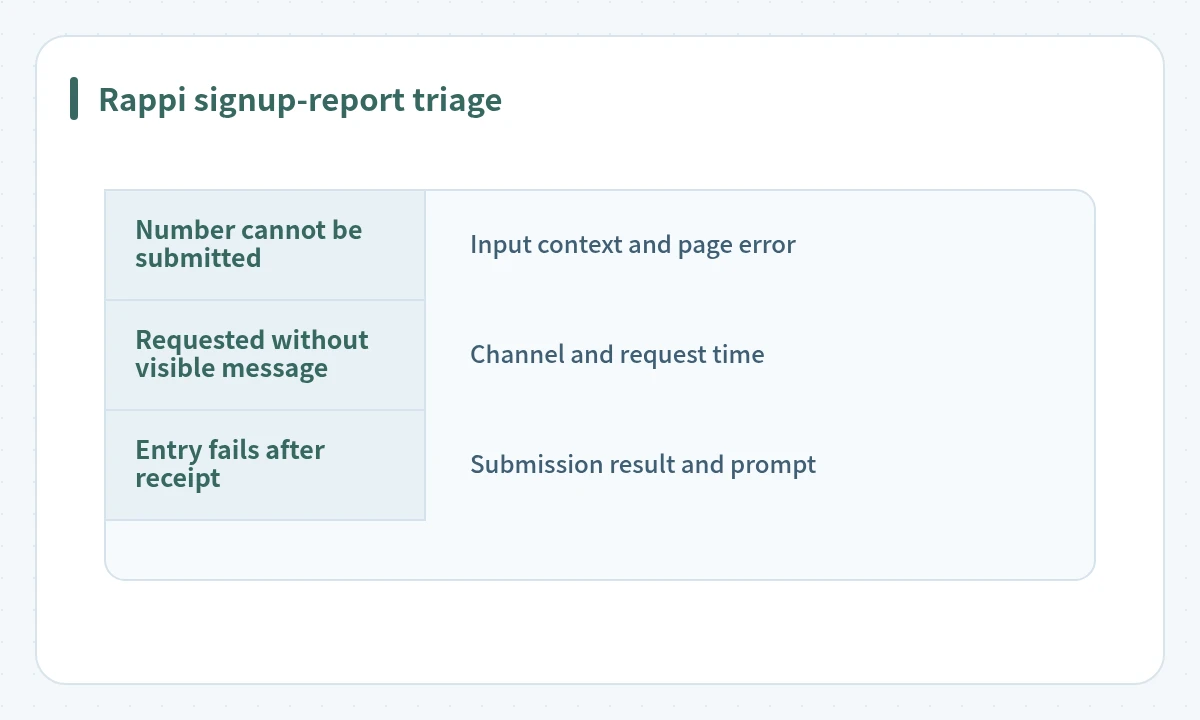
| Failure stage | What to describe |
|---|---|
| Number cannot be submitted | Input context and page error |
| Requested without visible message | Channel and request time |
| Entry fails after receipt | Submission result and prompt |
Signup reporting is different from order support
The cited official page categorizes registration interruptions. It should not be described as a universal channel for every country's order, refund, or payment issue. If account entry already worked and one order is wrong, use that order's official help instead.
A short account of the sequence is useful: the number was accepted, WhatsApp was selected, the page reported sending, but the intended account showed no message. That is easier to assess than combining several attempts through different channels into one claim that nothing works.
Include only what you observed. A page returning to the number field does not prove why submission failed, and a delayed message does not prove the carrier caused every earlier problem. Exact non-sensitive wording lets support investigate without relying on a guessed explanation.
Share the process without publishing the credential
Record the entry point, device, time, channel, and non-sensitive error. Complete numbers, delivery addresses, and live values do not belong in public questions. Supply further information only through a private process you have established is official.
If another request was made, distinguish old messages and windows from the current task. Avoid creating more identities merely to compare channels; the original registration information needs a clear association with the intended account.
Use the official response and resulting page as evidence of progress, without promising a fixed waiting period. A message arriving does not establish that every registration field saved. Receipt, acceptance, and completed profile information each have a different observable state.
If the form asks for details beyond the code problem, read those fields before responding. State which step is complete and which remains unresolved. This keeps a technical report connected to one clear attempt rather than turning it into a mixture of account-access questions and unrelated service requests that need different support routes.
A screenshot of a disabled send button should include the nearby non-sensitive notice. That helps distinguish a field still incomplete from a page imposing a wait, without asking another person to inspect the entire message history on your device.
References
Rappi: Signup-report categories for WhatsApp and SMS
