
Rakuten verification codes inside the US Privacy Center can be an email check after ordinary account sign-in. Entering the account and completing the identity step for a particular center request are separate states to inspect.
Establish the service and market first
Rakuten's US privacy information describes signing in before using the relevant center and obtaining a code from the email associated with the account. This article concerns that path. It is not a universal procedure for Japanese shopping, another regional service or a separate card product, nor a guarantee about any request's eligibility or outcome.
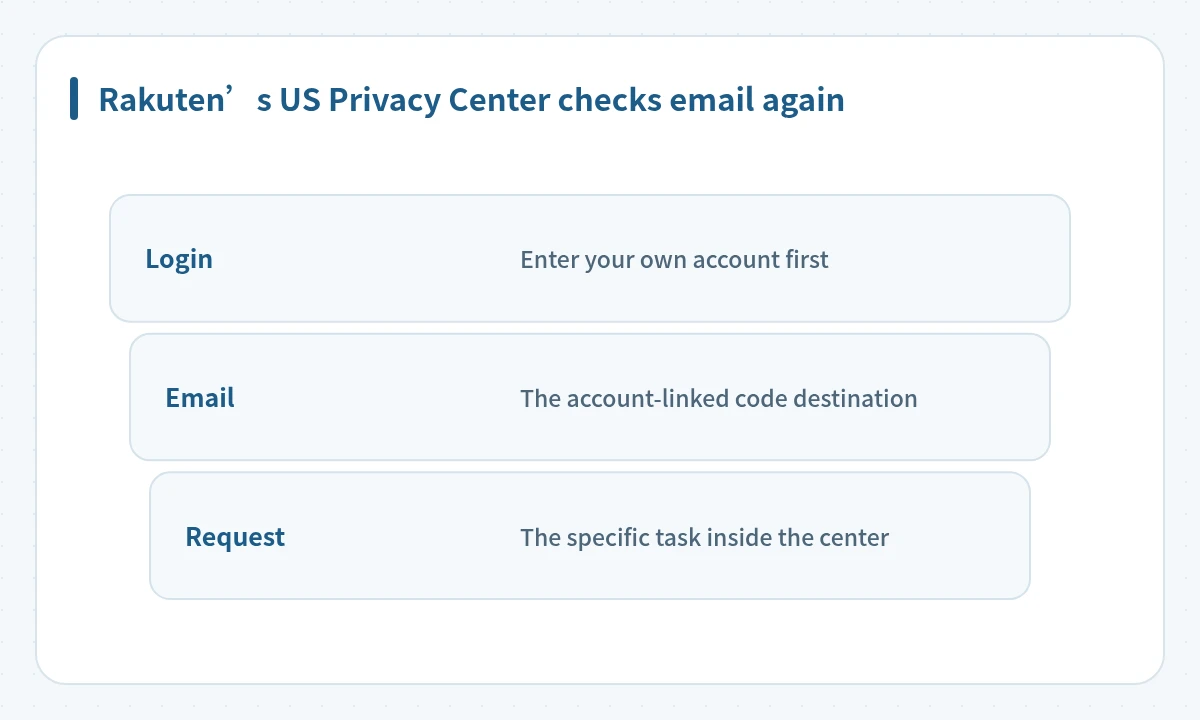
Confirm the actual account and task, opening the official center independently. A message presenting itself as privacy assistance does not justify supplying a password on an unfamiliar page. Shared branding cannot replace a service-and-entry check.
Separate normal login from the center's task
| Observation | What to establish |
|---|---|
| Sign-in succeeds | Your intended account opened |
| Email code requested | The account address named for this task |
| Request status | The result shown through the formal process |
An accepted code does not mean the requested action has finished processing. Inspect the center or official notice for that result instead of inferring completion from an email's arrival. Retain the current task context when several messages appear around the same time.
A private record can name the market, request type, submission time and status without storing a changing value or complete access link. This gives support enough context to distinguish identity confirmation from a later processing question.
Keep submitted information within the current task
The official notice discusses further identity checks in some circumstances. Follow the actual formal request for necessary material rather than proactively send an entire identity package, account secret or private history to an outside chat contact. Do not give someone mailbox access to retrieve the code for you.
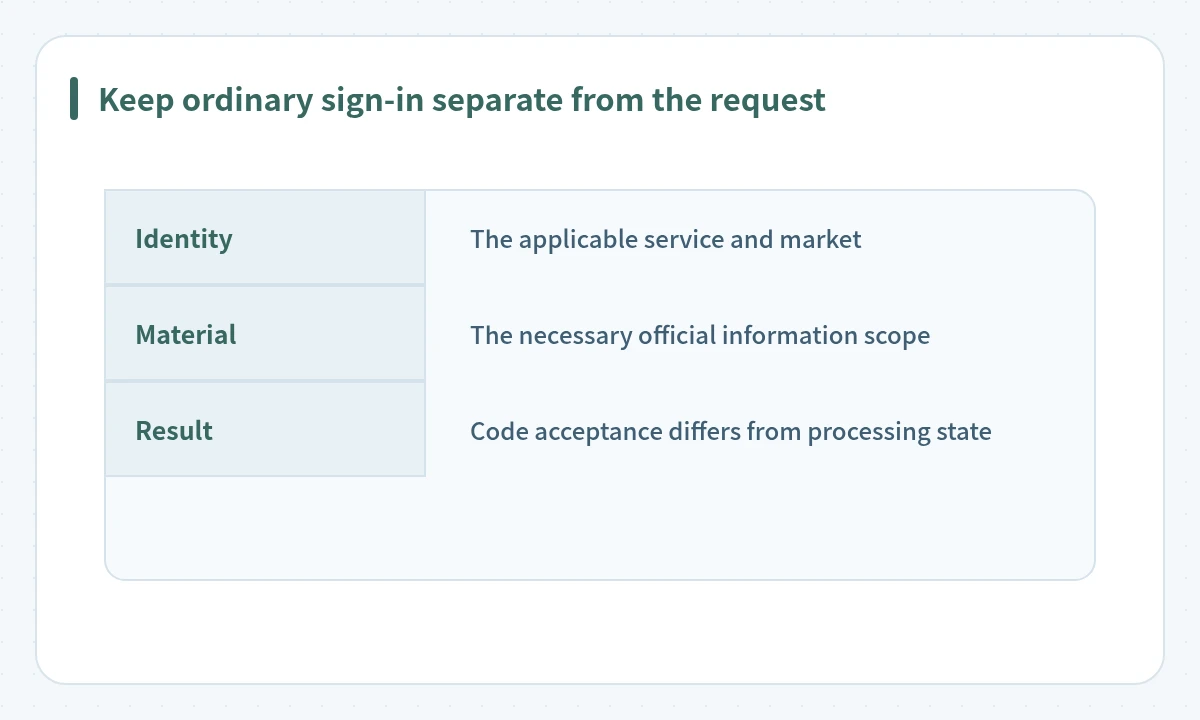
For absent messages, inspect the recorded address, filtering and request time. If the destination is no longer accessible, consult formal account help instead of repeatedly submit the same task under an unrelated mailbox and expect it to take over the original identity.
Preserve a working session while inspecting the account's information. Clearing every device or starting a different account as a test can remove useful correspondence without explaining why the current email check stopped.
Maintain an identifiable request sequence
When more than one request exists, match notices to the relevant task before adding material. An old response should not be treated as the current state of a new submission. Use the formal channel named by the official process for follow-up.
A support description can say that login completed but the center's email confirmation remains unfinished, or that the value was accepted while processing is still pending. Hide private content in screenshots and retain the task label and error.
Separating identity confirmation, submission and the reported result makes the next step easier to identify without misdescribing a Privacy Center email as a missing ordinary login text.
References
Rakuten US: Privacy Center identity and email confirmation.
