
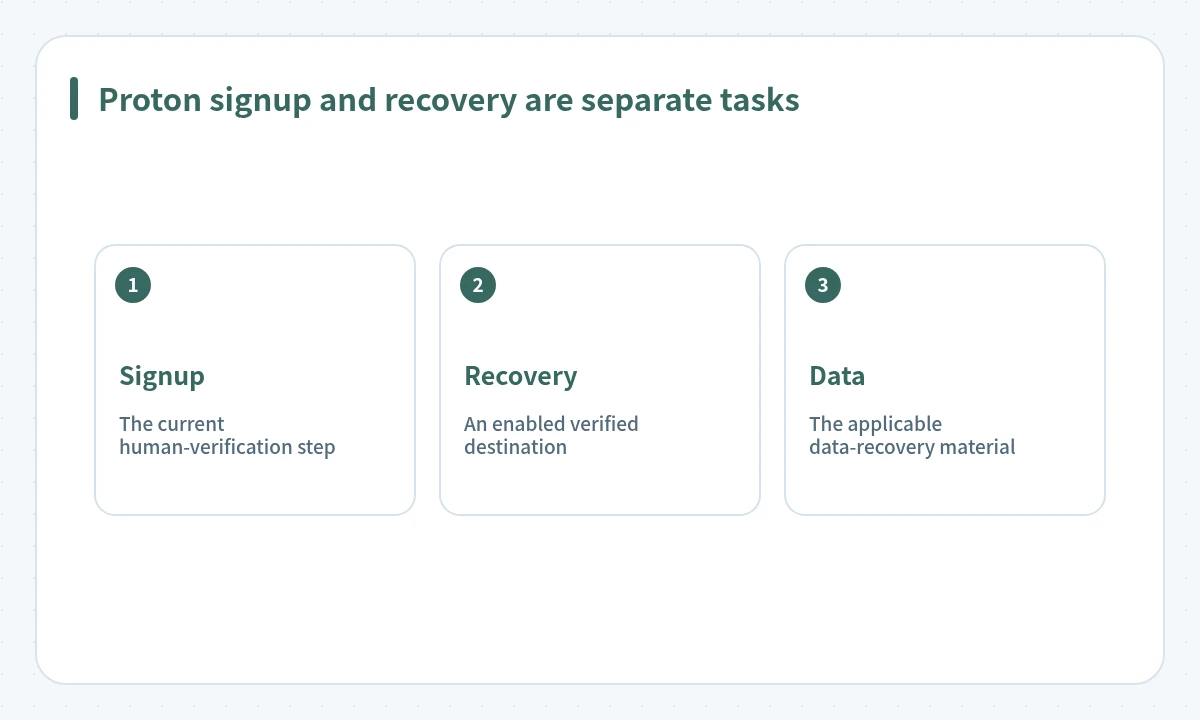
ProtonMail verification codes used during signup should not be treated as confirmation that a recovery phone is configured. Human verification and preparation for a later forgotten password are separate tasks. Check the account's actual recovery settings after registration rather than relying on a successful initial text.
Identify the purpose of the current challenge
Proton's human-verification help describes CAPTCHA, email or SMS checks during account creation, with the offered options depending on the current situation. Finishing that challenge answers the signup request. It does not replace an inspection of the password-recovery configuration you intend to maintain.
If a method is absent, use the official choices or support rather than creating accounts repeatedly to test availability. A current code belongs only to the action you initiated. An outside person promising improved registration success does not need it.
Configure recovery information as its own task
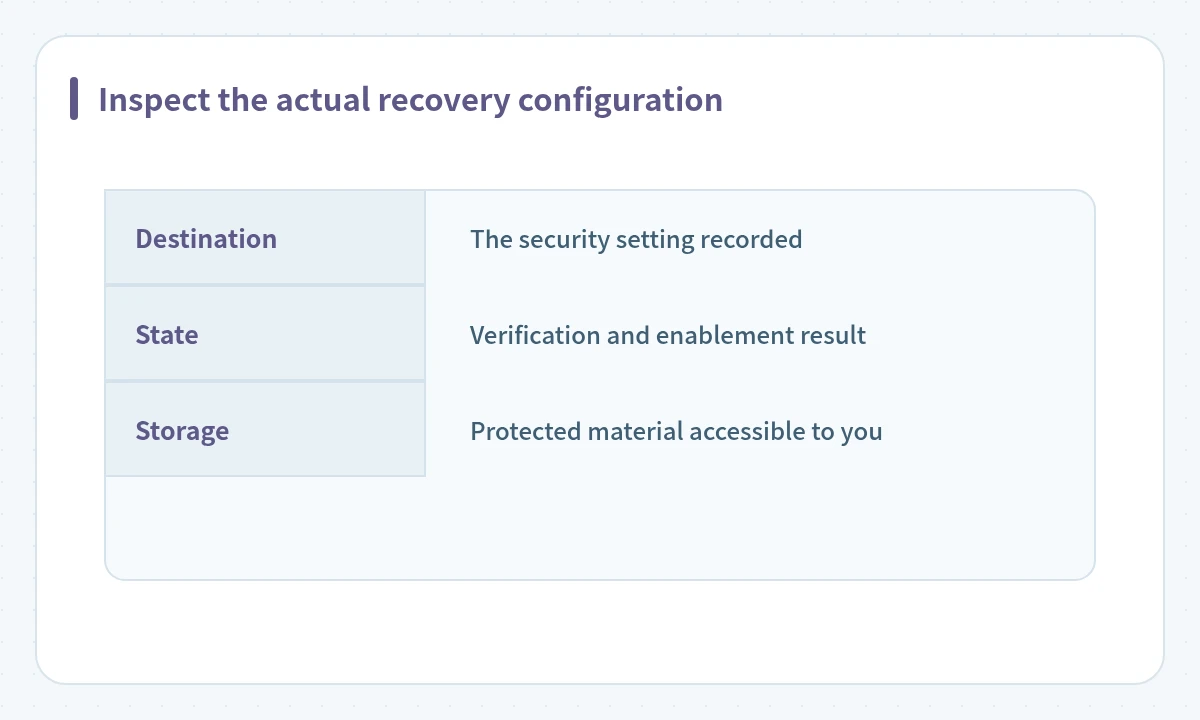
Proton separately documents adding and verifying a recovery email or phone. While access works, inspect the destination, complete the required verification and confirm the option is enabled. A planning checklist should describe the recorded result, not simply note that a number was typed into a field.
| Object | Result to establish |
|---|---|
| Signup verification | The current registration step completed |
| Password-recovery information | Configured, verified and accessible to you |
| Historical data recovery | A separate applicable recovery arrangement exists |
Choose storage for recovery material according to the access you would retain during a problem. A protected copy available only inside the account you cannot enter may not help when the password is forgotten. Do not put sensitive recovery values into an ordinary shared setup checklist.
Account entry and old encrypted data require separate planning
Proton explains that email or SMS recovery resets a password but does not itself restore access to pre-existing encrypted data. Inspect the data-recovery options appropriate to your account while it still works. Confirm that the required material is actually available to you before a reset becomes urgent.
If a reset is necessary, read the official warning about existing data before continuing. Do not skip it simply to regain mailbox entry quickly. A recovery phrase, password or changing code should not be disclosed to an outside helper claiming to repair the process.
During a phone change, review the recovery target actually enabled in settings. Complete the supported update and inspect the result before retiring the old line. The useful preparation is a maintained account configuration, not a saved account of one successful signup message.
Describe the stage that needs help
Being blocked by signup human verification, being unable to receive a password-reset code and being unable to read old mail after a reset are different reports. Name the page, exact error and approximate time while hiding complete contact details and secrets.
That gives support a specific recovery or verification question rather than an ambiguous statement that every Proton code failed. It also helps you preserve the resources still available while deciding which official process is relevant to the current problem.
References
Proton: Signup human verification; Proton: Email and SMS recovery and its data boundary.
