
If you are still signed in to Proton but have lost your two-factor device, a password reset is not necessarily required. Proton documents disabling 2FA with an existing password-reset recovery method, without changing the password or restoring data.
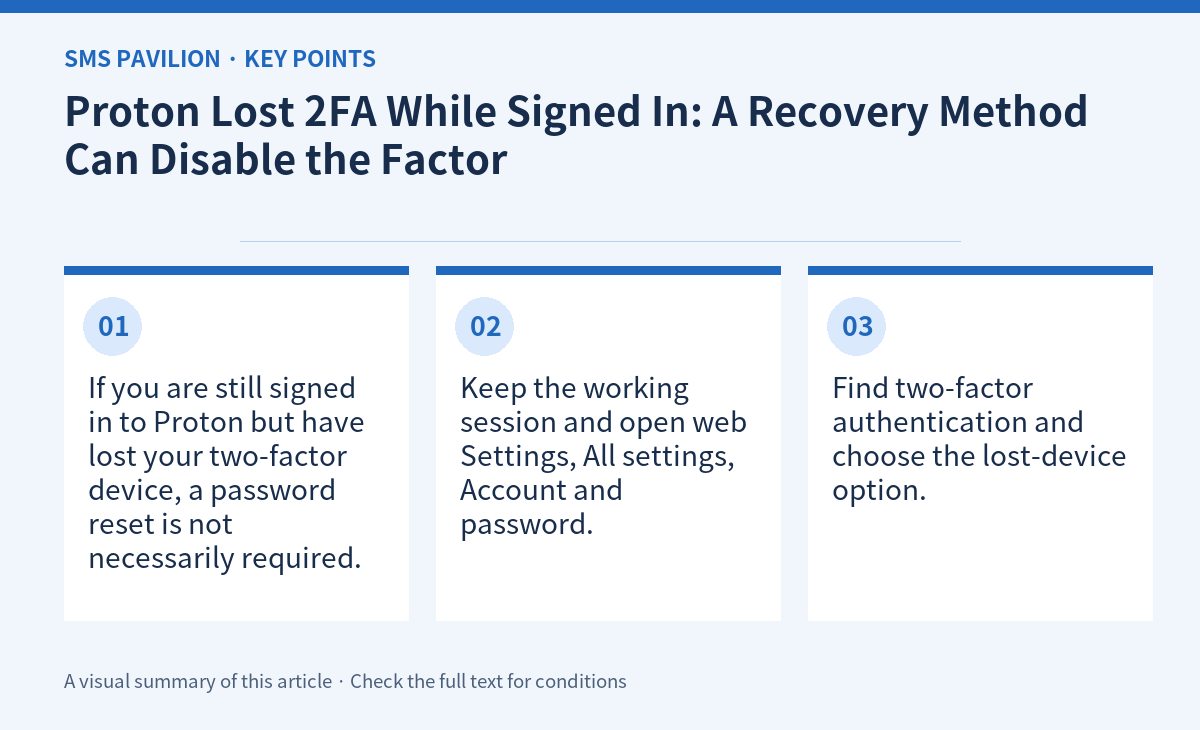
- Keep the working session and open web Settings, All settings, Account and password.
- Find two-factor authentication and choose the lost-device option.
- Follow an offered method, such as your configured recovery phrase or available email or SMS verification.
- After disabling 2FA, configure it again with a device you control.
Available methods depend on your existing recovery setup. A newly typed contact address is not automatically trusted. Do not sign out of your only working session simply to test recovery; fully signed-out users need the applicable separate recovery route.
References: Official reference 1: Proton Lost 2FA While Signed In: A Recovery Method Can Disable the Factor.
