
Prolific verification codes are not the whole process immediately following email signup. The participant guide separates initial email confirmation from checks after a waitlist invitation. If the email is verified but the account remains on the waitlist, inspect that stage rather than assuming a phone message went missing.
Read the account stage after confirming email
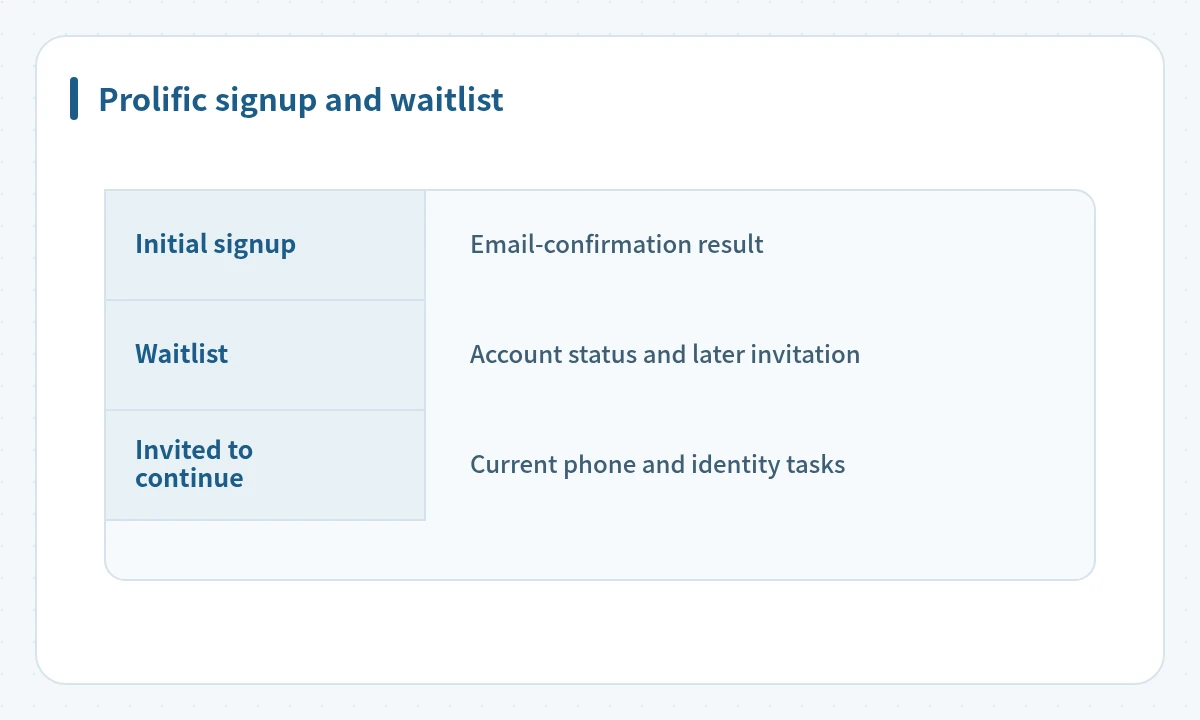
The official guide describes email confirmation at initial signup, followed by a waitlist and later checks once invited onward. A completed email button and a continuing waitlist state can therefore coexist. Neither one demonstrates that phone verification has already been opened for that account.
Inspect your own status and invitation information. Another participant seeing a phone button does not establish that your page is broken. Different people can be at different stages, so a screenshot needs its account context before it becomes useful troubleshooting evidence.
| Stage | What deserves attention |
|---|---|
| Initial signup | Email-confirmation result |
| Waitlist | Account status and later invitation |
| Invited to continue | Current phone and identity tasks |
Examine the phone requirements when that task opens
Prolific's help specifies a relationship between number country and residence, with documented exceptions, and says VoIP numbers are not accepted. Read the current detailed requirements when you reach that step. A line capable of receiving some texts is not automatically suitable identity information for this process.
Check whether the country selector has already applied the prefix before typing the number. Duplicating an automatically supplied prefix can create an input problem that has nothing to do with the handset. Compare the displayed destination with the line you actually control.
Where residence and number country raise questions, use the official explanation. Do not alter an address to an invented location or borrow somebody else's number to satisfy a field. Each piece of information should describe your real circumstances, including any relevant documented exception.
Do not delete the account to restart the queue
The participant guide warns that a closed account cannot be used to rejoin. Uncertainty about a waitlist or a check is not a reason to use deletion as a troubleshooting experiment. Do not assume the same email and number can reconstruct all the earlier records afterward.
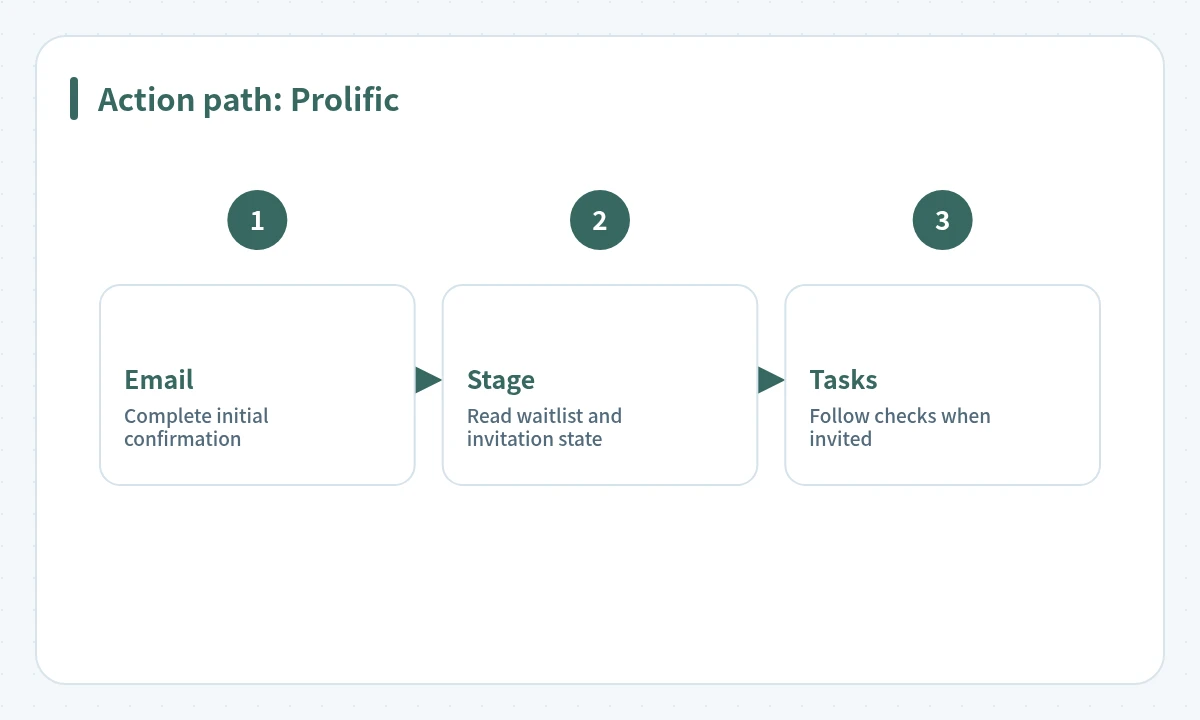
For support, identify whether the issue is unconfirmed email, waitlist status, or a particular post-invitation check. Include the non-sensitive prompt and the account details requested through the official private channel. Identity documents and live values do not belong in a public discussion.
Even after all verification is accepted, read the requirements of the individual studies available to you. Account activation, an opportunity to apply, and selection are different outcomes. Understanding the stage prevents repeated requests for a task that has not opened and avoids presenting phone confirmation as a promise of invitations or rewards.
If a status seems slow to refresh, preserve the time and visible wording before seeking help. That gives a concrete observation to investigate without creating another identity or repeatedly changing accurate information.
Keep the invitation source private and inspect it from your original account. An unsolicited message claiming to move you ahead is not equivalent to a stage change visible within the official service.
References
Prolific: Staged participant-account verification
