
Pinterest's current help requires desktop access to review recent logins. Not finding the complete list on a phone or tablet does not establish that no sessions exist.
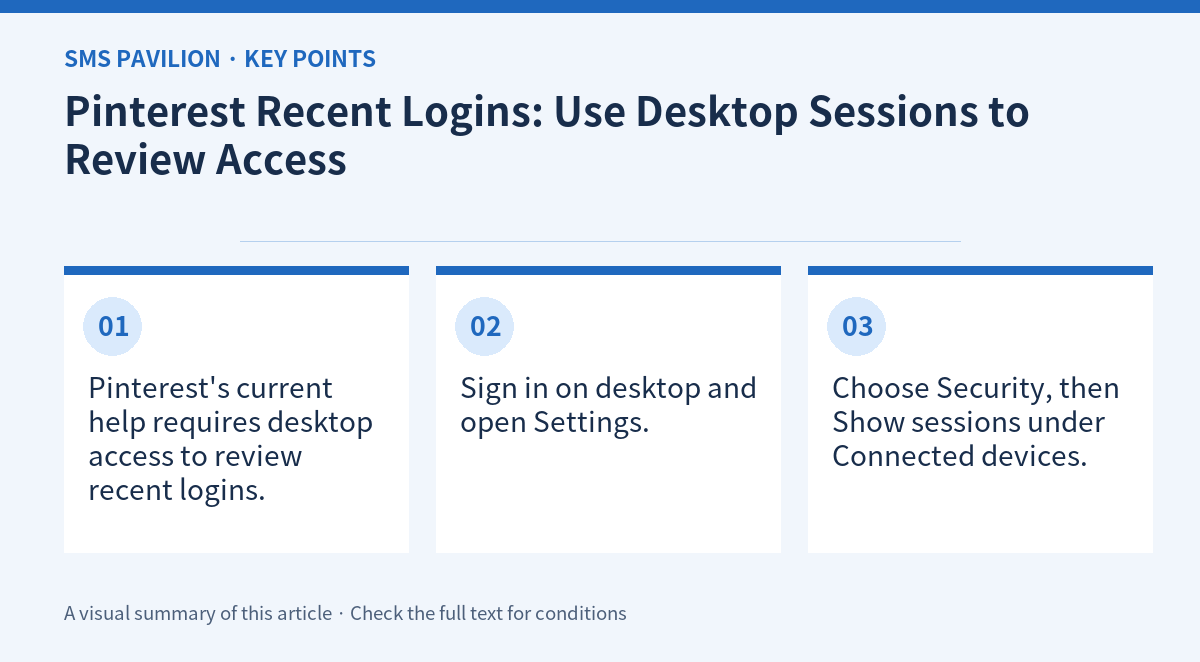
- Sign in on desktop and open Settings.
- Choose Security, then Show sessions under Connected devices.
- Compare the listed devices, dates and locations with your activity.
- Use End activity on a session you do not recognize to revoke its access.
Consider your recent computers, browsers and sign-in times before acting on a notification. For confirmed suspicious activity, continue with official account-security guidance.
Ending a session, changing a password and enabling two-factor authentication are separate actions. Keep any support report focused on the affected time and a redacted error instead of publishing the entire device list or active codes.
References: Pinterest Recent Logins: Use Desktop Sessions to Review Access — official documentation.
