
OkCupid verification codes are only one part of access when account details look unfamiliar. An unexpected message does not prove that somebody took over the account, but unexplained email or profile changes deserve inspection through the official service. Do not give a chat contact a code on a promise that they can recover the account.
Record the change you can actually see
Examples include an unexpected account email, a password that no longer works, or profile content you did not edit. Keep those observations separate from a delayed text. A link forwarded by a friend is also not a substitute for inspecting the original account yourself.
Start from the official entry you open independently and preserve any usable access while checking. If several identities are saved in the browser, establish that you did not enter another one. A mistaken account and changed details on the original account can produce similar-looking empty or unfamiliar pages.
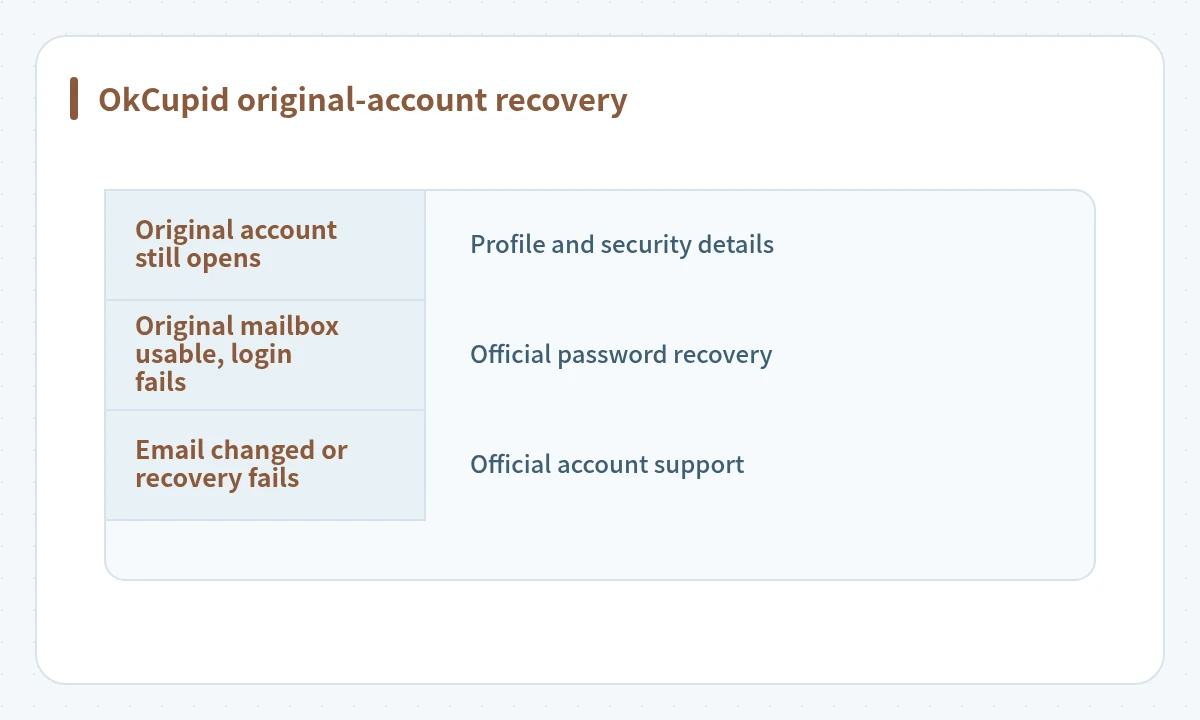
| Access state | First area to address |
|---|---|
| Original account still opens | Profile and security details |
| Original mailbox usable, login fails | Official password recovery |
| Email changed or recovery fails | Official account support |
Separate recovery email from phone confirmation
OkCupid's official help describes a password-recovery email and directs users to support when an email was changed or access cannot be restored. Identify the resource requested by the active task. A value received by phone is not interchangeable with the link in a recovery email.
If the original mailbox is still available, check that you alone control it. An email resource accessible to somebody else remains a concern even after a password in another application changes. Treat the resources involved as part of the diagnosis rather than assuming one successful text resolves everything.
Keep private notes of the time and visible changes without collecting live values. If support needs the sequence, those facts help explain whether the email changed first or a different symptom appeared later. Avoid making claims about who caused it when you cannot establish that.
Correct details through the official account process
Where settings remain accessible, follow the page for the security information you need to correct and use a password distinct from other services. The official guide also describes phone-based access or additional confirmation, but that is not a guarantee that every unexplained change is automatically repaired.
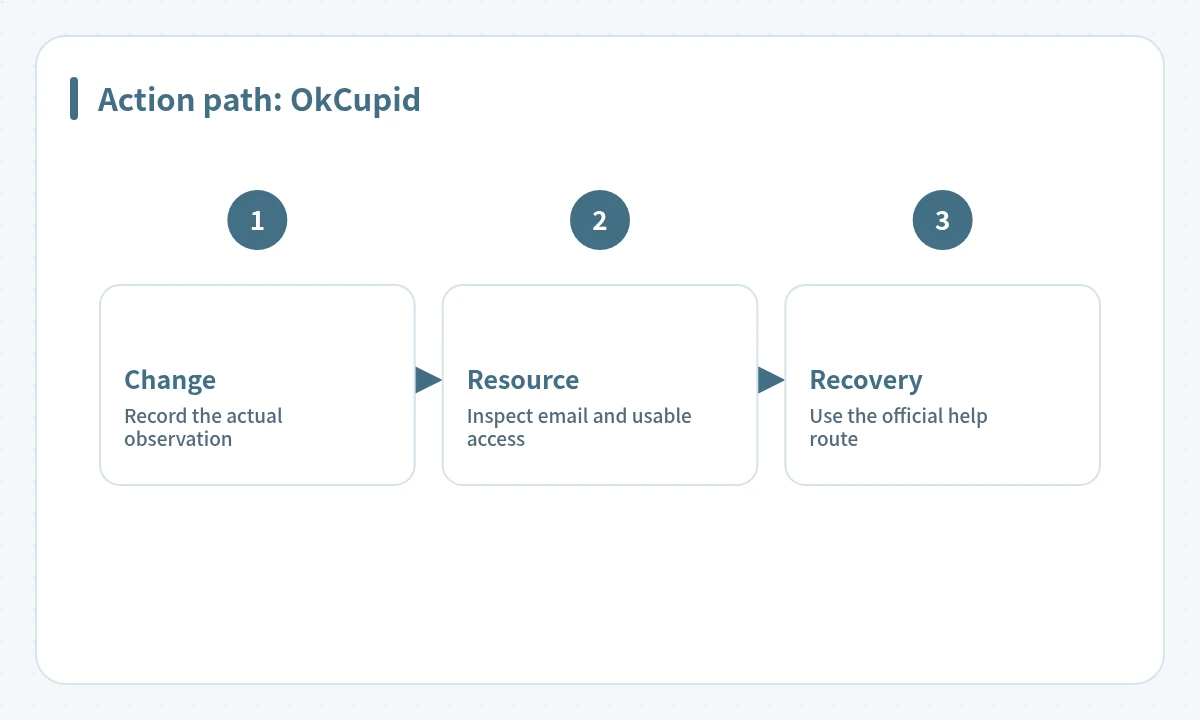
Tell support what you observed, when, whether the original email is usable, and whether any account access remains. Redact conversations, full contact details, and codes in screenshots. Ownership information belongs in the designated private process.
After recovery, inspect your original profile and subsequent notices. Do not immediately erase all records to start over; that may remove useful context. The meaningful outcome is the intended identity and its access resources being under your control, rather than merely receiving another message.
If the page instead reveals a different saved identity, correct that specific mismatch before changing unrelated details. This avoids turning a browser-selection mistake into unnecessary edits of an account that was never the one you intended to recover.
References
OkCupid: Unfamiliar account access and recovery help
