
Nintendo verification codes received during setup do not establish the source of everyday two-step login codes. Identify whether the page is confirming account information, enrolling the authenticator or asking for the routine second factor before deciding which inbox to inspect.
Setup can begin with a separate identity check
Nintendo's official setup guidance describes possible password, passkey or email confirmation before enrolment. Under the conditions shown, an email-confirmation page may also offer a previously registered number as a text alternative. Receiving a text at that stage does not establish that every future login will use SMS.
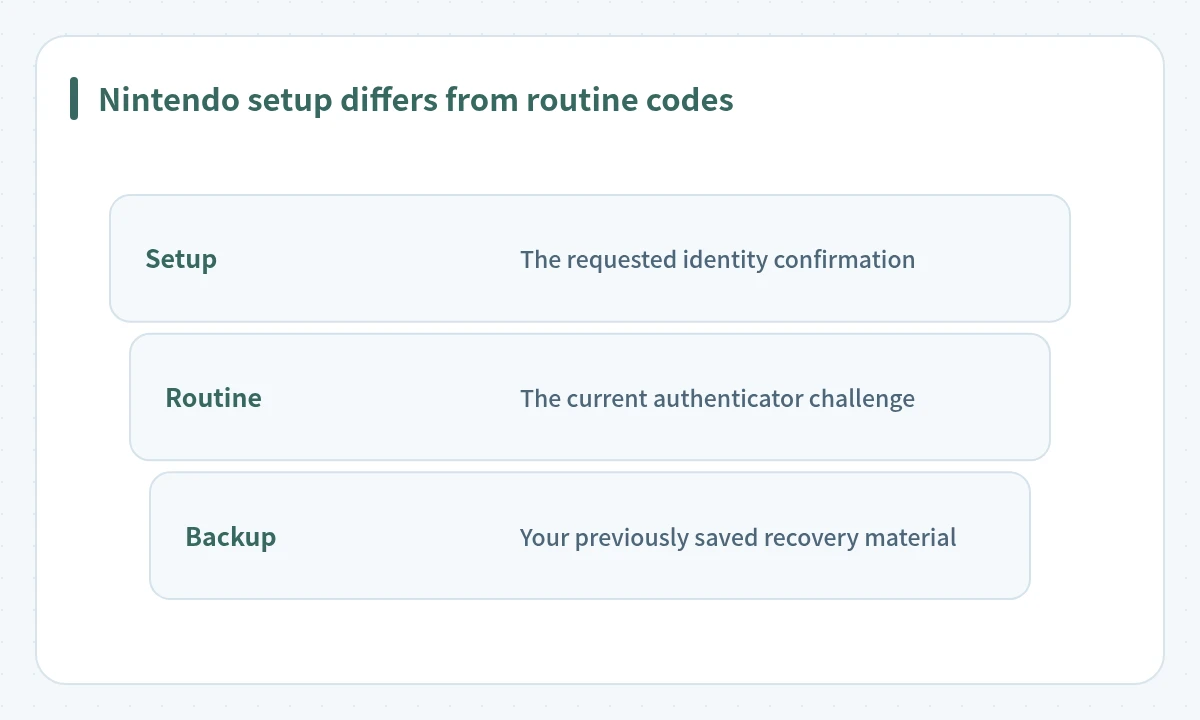
Several fields in one sequence can therefore request information from different sources. Read the explanation each time the page changes. Do not keep pasting the earlier email value into the later authenticator field simply because both ask for digits. Keep one identifiable setup page rather than mixing screenshots from different versions of the process.
Routine two-step verification uses the enrolled authenticator
The official instructions describe setting up Google Authenticator on a smart device and using the corresponding code. Match the entry to your own Nintendo Account. Installing an authenticator on a replacement phone does not establish that the original account entry was transferred.
| Stage | Where to inspect |
|---|---|
| Pre-setup identity confirmation | The method currently named by the page |
| Authenticator enrolment | Your entry configured from the official account page |
| Routine two-step login | The matching authenticator's current code |
| Backup access | Your saved official backup material and available options |
An old setup message is not a durable substitute for the enrolled method. Keep the action and source together in troubleshooting notes, without retaining the live credential itself.
Store backup material independently of the old phone
Follow the official instructions for saving backup codes. Ensure you can retrieve them from protected storage if the phone becomes unavailable. Do not send the setup QR code, seed or complete backup list to a friend to check or keep. A replacement checklist can identify the protected location without copying the secret into it.
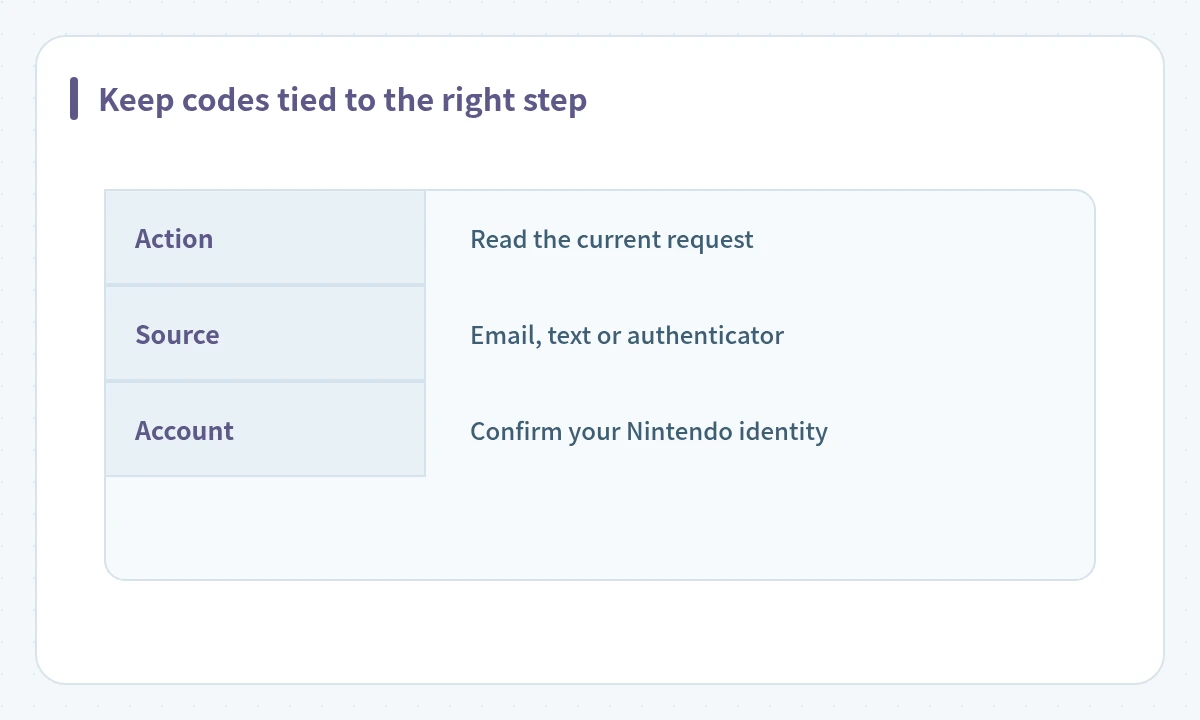
Before a device change, inspect the supported authenticator-transfer and backup arrangements. Establish the new setup before clearing the old phone. If a routine code is rejected, check the correct entry and normal device time, then consult official help. Repeatedly requesting an earlier setup-stage text addresses a different step.
Follow the conditions for the actual account type
Nintendo's setup guidance places availability conditions on some child accounts. Do not apply an adult's screenshots to every family member or change age information to force a feature to appear. Confirm the current account type and use its appropriate official family-management arrangements.
For support, describe the stage, account type, source requested and exact error. Hide codes and recovery values. Separating setup confirmation from daily authentication lets support identify a real authenticator-transfer problem rather than investigate an SMS request that the routine login never made.
The useful result is a clear map of which information belongs to each step, with a prepared backup route for the account you actually own.
References
Nintendo: Set up two-step verification and save backup codes.
