
Nike verification codes can concern member email confirmation or SNKRS phone verification. Both can involve the same phone while checking different destinations. An email arriving does not establish that the mobile number has also been verified.
Read which contact detail the current task checks
Nike's official help describes email verification around membership and certain unfamiliar-device sign-ins, alongside mobile-number verification for relevant SNKRS activities. Number, country and member-profile conditions apply. Start with the current page rather than assuming all account challenges use the same channel.
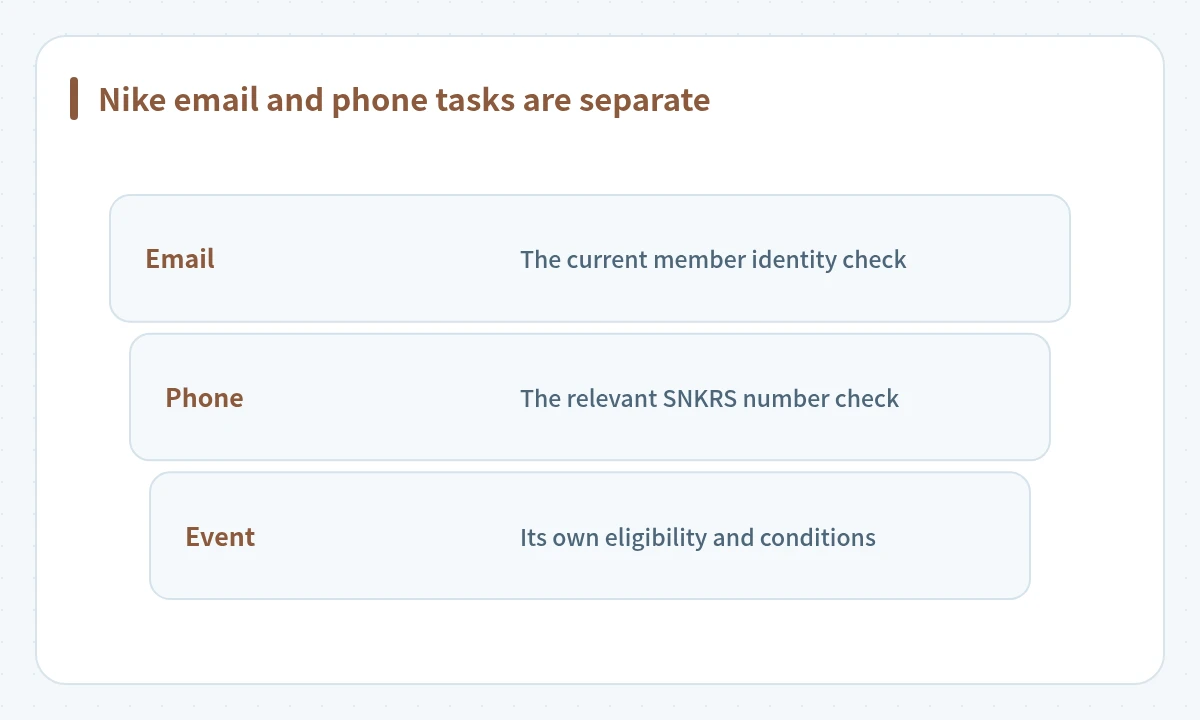
A value for one member's email does not belong in another profile's phone-verification field. If several devices or login routes are in use, inspect the actual member identity before comparing masked phone digits and mailbox details. A familiar avatar is not sufficient correspondence.
Check number requirements before investigating delivery
The official guidance calls for a valid mobile number in a supported country, excludes VoIP and landline numbers, and limits profile association. Rejection during submission calls for a requirements check. An accepted request without a message calls for examining the line, filtering and present request state.
| Current task | Relevant resource |
|---|---|
| Email confirmation | The member's mailbox and current request |
| Phone verification | The mobile line shown by the page |
| Event participation | That event's actual conditions and status |
Do not cycle temporary numbers or additional profiles to defeat participation rules. Receiving ordinary texts on a line does not establish that it meets Nike's verification requirements. Inspect the applicable conditions before treating reception as the only variable.
Keep one identifiable task open and observe the page's waiting instructions. Requests across several windows can produce messages whose relationship to the current field is unclear. Record the action and approximate time instead of storing the code in a shared troubleshooting note.
Verify event outcomes separately
Completing contact verification does not determine a draw result, purchase result or another event outcome. Open the corresponding official activity page when checking participation. A security message should not be interpreted as an event receipt, and forwarding a code to someone promising improved chances is not a valid participation step.
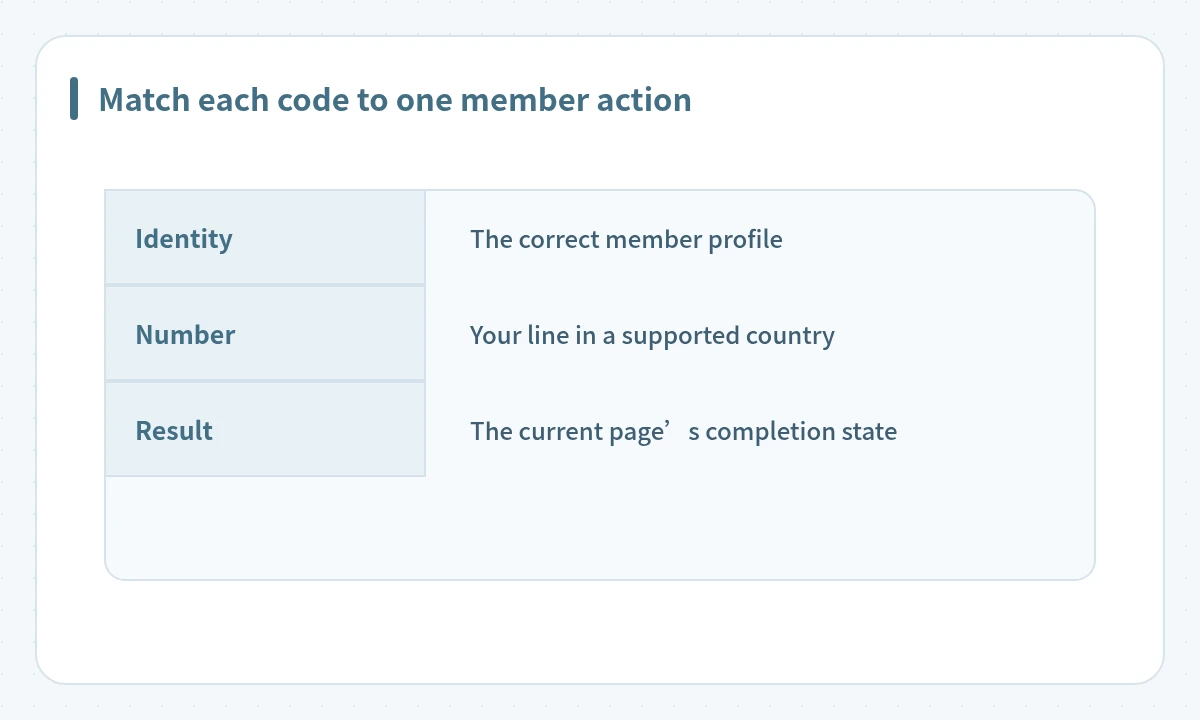
If another person describes an account restriction, independently inspect your official profile for the claimed task. A caller's explanation does not change what the code authorises. Keep passwords and recovery material separate from ordinary event conversations.
Maintain the member information before retiring a line
While access remains usable, inspect the current profile and follow the supported app process for any update. Confirm the new recorded destination before disconnecting the old number. Do not leave member codes in public screenshots or routine group chats.
For support, name the client, identity-check result, task type and exact error while hiding secrets and unnecessary personal details. That lets support distinguish an email problem, an unsupported number and an event requirement instead of treating every interruption as one delayed SMS.
For a support reproduction, begin from the relevant account-setting screen and record its result without repeatedly entering an event. This keeps a contact-verification question separate from additional participation attempts and makes the error easier to describe.
References
Nike: Member email checks, SNKRS phone verification and number conditions.
