
Netflix verification codes on a television reporting a Household issue should be distinguished from password-reset messages. A temporary viewing request and a change to the account password can both involve email or text, but they have different purposes and entry points.
Read the full device message
Netflix's official Household guidance describes temporary viewing options when the relevant conditions are met. A link to a temporary code can be sent to the account's email, with text used in certain circumstances. The displayed options depend on the account, device and request situation; they are not guaranteed to appear on every television.
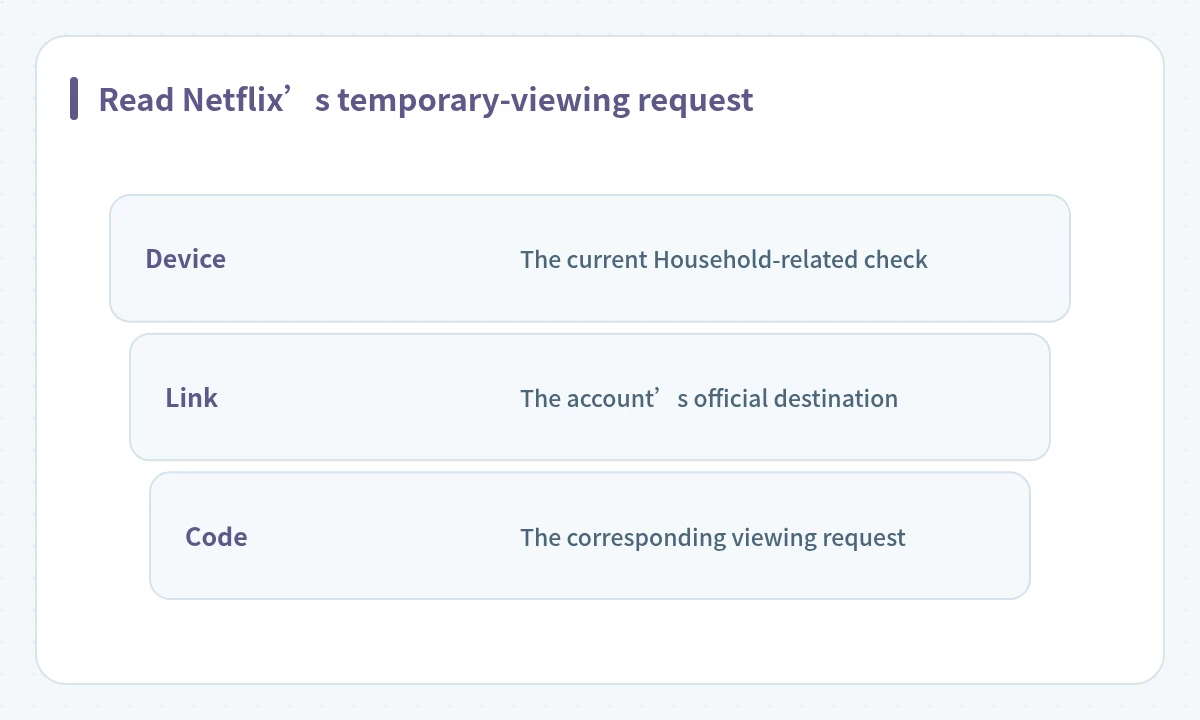
If the device requests a temporary viewing code, continue from that action instead of opening password reset and generating another kind of message. Any cooperation with the account owner should follow Netflix's account and Household rules. The temporary option should not be interpreted as a way to sell access to strangers.
Keep the link, temporary code and password process distinct
| Information or action | Purpose |
|---|---|
| Temporary viewing request | The relevant check on the current device |
| Email or text link | Obtaining the code for that request |
| Password-reset process | Changing the account's sign-in password |
When a Netflix message arrives, inspect the action it describes. Timing alone does not establish that it is what the television needs. Links have an expiry; if the official page reports one has expired, follow the device's process again. Do not repeatedly copy digits from older messages or forward every security email to someone unrelated to the account.
For missing messages, inspect the actual account destination
Check the email recorded on the account and relevant filtering folders. If the television is signed into another identity, your usual mailbox receiving ordinary mail does not establish that the intended message was lost. Address any required account-information correction through official settings instead of trying password reset as a substitute for the Household check.
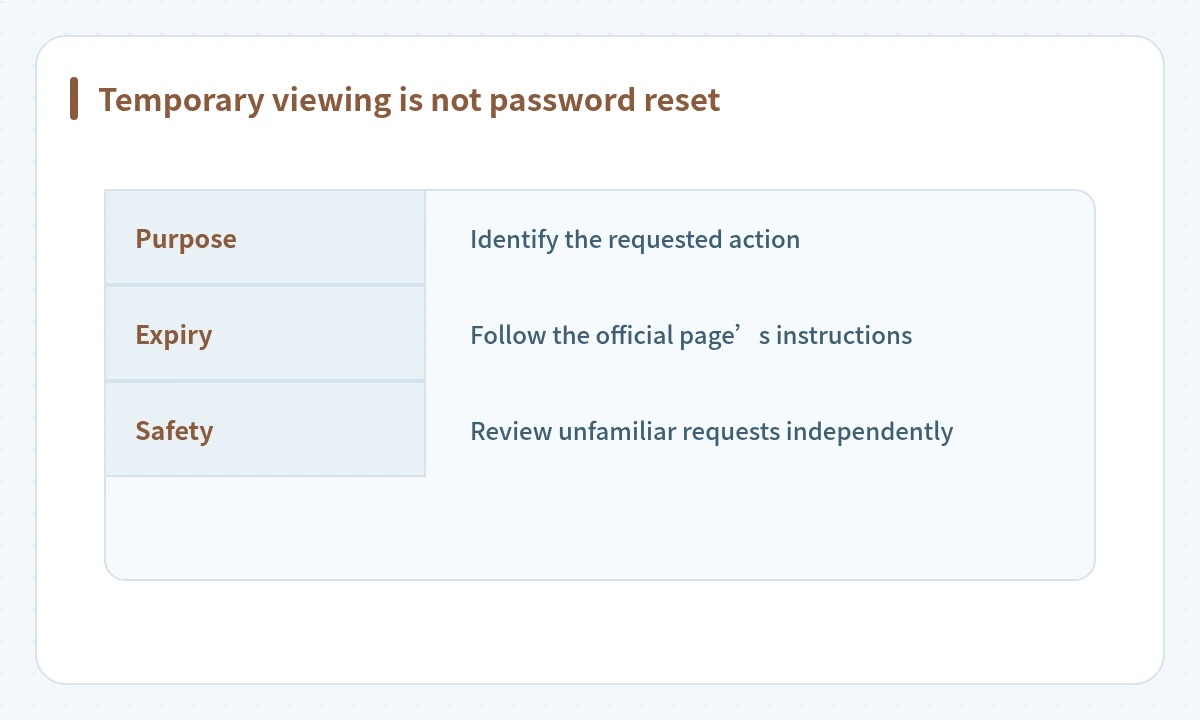
When the temporary-viewing option disappears, record the device message and request stage before opening official support. Follow the limit shown there rather than recreating requests across devices or networks. Keep the television's current account identifiable while investigating, so support can relate the destination to the affected device.
Unexpected requests deserve a security check
If the account owner did not initiate temporary access, open the official account interface independently and review the situation. Do not disclose a password-reset link merely because someone describes the request as help with a television. Those operations need separate evaluation.
After normal access returns, review unfamiliar devices and the relevant account arrangements. Keep any changes deliberate; avoid changing several security settings only because an urgent viewing prompt was inconvenient.
A useful report includes the full device message, requested action and whether the named destination is accessible. Hide codes, unnecessary address details and personal information. That lets support distinguish a device viewing check from message reception and account recovery, without changing the whole sign-in arrangement to solve a temporary device prompt.
When several people in the Household use the account, identify which device generated the request before anyone responds. This reduces the chance of acting on an unrelated message while the intended television continues waiting.
References
Netflix: Household device messages and temporary viewing.
