
Adding a passkey can change sign-in without changing account recovery. Before retiring an old receiving number, check which login and recovery paths still depend on it.
Begin inside the target account
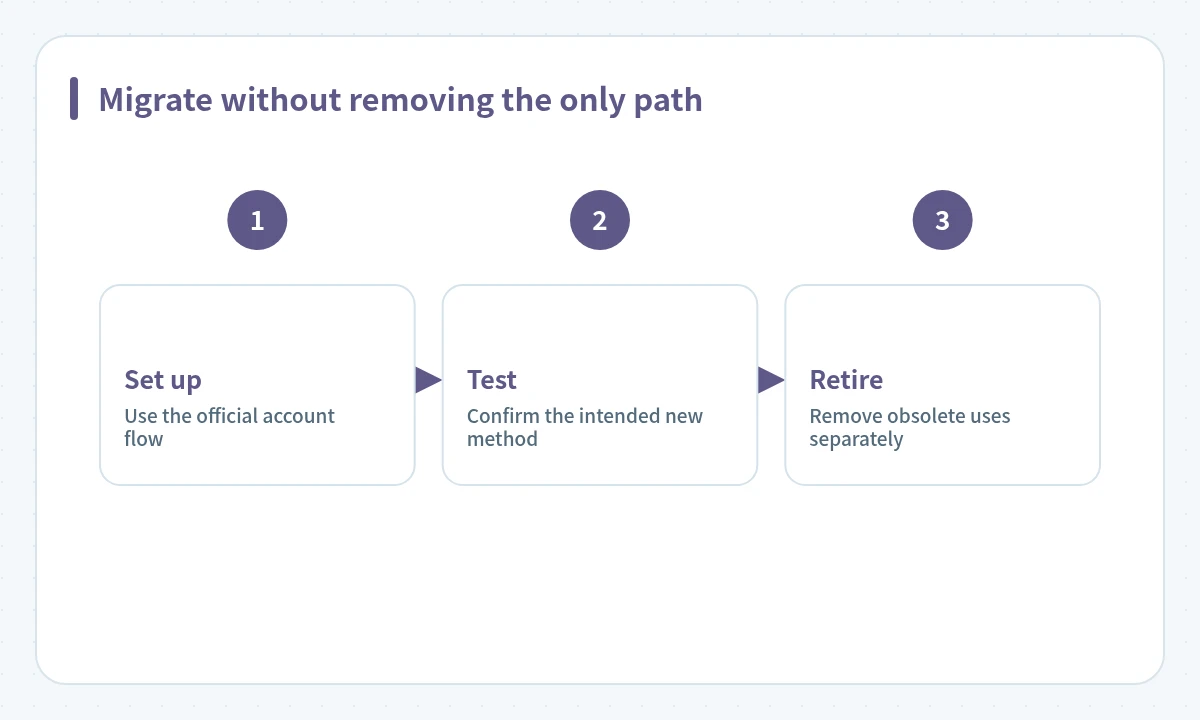
Use the service’s known application or website and read its current passkey requirements. Support can depend on the account type, device and browser. Do not assume a receiving platform can convert an SMS code into a passkey, or that a service offering SMS verification necessarily supports passkeys at all.
Keep the current working session until the replacement method is set up and understood. Identify whether the passkey will be available through a device, a synchronised credential manager or a supported security key. These arrangements have different recovery dependencies; the word “passkey” alone does not tell you what happens after a lost device.
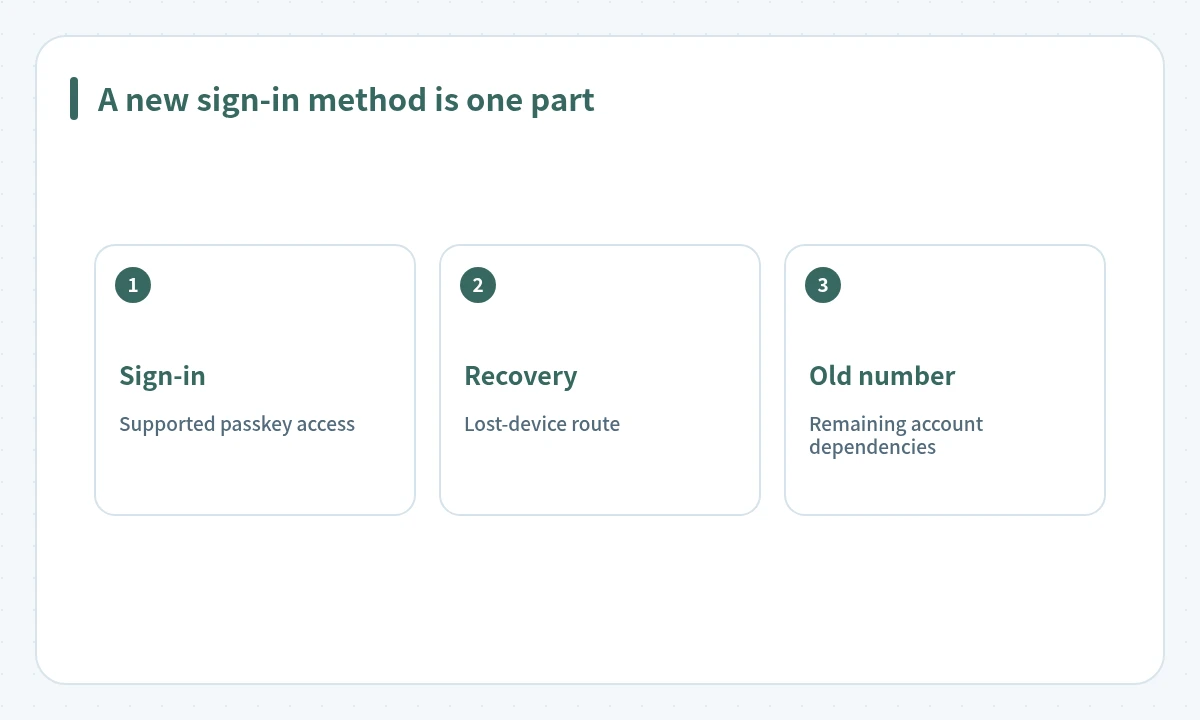
Google’s account help provides a useful concrete example: adding a passkey does not remove existing authentication or recovery factors. Apply that distinction when reading another service’s settings, without assuming it shares Google’s exact workflow.
Test a normal sign-in before removing anything
Once setup reports success, use a controlled test through the official sign-in route. Confirm that you entered the intended account using the new method, rather than returning through an already authenticated session. Avoid signing out of your only working access path merely to make the test more dramatic.
If the attempt falls back to SMS, find out why. The device may not support the chosen method, the passkey may belong to another account, or the service may require an additional check. Follow the documented process rather than removing the old factor in the hope that the new one will become mandatory.
| Path | What to confirm |
|---|---|
| Routine sign-in | The intended passkey works on the supported setup |
| New or lost device | A documented recovery route remains usable |
| Sensitive changes | Any extra verification requirement is understood |
| Old phone number | Its remaining uses are identified explicitly |
Remove the old number by purpose
A security number, a contact number and an order notification number may be separate fields. Update the ones that actually need changing, and read any waiting-period or account-protection notices. Do not assume removing the visible contact number also removes it from recovery.
If a temporary number was used where a service expects ongoing access, prioritise correcting that dependency through its authorised settings. Do not rely on the possibility that the same number will be available later. After its receiving access ends, you may no longer control future messages sent to it.
Keep recovery material in a protected place appropriate to the service. Do not store it in the SMS inbox you are planning to stop using, or send it to someone else for safekeeping through an ordinary support conversation. The useful outcome of migration is an account you can still reach under the expected failure conditions, with the obsolete number no longer serving an unintended purpose.
Reference: Google Account Help: sign in with a passkey.
