
Microsoft verification codes require an account-type check before a delivery check. A personal Microsoft account and an employer's work or school account may present similar-looking prompts, but they do not necessarily use the same security settings or the same administrator.
Establish who controls the verification policy
A personal account uses its own Microsoft account security information. A work or school identity may be governed by an organisation's sign-in policy. Read the account name, organisation branding and current method before changing anything. Instructions for a personal account are not a substitute for guidance from the administrator responsible for a managed identity.
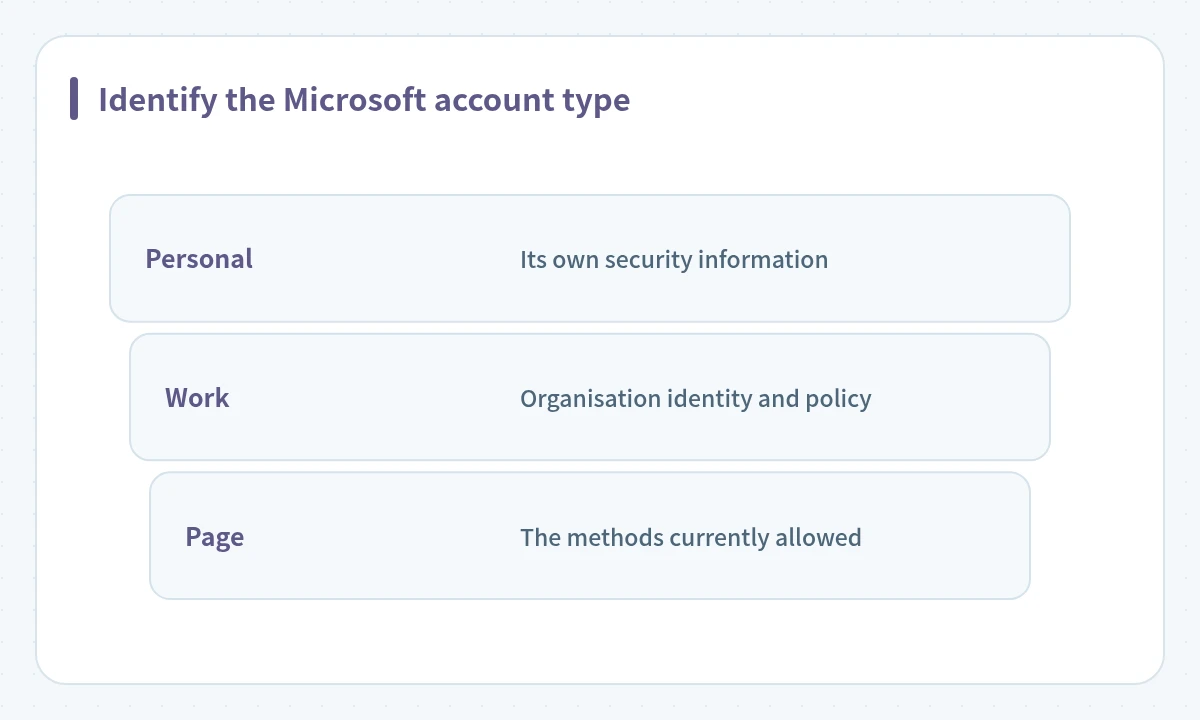
Microsoft's current personal-account support guidance says it is starting to phase out SMS for authentication and account recovery. This should not be interpreted as a single removal date for every account, or as a simultaneous change to every organisation's policy. If your page no longer offers a text message, inspect the methods it does offer rather than searching for a way to force SMS back into the flow.
A rejected number needs a different response
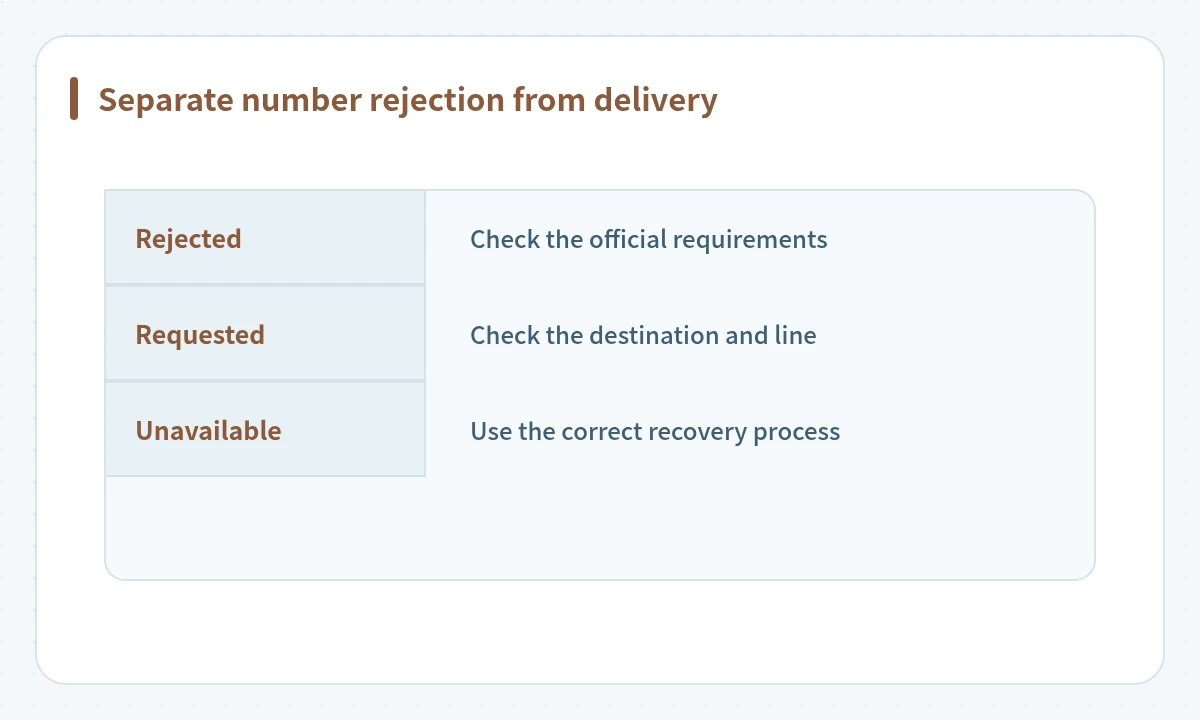
Microsoft also states that VoIP numbers cannot be added for signing in or obtaining verification codes. Rejection while adding a number is different from a request that the page accepts but the phone does not receive. Repeatedly changing the formatting of an unsupported number does not resolve the underlying requirement.
For an accepted request, confirm the destination, inspect message filtering and note the exact response on the page. Keep those observations separate from assumptions about why delivery stopped. A masked number that you no longer control is an account-information problem, even if the receiving device itself works normally.
Choose the next step by the remaining access
| Situation | Useful next step |
|---|---|
| Another configured method is available | Use the option offered on the official page |
| An organisation restricts the methods | Ask its administrator to review the policy |
| Personal security information is inaccessible | Follow the personal-account recovery guidance |
Do not delete every existing method as a delivery experiment. Changes to security information can carry restrictions, and an account's own notices govern what happens next. Support is not an alternative channel for someone to disclose a code or bypass ownership checks on demand.
Make a support request that identifies the failure
For a managed account, describe which business service you were opening, when the challenge appeared, which methods were offered and whether the failure occurred during setup or sign-in. That gives an administrator something concrete to relate to the organisation's configuration. A screenshot of an empty code box alone rarely identifies the responsible stage.
Hide complete phone numbers, passwords, live codes and authenticator secrets in any shared material. Keep the error wording and the surrounding method label visible. If a working session remains, preserve it while arranging the next supported step instead of signing out simply to reproduce the problem.
Once access is restored, review the methods that remain usable for that particular account. Personal and work identities can require separate preparations during a phone replacement. Maintaining that distinction is more useful than treating a previously successful text as a permanent guarantee of future access.
References
Microsoft: Troubleshoot verification code issues; Microsoft: Personal-account two-step verification.
