
Before looking for MeWe verification codes, identify whether your original account used email, phone, Google, or Apple access. The official registration interface displays these choices. Completing confirmation under a different identity does not establish that you have returned to the social account containing your existing contacts and content.
Begin with the identity you used before
Check your earlier access method rather than choosing whichever mailbox is easiest to open today. Saved login records and previous account correspondence can help. Do not assume a contact address visible in a profile is necessarily the original sign-in identifier; compare it with your own registration history and the current page.
For a provider-based entry, inspect which Google or Apple identity the browser is about to use. Shared devices and browsers with several accounts can select an unexpected one. Checking before the redirect is easier than explaining why a newly opened account has no familiar content.
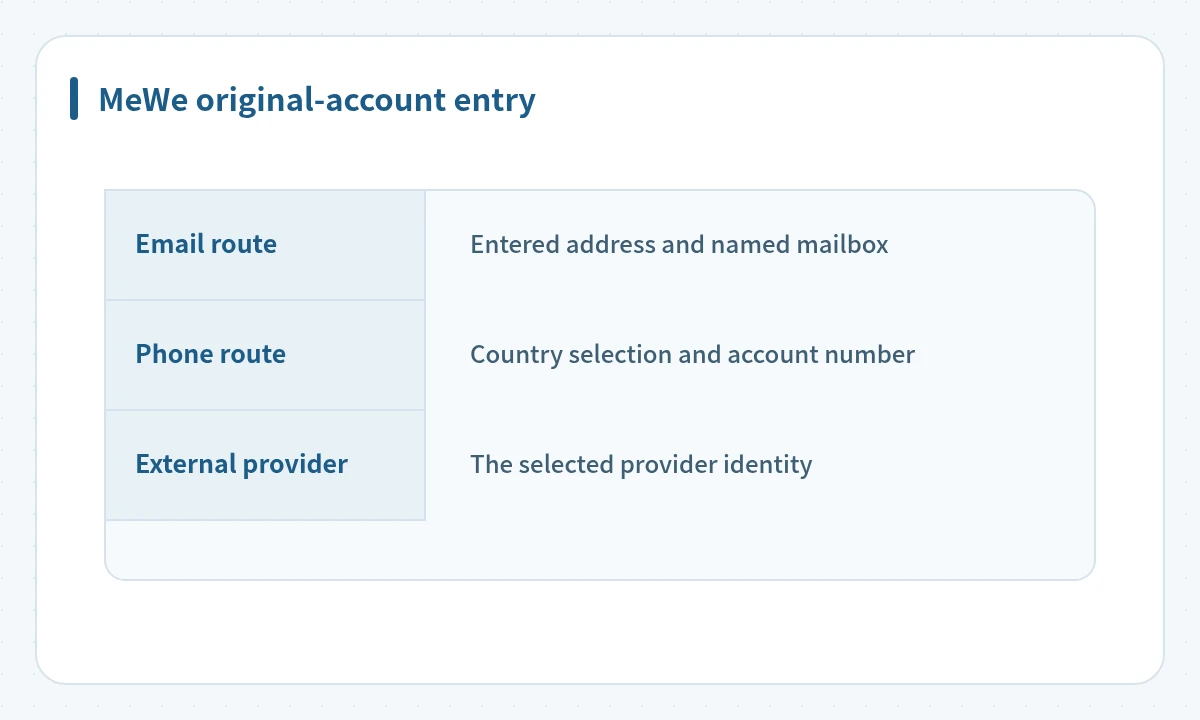
| Original entry clue | First check now |
|---|---|
| Email route | Entered address and named mailbox |
| Phone route | Country selection and account number |
| External provider | The selected provider identity |
Follow the active screen, not every field in a search preview
MeWe's public registration interface includes confirmation-code, resend, and password elements. These may belong to different stages. Their presence in a page's indexed text does not mean every visit requires you to complete them all in one sequence.
Read the active prompt and the destination it names. If it directs you to email, inspect that mailbox and its junk folder. If you selected phone access, check the number submitted. A search result containing the phrase “verification code” is not a reason to substitute a receiving resource unrelated to the identity you used before.
Keep the current operation in focus while checking a message. Moving between signup and login without noticing the change can make a successful confirmation look like a failed recovery. The page's stated task matters as much as the arrival of a message.
Inspect the account before making changes
After entry, compare the displayed identity, existing content, and expected contacts. An unexpectedly empty profile should prompt an identity check before you start copying your biography or adding everyone again. Creating a new profile and recovering an older one are different outcomes.
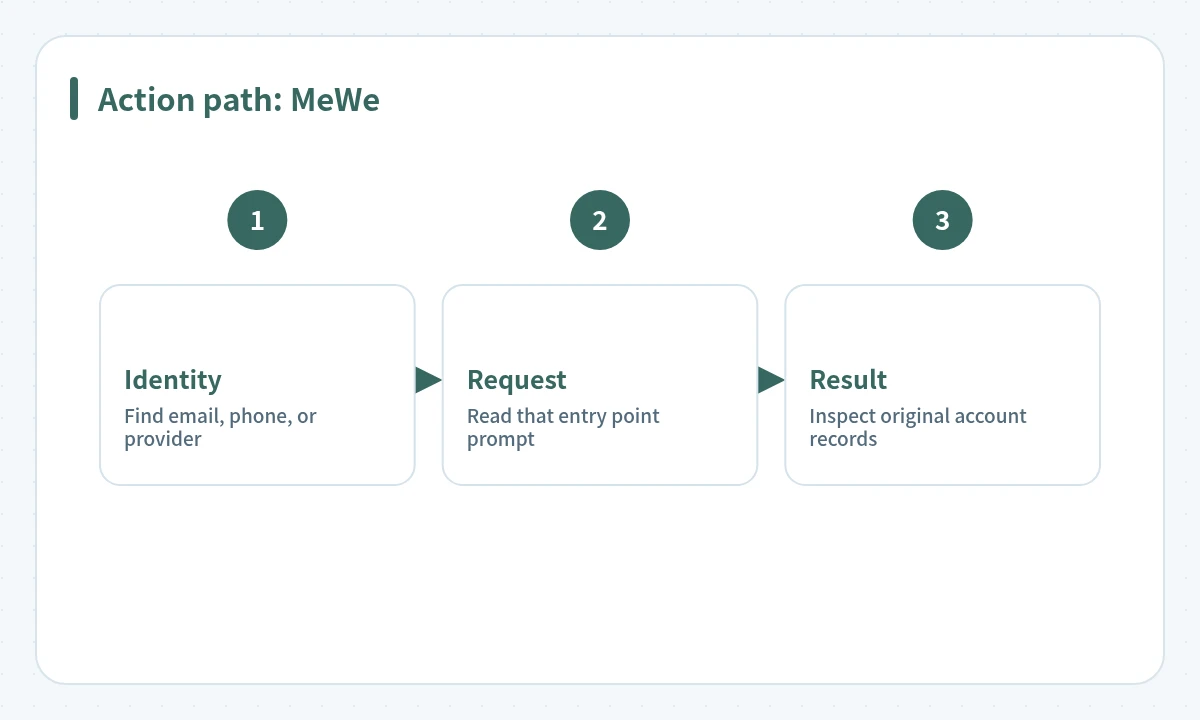
For an unclear screen, record the entry type, current prompt, and the identity shown after the redirect. Hide live values, full addresses, and unrelated contacts in screenshots. Do not forward access values to people in a chat or turn account recovery into public disclosure of personal information.
If the official page only reports that JavaScript is required, establish that the page runs properly before concluding that a phone message failed. A script not executing and a mobile line not receiving SMS belong to different parts of the process.
When the original route remains uncertain, use official MeWe help instead of repeatedly registering with new identities. A clear description of the old access method and the current page gives support a more useful starting point than a list of unrelated inboxes you have tried.
References
MeWe: Official account-entry and registration interface
