
Medium verification codes should match the mailbox and device involved in the request. An email login link and an offered code belong to the account-access flow, but an old message opened anywhere is not automatically suitable for the page currently waiting.
Start with the account's existing login route
Medium documents social-account and email sign-in. Its mobile instructions call for opening the email link on the requesting device, while the desktop flow offers an email-code alternative in the described circumstances. Follow the options in the current client rather than assume every entry has identical buttons.
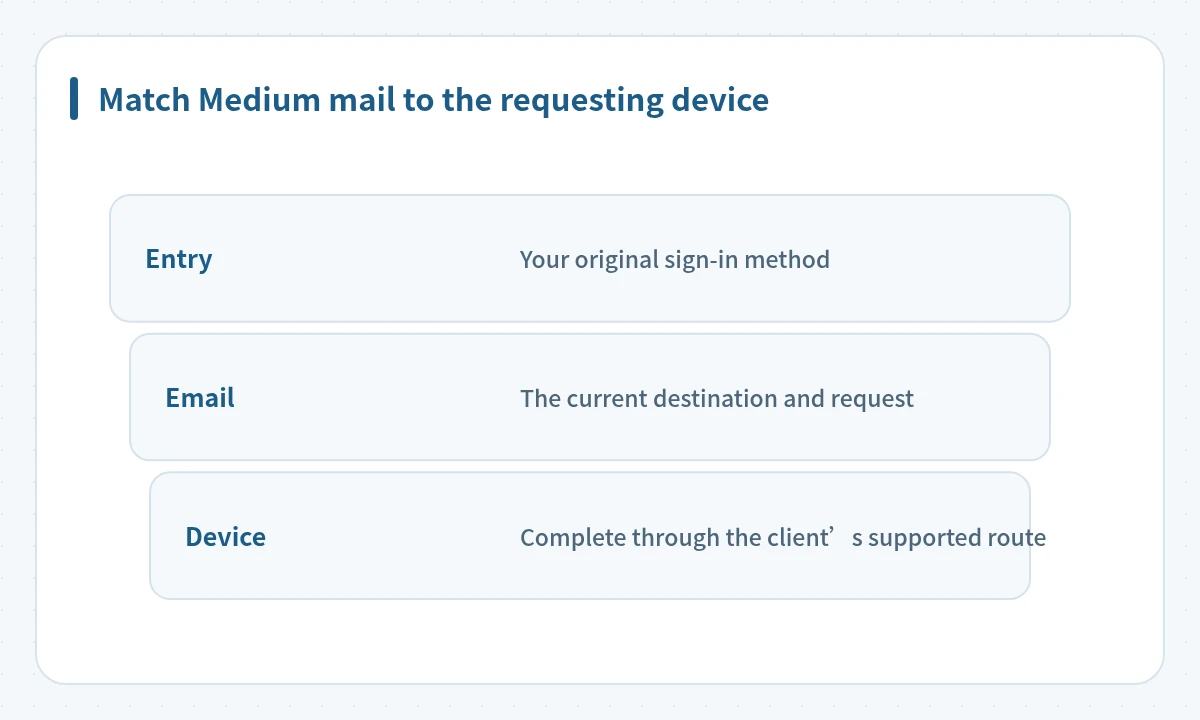
Confirm the address and original account information. Another social identity or mailbox can open a different account. Code acceptance does not establish that the expected content belongs to that identity, so avoid immediately creating new profile information to resolve a mismatch.
Record both the request and opening device
| Stage | Check |
|---|---|
| Request | The device and account entry used |
| The current destination and message | |
| Completion | The link or code method offered by that client |
| After entry | The expected identity and content |
Links have usage conditions and expiry. When an official page reports one is unusable, follow the process for a fresh request rather than repeatedly click old mail. Do not forward the link to a public conversation for someone else to test; it grants access rather than merely pointing to a readable article.
A troubleshooting note can identify which screen requested the message and where it was opened. Those observations are useful without retaining the full link or changing value. Keep one attempt identifiable while checking the result.
Do not look for an unsupported permanent-password flow
Medium's current help says it does not provide an independent password setting. An email or social-login issue should be handled through the corresponding official route. Do not enter a purported Medium password into an external repair tool or save a mailed code as a permanent credential.
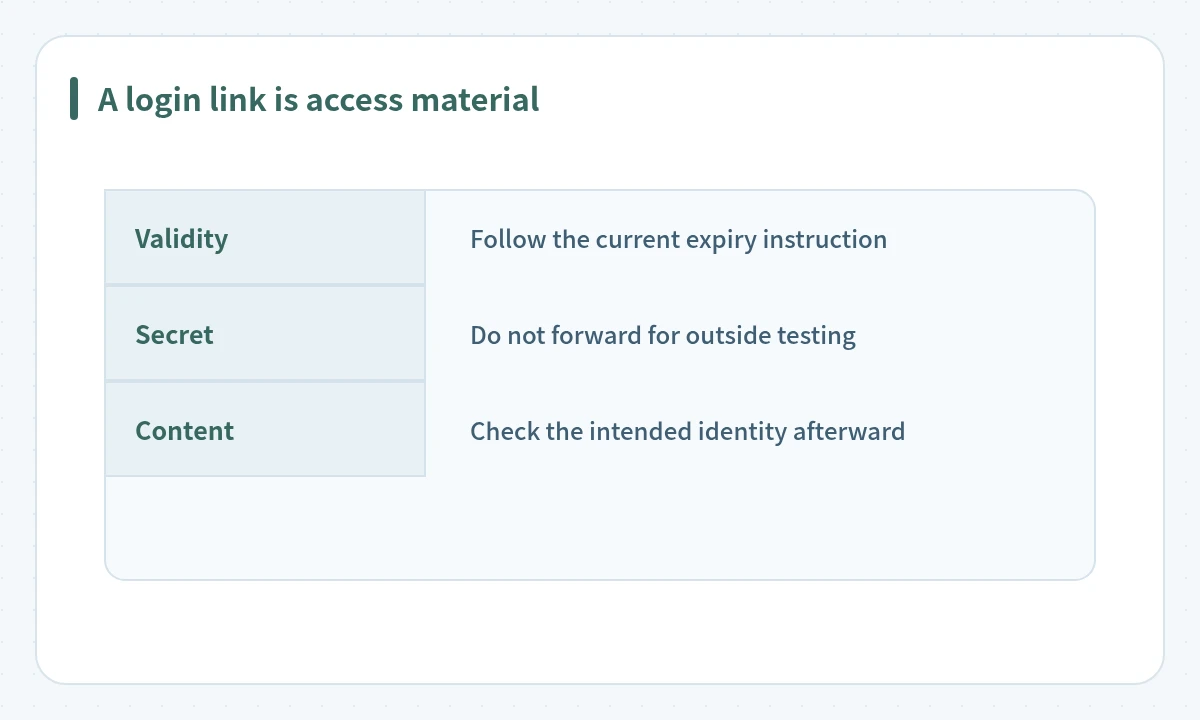
For absent mail, inspect the correct inbox and filtering with the request time retained. For a received link that fails, record the client, opening device and exact response. Neither should automatically be described as missing SMS when the current process is entirely email-based.
If a social-provider login is the actual failing entry, identify that provider and the state it shows before changing Medium information. Avoid removing working connections merely to reproduce an unrelated email tutorial.
Compare identity and content after successful entry
Inspect the profile and expected material once sign-in completes. If they differ, check account identity and connected method before buying again or deleting another profile as an experiment. Preserve an old usable device as a source of account correspondence.
Tell support the requesting device, opening device, selected route and error with secrets hidden. This separates delivery, device handling and identity mismatch instead of turning them into repeated requests across several entries. A clear sequence makes the remaining problem easier to explain while protecting the account-access link throughout the investigation.
References
Medium: Email links, code options and device conditions.
