
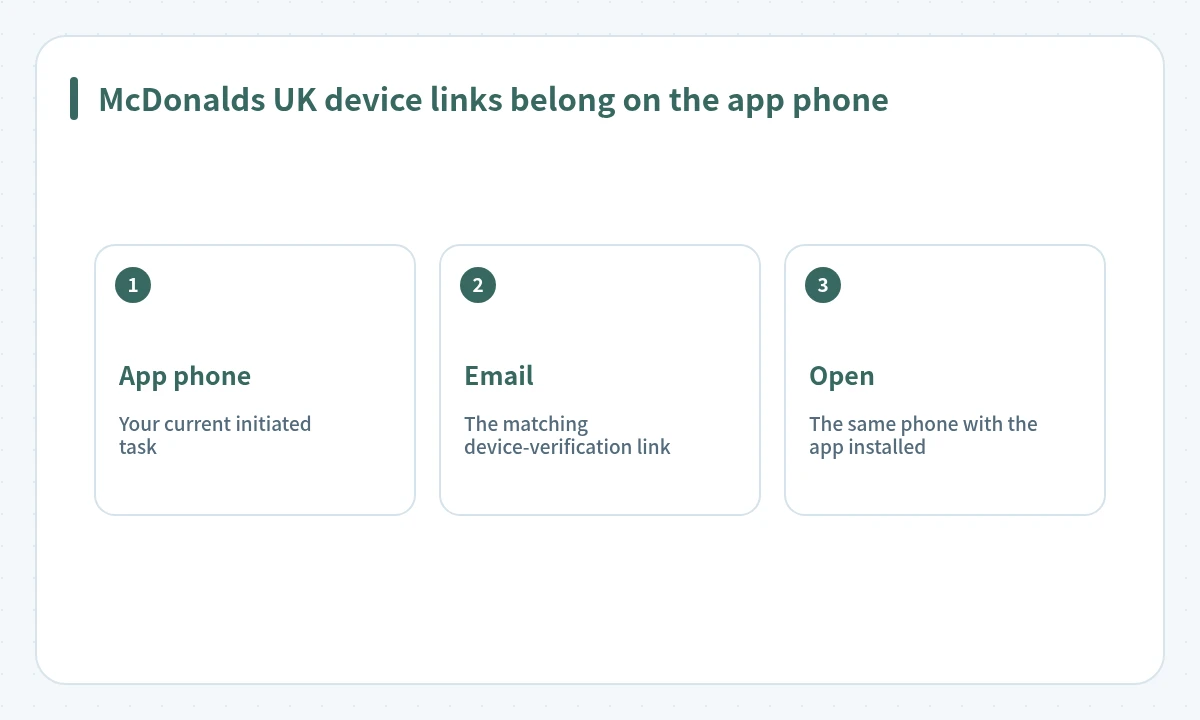
McDonalds verification codes in the UK app's device flow may involve an email link that must be opened on the phone containing the app. Clicking the message on a computer does not necessarily complete the task waiting on the phone.
Confirm the applicable application first
McDonald's UK device guidance asks users to open the verification link on the same phone where the app is installed. This article concerns that regional process. It is not a claim that every country's application follows the same method or that an email link can be replaced by any text code.
Check the original account email, phone and current request. If Google, Apple or another supported entry was used originally, inspect the corresponding login option instead of assuming every identity has a separate email-password arrangement. Keep the original account relationship visible while troubleshooting.
Inspect where the message is opened
| Location | Check |
|---|---|
| App phone | Your current initiated device task |
| Mailbox | The corresponding account message |
| Opening device | The same phone with the app installed |
Links have a limited lifetime. Follow the current fresh-request instructions rather than click several old messages repeatedly. Do not post the complete link so someone else can test it. It is account-access material, not merely a public offer page.
A short private note can identify the requesting device, opening device and approximate time without preserving the link. That is enough to explain a device mismatch while keeping the credential out of ordinary support records.
Distinguish absent mail from a failed link
For a message that never arrives, inspect the address, filtering and request time. For a received link that fails, record the device, browser, application and exact response. Separating those observations determines whether to investigate delivery or handling on the intended phone.
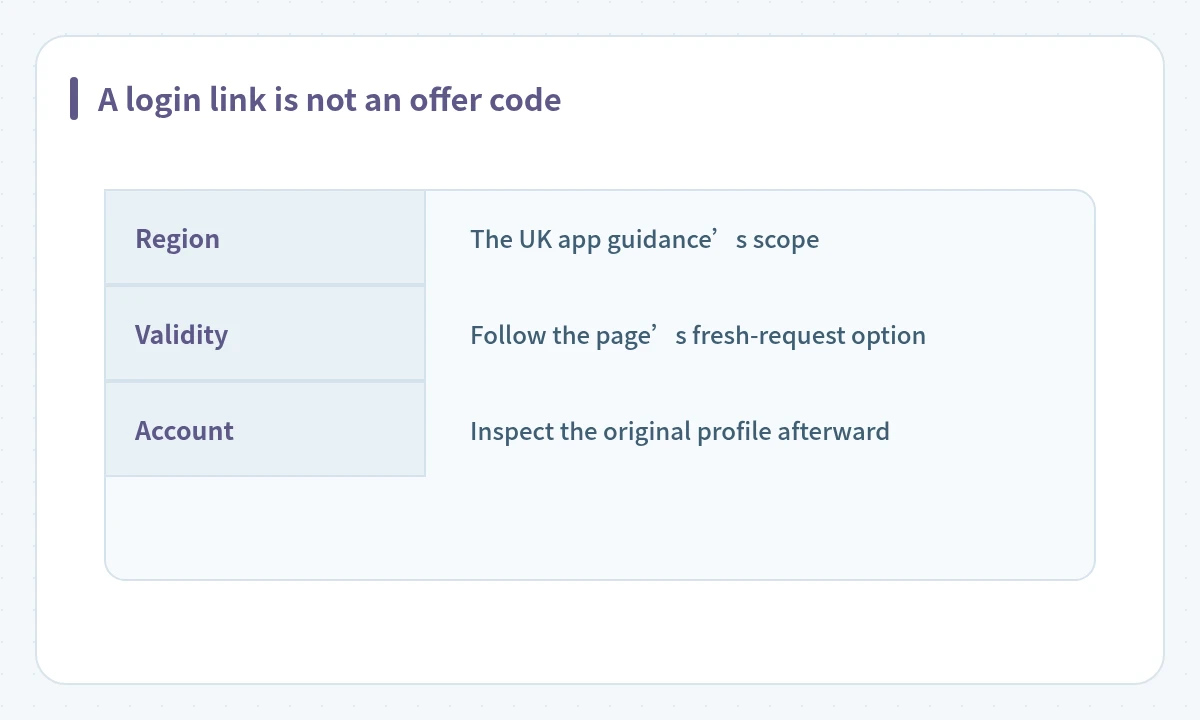
Use the official guidance if link-opening behaviour needs attention. Do not install an unfamiliar verification assistant. If an organisation mailbox needs help, its administrator can inspect the message type and time without receiving the account link or completing sign-in for you.
Keep one identifiable attempt while checking. Repeated registrations or unrelated login windows can generate messages for a different state and obscure which request the phone still expects.
Confirm the original account after entry
Inspect the identity before checking orders, points or other material. If expected content differs, compare the original sign-in method instead of creating another account as a test. A verification message does not establish that a separate order action finished.
Tell support that this concerns the UK application and identify both devices and the exact prompt. Hide the full email link and private contact information. Preserve a working old phone while arranging supported new-device access, then handle cleanup after the new route works. This protects the original account context while the device-confirmation issue is investigated.
A useful device description names the phone running the app and the device that opened the email. Saying only that the link was clicked hides the detail central to this UK flow. Retain that distinction when explaining an unsuccessful attempt to support.
References
McDonald's UK: Email links and device verification; McDonald's UK: App account and login help.
