
Locanto verification codes use a phone resource that should be distinguished from contact information you publish in an advert. The official FAQ says other users cannot see the verification number. That statement does not hide a number you personally type into a description or include in an image.
Inspect verification fields and advert content separately
A private account check can coexist with a public advert containing your own contact details. Do not assume that privacy for the first field automatically applies to text placed elsewhere. Review the actual listing rather than only its account settings.
Reused descriptions and photographs deserve particular attention. Watermarks, screenshot edges, and a number printed on an image remain part of that image. Removing a text field will not edit its pixels. The visible presentation must be assessed where the content is published.
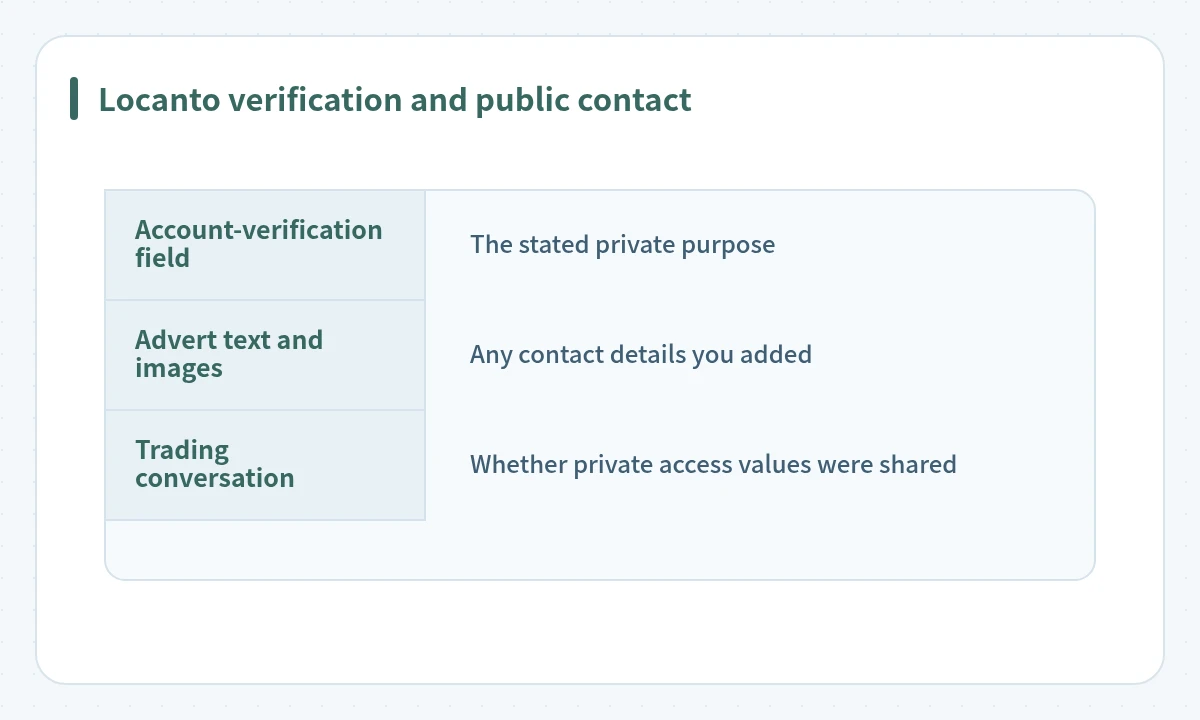
| Information location | What to inspect |
|---|---|
| Account-verification field | The stated private purpose |
| Advert text and images | Any contact details you added |
| Trading conversation | Whether private access values were shared |
An interested customer does not need your code
Locanto's help describes verification by text or call and a limit on number-to-account association. Someone discussing an item does not need the message used to confirm your own account. Do not send a live value to demonstrate that a number belongs to you.
If the verification service blocks a number or the task cannot be completed, read the relevant official help. Privacy and acceptance are different questions. A field not being visible to other users does not mean any number submitted there must be accepted.
Keep account screenshots apart from item photographs. An image showing a settings screen may contain an address, number, or message you never intended to publish. Review attachments before adding them to a listing or public conversation, especially when several files have similar thumbnails.
Review the published display after editing
Inspect the advert's text, images, and contact options to see whether the public information matches your intention. If a private detail is unnecessary, correct the content containing it. Replacing an account verification number should not be expected to rewrite an already uploaded image.
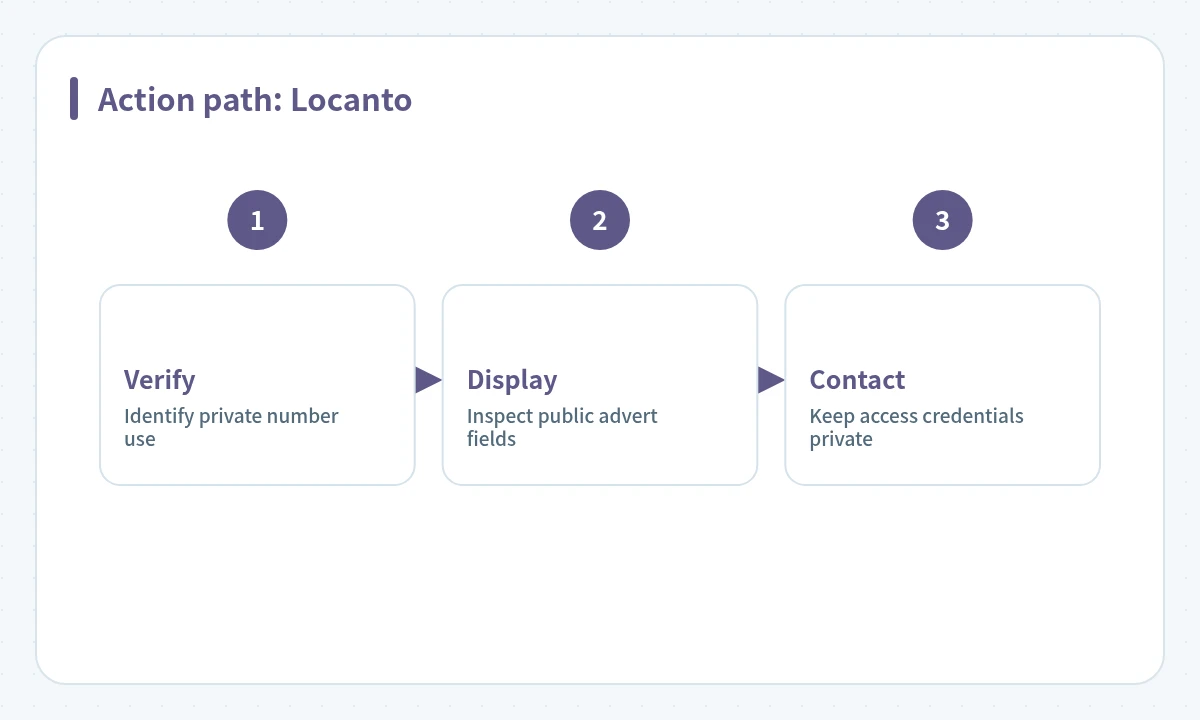
Use the official form if support needs to investigate. Ownership documents and complete account information do not belong in an advert. A diagnostic screenshot should include the necessary area without unrelated messages or profile details in the background.
This discussion concerns where phone information may be displayed. A phone-verification label is not a guarantee about a transaction. Content, communication, and account protection remain separate matters. Maintaining that distinction reduces the risk of treating a login resource as ordinary contact information to circulate.
When asking for help, specify whether the concern is the private verification field, a public listing field, or something written inside a photograph. That tells support which surface you mean without suggesting that the entire account must be changed to remove one piece of published content.
When reviewing a photo, enlarge it enough to read embedded text. A small thumbnail can conceal an old watermark or contact detail that becomes plainly visible when another person opens the full image.
References
Locanto: Phone verification, privacy, and related help
