
LinkedIn verification codes can become confusing after a phone replacement even when the number has not changed. Check whether the account uses SMS, an authenticator or the sign-in approval currently shown. Installing LinkedIn is not the same as transferring every verification arrangement.
Inventory the active method while the old device works
LinkedIn's official help distinguishes text-message and authenticator two-factor methods and describes sign-in prompts on eligible signed-in mobile devices. Follow the method actually presented for your account. Holding a phone does not establish that the current challenge is an SMS request.
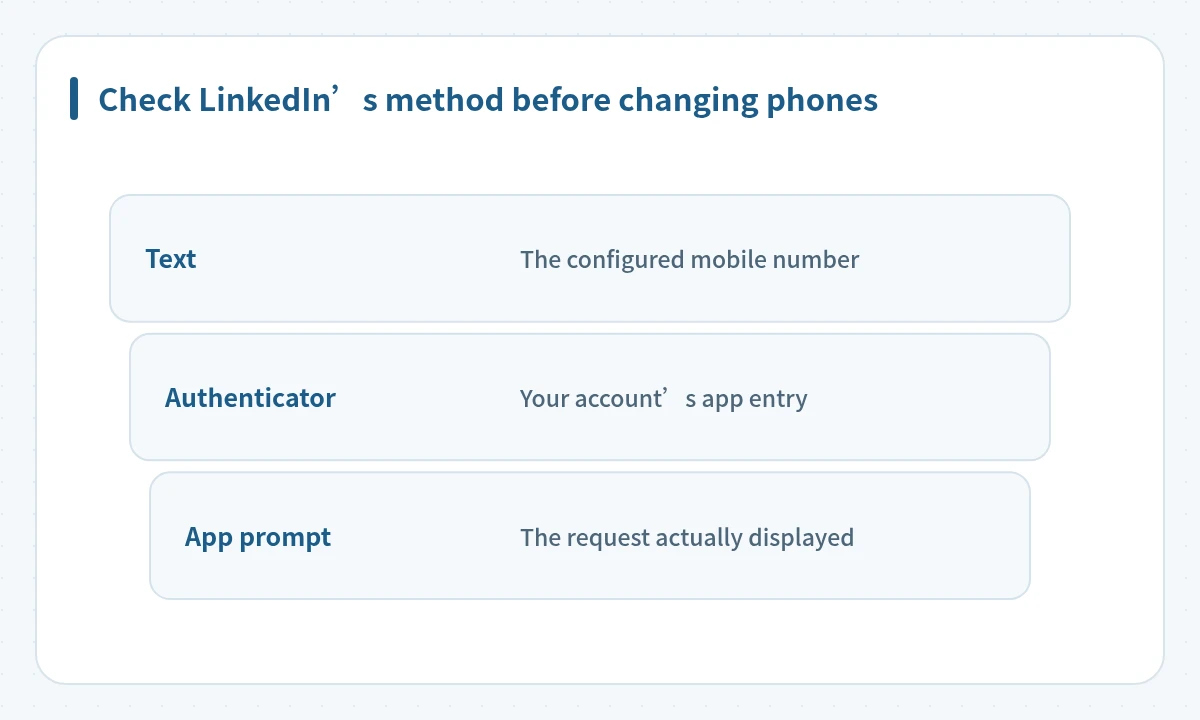
While normal access remains available, inspect the security settings. Record method names, masked destinations and where you keep recovery material. This planning note should identify what needs attention during the change, not collect passwords, live codes and authenticator secrets into an ordinary document.
Separate three different changes
| What changed | What to inspect |
|---|---|
| Device only, number unchanged | Line activation and authenticator transfer |
| The phone number too | Whether the account still points to the old line |
| Account or work role | The actual identity and applicable access requirements |
An authenticator needs the correct enrolled account entry; installing an app with the same name does not establish that the entry has moved. SMS needs the recorded line. An app prompt needs comparison with your own current request. These checks are related to a phone change but are not substitutes for one another.
Work-product access may need another investigation
Some LinkedIn business products have additional security requirements. If personal account sign-in succeeds but a work product remains inaccessible, inspect the current role, subscription and exact message. Do not assume every business-access problem is evidence that another text needs to be sent.
Tell the responsible colleague or official support which product, account and stage are involved. Hide messages, contacts, customer information and credential values in any screenshot. Someone can explain the applicable requirement without receiving your login code.
A managed work transition also deserves an explicit access arrangement. Do not leave a colleague dependent on forwarded codes from your personal phone. Use the platform's appropriate authorised access mechanisms so that responsibility for the work resource can be handled separately from your own account authentication.
Confirm the new arrangement before clearing the old phone
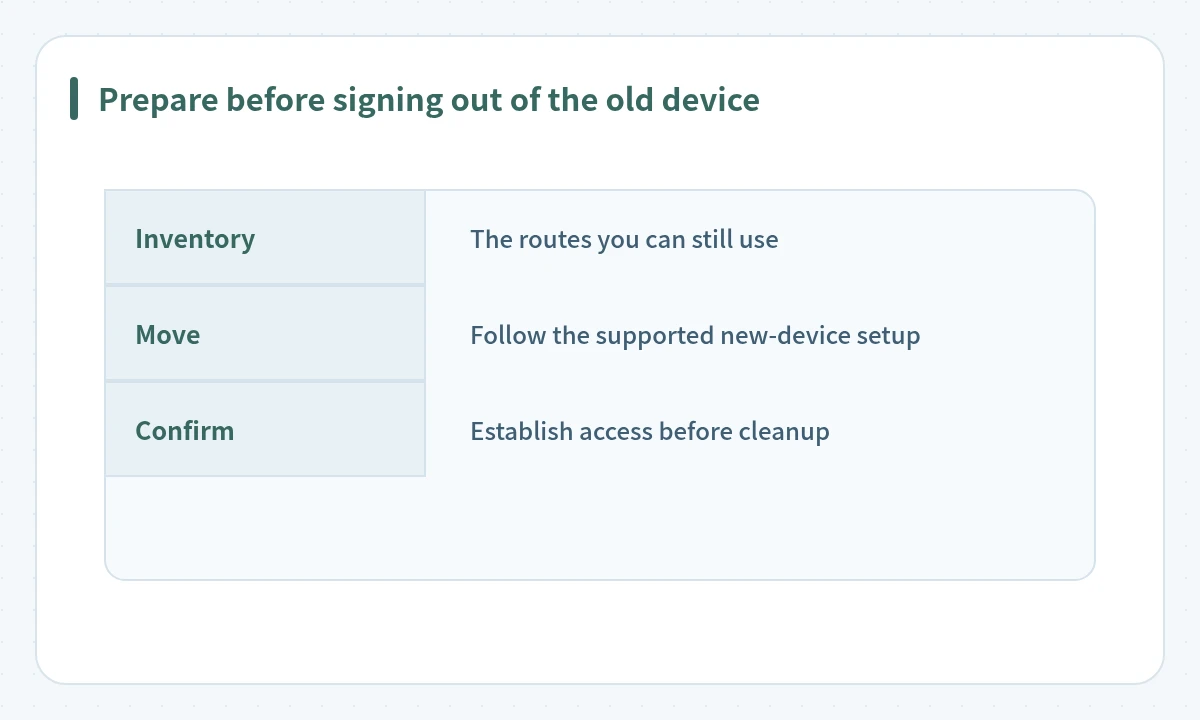
Complete the supported transfer or security setup and establish usable access on the new device before erasing the old one. If an error appears, preserve the working session. Signing out everywhere, removing old methods and disconnecting the previous number at once makes it difficult to recover from an unexpected step.
If the old phone is already lost, use the official recovery options actually available. Outside individuals advertising two-factor bypass are not a dependable account-access route. After recovery, review remaining devices and update outdated contact information through the proper settings.
A precise report might say that SMS still targets a retired number, or that the replacement device lacks the enrolled authenticator entry. Those statements identify practical next steps. Saying only that LinkedIn will not send codes leaves the method, destination and responsible system unresolved.
References
LinkedIn: Two-factor methods and sign-in security prompts.
