
LINE verification codes can complete an account-transfer step without establishing how much chat history moved. Continuing the same identity and recovering historical content are different results. Inspect the applicable backup and operating-system conditions before clearing the old phone.
Identify the kind of transfer you are making
LINE's official guidance distinguishes transfer arrangements according to operating systems, whether the previous device remains usable and the available backup method. Experience from a same-system replacement does not automatically apply to a cross-system move. Successful account access does not establish complete restoration of every earlier conversation.
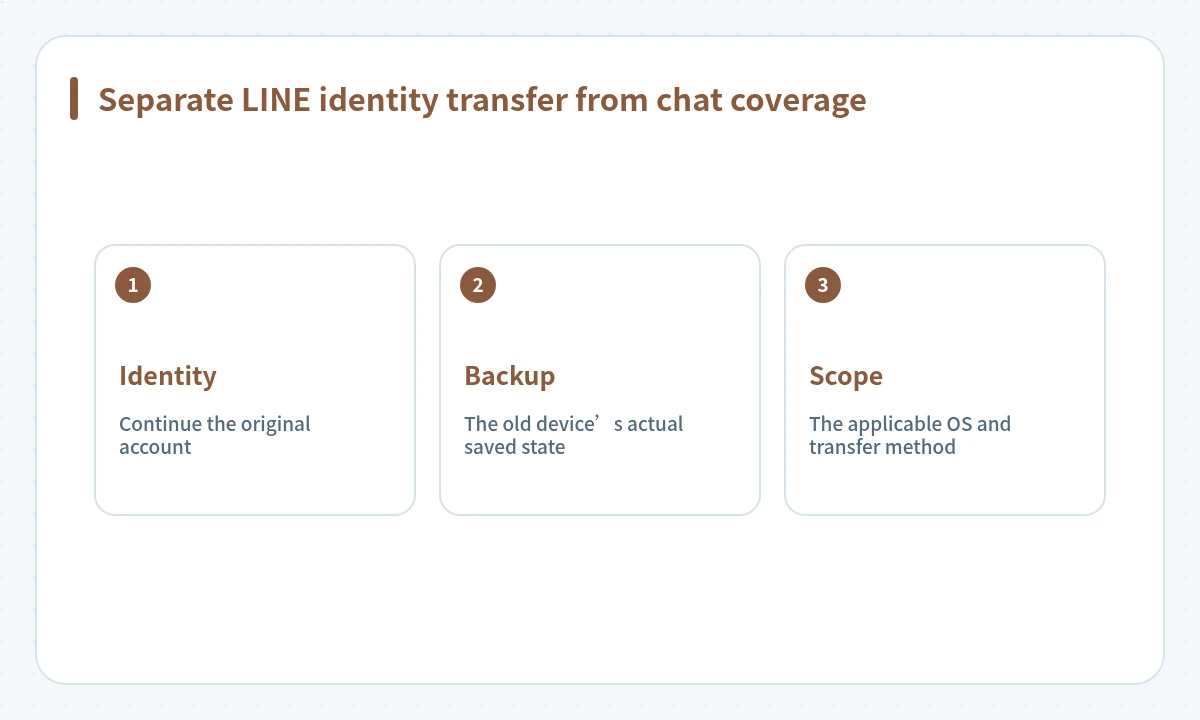
While the old device still works, open the official backup instructions for its operating system. Inspect the backup screen for the completion result and time, check available storage, and record the transfer method you intend to use. If the instructions mention a paid or regional feature, verify your eligibility in the account before including it in the plan.
Number verification is not chat backup
| Object | What to establish |
|---|---|
| Account verification | Whether you entered the original identity |
| Chat backup | Whether the applicable save operation completed |
| Device systems | Whether the transfer crosses operating systems |
| Transfer result | Which conversations and attachments are actually visible |
An easy-transfer QR route may be appropriate under the conditions documented for the account. Phone-number transfer also has regional conditions. Receiving a text does not establish that every region and device combination supports the same process. Use the current official route instead of forcing a screenshot's sequence onto a different situation.
Keep the old device until important content is checked
Follow the supported procedure, then inspect the new phone's identity, relevant conversation range and ability to open needed material. Do not erase the old device just because a friend list appears. Account contacts and a particular conversation's saved history answer different questions.
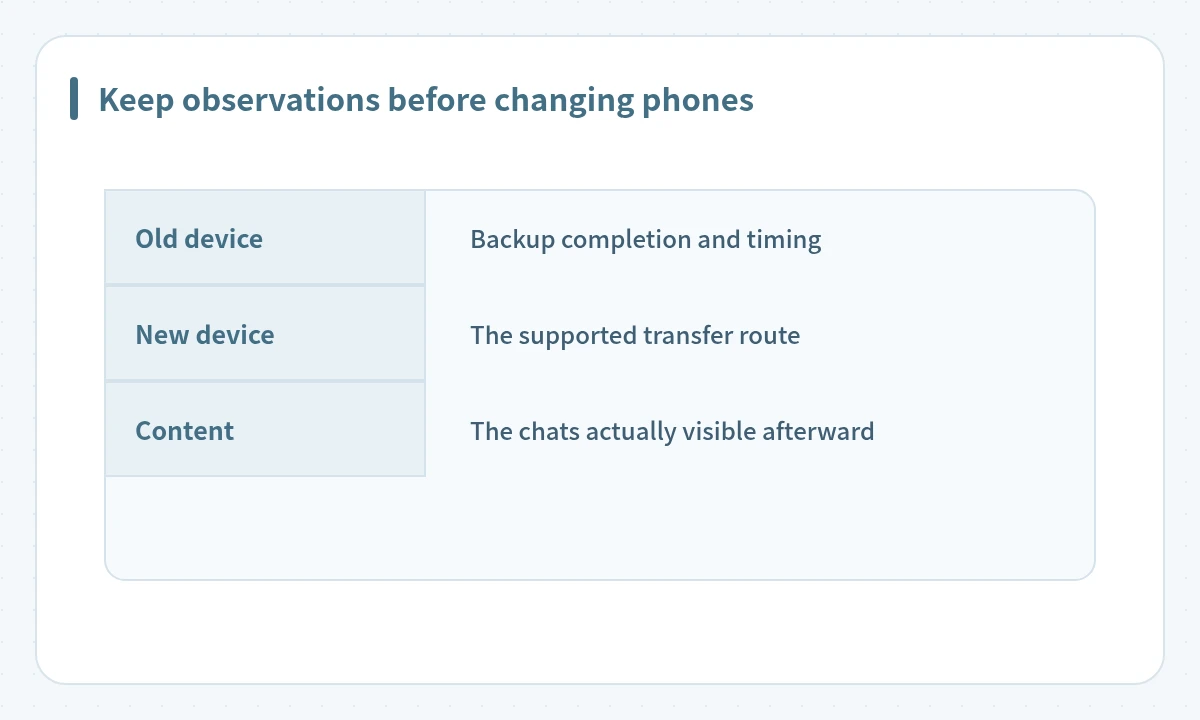
If content is missing, describe the time range, content type and method used before consulting the corresponding help. Do not assume another verification request can reconstruct all lost messages. Outside individuals promising complete remote recovery should not receive account passwords or backup secrets.
A preparation record can note the systems, backup completion and intended transfer method. It should not contain private chat transcripts simply to prove that history existed. Use a minimal content check to verify the result without duplicating personal conversations into an ordinary support document.
Describe identity and content separately
A report saying that the account transferred and recent conversations are visible but older history is absent is different from a report that number verification has not completed. The first needs a scope and backup investigation; the second still concerns account access. Identify the exact stage and hide full numbers, codes and personal messages.
Plan the move as linked tasks: preserve access, prepare the applicable backup, transfer the account and inspect the result. Retire the previous device after those checks. That order keeps a content-restoration issue from being misdiagnosed as failed SMS delivery and reduces the risk of discarding the only remaining useful source too early.
References
LINE: Chat-history transfer and backup scope; LINE: Account-transfer options and troubleshooting.
