
Leboncoin verification codes during a phone change depend on whether the old line remains accessible. The official help provides different routes for people who can still receive there and people who cannot. Having a new mobile does not, by itself, replace confirmation linked to the existing account number.
If the old line works, use its confirmation first
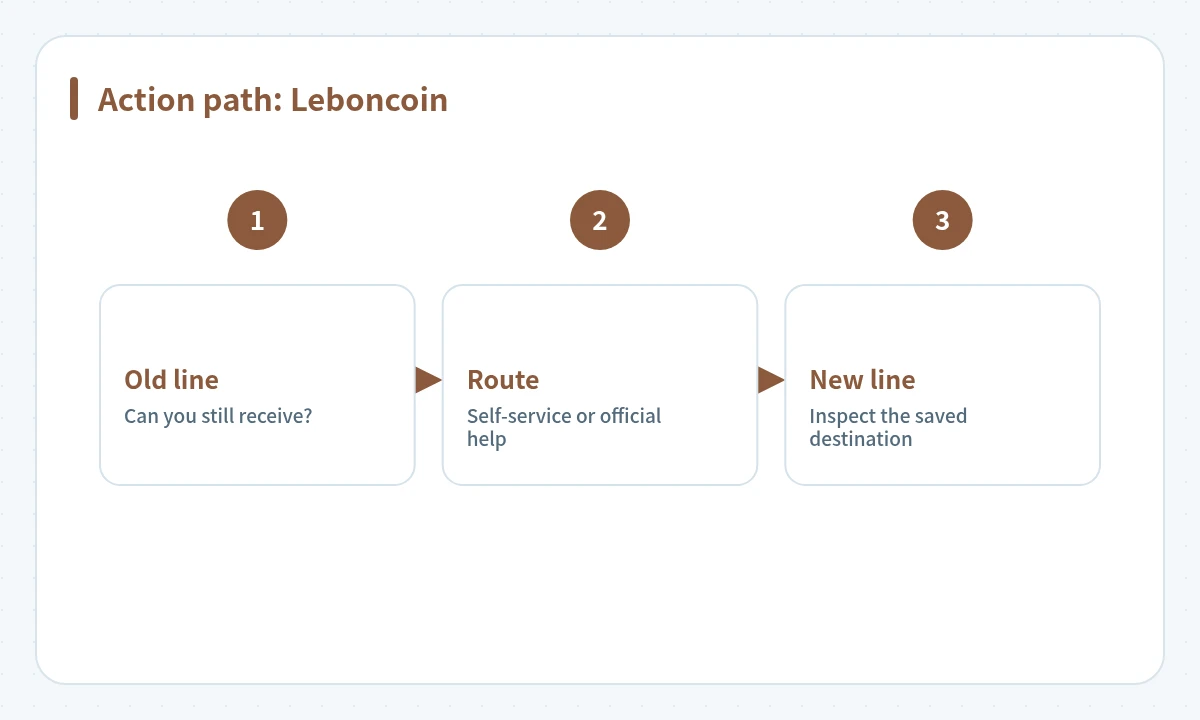
The documented self-service process starts in personal account information, confirms through the old number, then accepts the replacement and saves it. Read the destination carefully. Waiting only on the new phone before reaching its stage can leave you looking in the wrong place.
Before editing, establish that you control the old line and are viewing the original account. On a dual-SIM device, private labels can help distinguish lines, but changing a device label does not change the number stored by the service. Compare the actual destination instead.
Without the old line, use official assistance
The guide says this change cannot be completed independently when the old number is inaccessible. Use its request link and prepare the ownership information it asks for. A browser still displaying the account does not mean a new number can substitute for the value being sent to the old one.
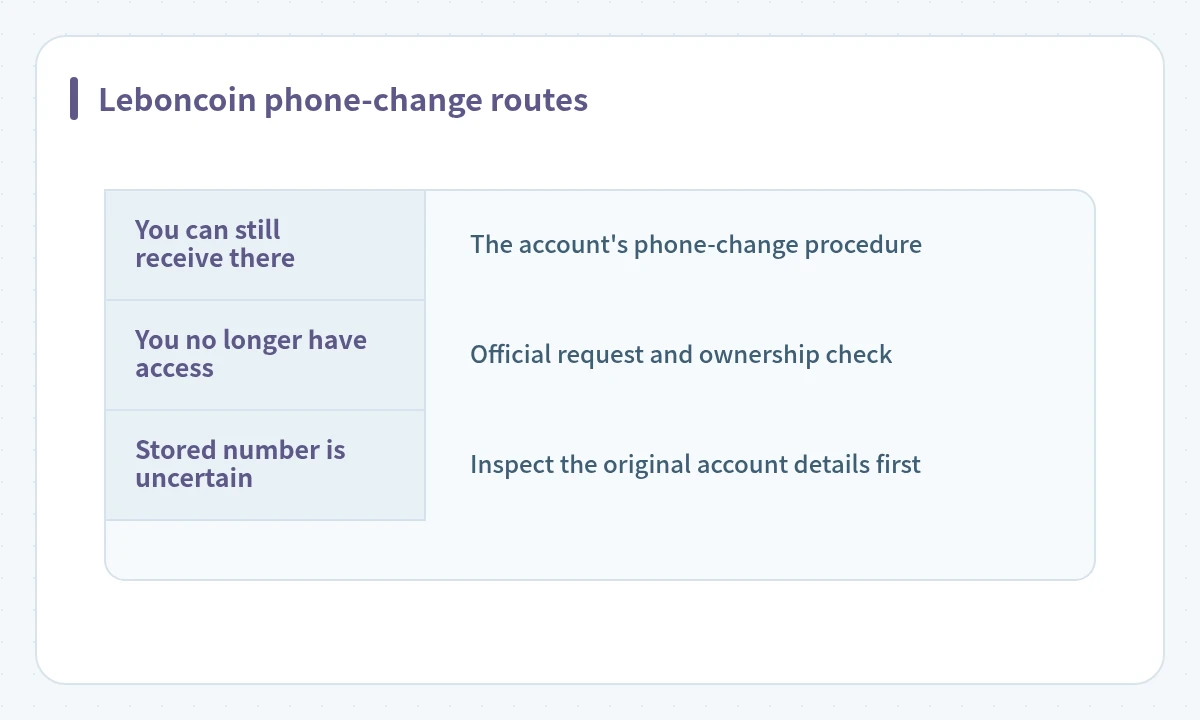
| Old-line situation | Relevant route |
|---|---|
| You can still receive there | The account's phone-change procedure |
| You no longer have access | Official request and ownership check |
| Stored number is uncertain | Inspect the original account details first |
Send documents to the actual support process
Check that the form belongs to the official help flow before submitting sensitive material. Public comments, item conversations, and article-rating feedback are not substitutes for a private support request. The official article also distinguishes its feedback form from a route that provides an individual response.
Prepare only the information needed for your account, following the current document-copy and redaction guidance. Do not include unrelated people's details or assume every field on a complete bill is relevant. Live codes do not belong in public posts used to explain the issue.
Verify the saved destination afterward
Once the change is processed, inspect the account details for the intended number and keep the result. Without an explicit accepted state, do not declare the update complete. Creating another account to test whether old listings migrate is also a different action from changing the phone on the existing identity.
Tell support whether the old line receives, whether the new line is yours, and where progress stops. Those conditions determine the route more accurately than a general statement that a text never arrived.
If a reply requests more information, continue through the established official case. Keep the account reference and the requested change consistent, rather than opening multiple unrelated conversations with different versions of the number history. That helps everyone assess the same ownership question without exposing additional private material unnecessarily.
If the number field is visible but editing stops at confirmation, report that exact boundary. It distinguishes a reachable account with an unavailable old line from a separate problem entering the account at all.
References
Leboncoin: Phone-change routes with and without the old line
