
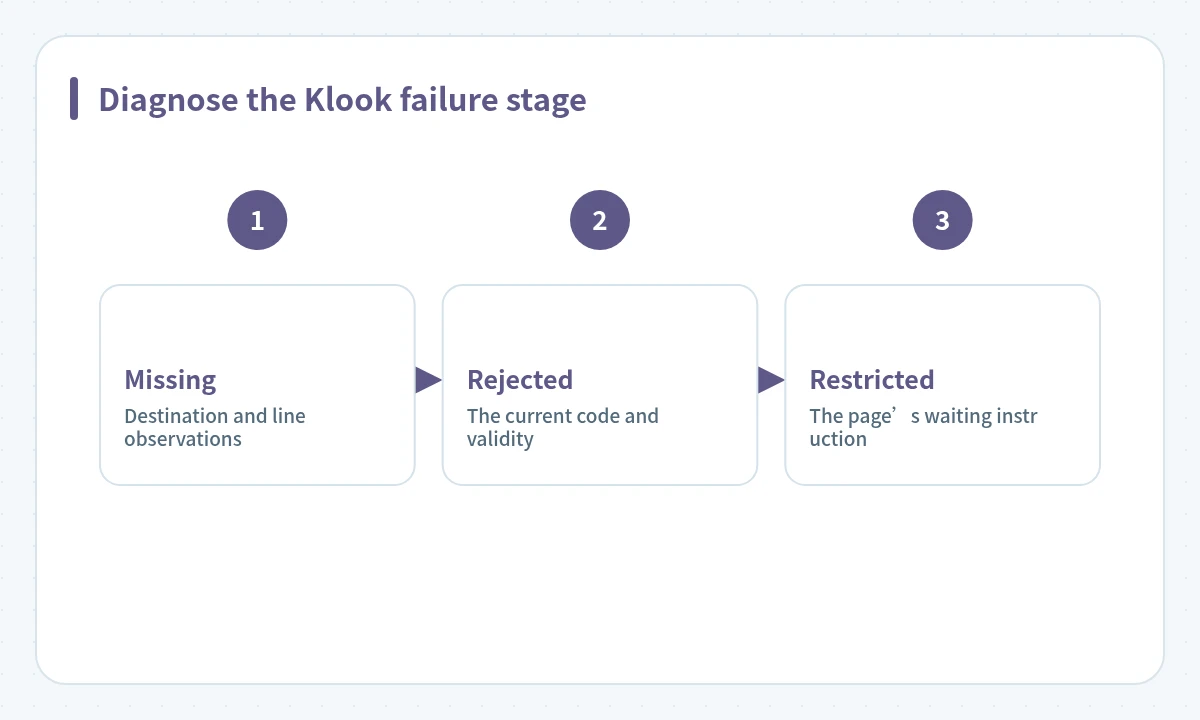
Klook verification codes need a stage-based diagnosis: no message received, a received value rejected or a request already restricted. All can stop login, but they do not call for the same next check.
Record the actual page response first
Klook's official login help distinguishes incorrect information, invalid or expired values, absent messages and too many requests. Identify the account entry, destination and exact response rather than recording only that a code failed. A restriction's waiting period should not be investigated as though the carrier lost another text.
Also compare the entry with the email or number originally used for registration. A different route can lead to a different identity context. Acceptance of a value does not establish that you reached the account containing the expected booking, so confirm correspondence before investigating reception.
Choose the check that matches the observation
| Observation | First check |
|---|---|
| No message | Destination, filtering and line status |
| Received but rejected | The current request and validity conditions |
| Request restricted | The page's next permitted action |
Keep the request time and one identifiable page. Multiple windows generating overlapping messages make it difficult to know which field remains current. If an earlier message arrives late, inspect the present task instead of trying every number visible in the inbox.
A useful private record names the selected method, masked destination and error. It does not need the actual credential. Support can investigate the stage from those observations without receiving a live code in an ordinary conversation.
State what a reception test actually observed
Check whether the line remains active and whether the device filtered the service message. Contact the carrier through its approved process if the official guidance calls for it. An ordinary contact's text arriving establishes that particular test result, not the reason a named service message is absent.
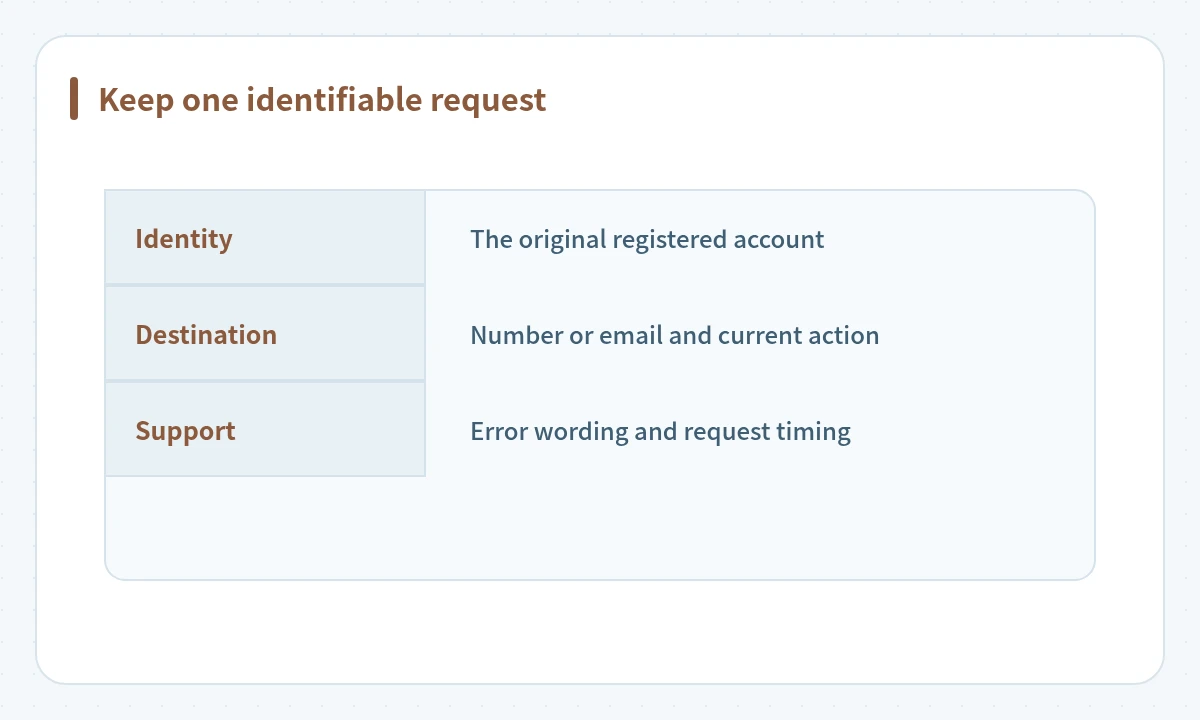
Provide timing and message type where appropriate, not the Klook password or code. If the page explicitly restricts requests, follow its instruction rather than cycle devices, numbers or new accounts. Use an alternative only when the official page actually offers it for the account.
If the destination belongs to an old line you cannot access, identify that as an account-information issue. Repeating delivery attempts to it will not establish access to the original identity. Preserve a working old session while inspecting the relevant formal support route.
Check account and booking results after entry
Once login succeeds, inspect whether the intended identity opened and then review the booking separately. A passed challenge does not confirm that an order change or another business action completed. Use the appropriate page for its actual result.
A support screenshot should retain the client, task, exact error and time while hiding full contact details, codes and private travel information. Locating the failure at request, reception or acceptance gives the issue a practical next step and reduces repeated requests to a stage that is not responsible for the interruption.
Include whether the problem occurred in the app or a browser, together with the displayed version where available. If the issue can be described from an existing error, retain that information first. You do not need to generate another code merely to recreate a screenshot.
References
Klook: Different login-code failures and their checks.
