
KakaoTalk verification codes for signup and computer access should be matched to their respective actions. Both can concern your account without being interchangeable. Read the requested task before deciding that a value received on the phone belongs in a desktop field.
Signup and secondary devices have different checks
Kakao's official account-safety guidance distinguishes signup SMS from security confirmation on certain PC or Mac secondary-device flows. The actual prompt can depend on certificates and existing setup. Follow the current official request instead of treating a screenshot as the fixed procedure for every device.
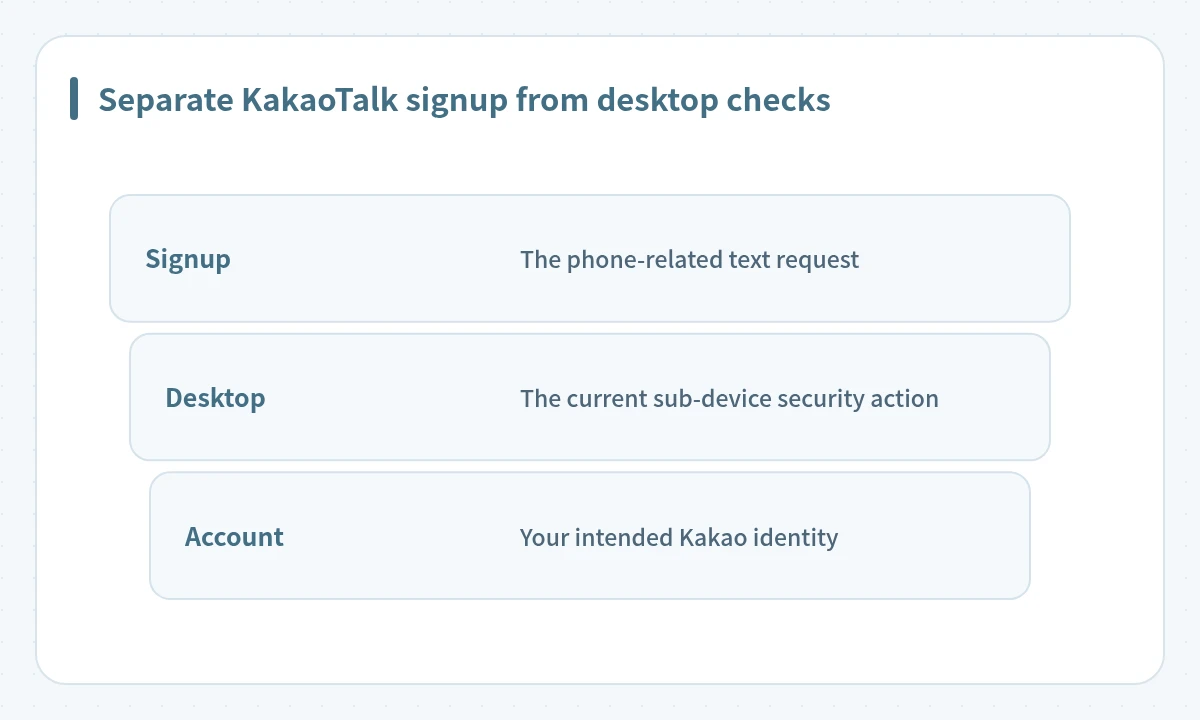
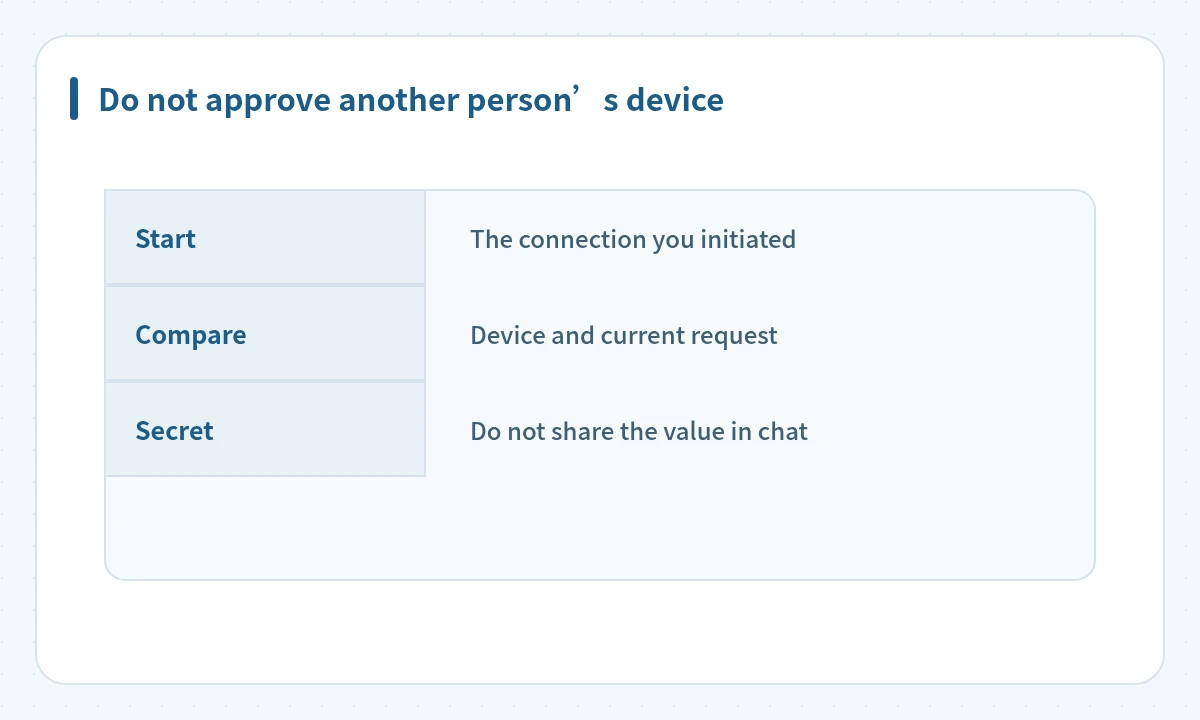
When a computer asks for confirmation, establish that you started that connection and compare the phone's account with the intended computer identity. Do not approve another device or enter a value dictated by a chat contact. The action should be recognisable from your own current attempt.
State what is being authorised
| Task | Relevant object |
|---|---|
| Signup confirmation | The current phone-related process |
| Computer connection | Your present secondary-device request |
| Account security | The intended identity and accessible resources |
Passwords, SMS values and secondary-device confirmation information are not ordinary conversation material. If someone invokes a prize, support role or acquaintance's request, independently inspect the app rather than provide an account entry. Kakao's own safety guidance specifically warns about such requests.
Keep the request and device identifiable while inspecting the result. A screenshot for help can retain the method label and error without showing the changing value. This lets support identify a stage without collecting its credential.
Separate reception from device linking
For signup SMS that never arrives, inspect the destination and relevant official phone help. For a mismatched computer request, inspect both identities and the initiating action. Repeatedly creating accounts or cycling temporary lines makes the original relationship harder to describe rather than explaining it.
Before replacing a phone, inspect the applicable transfer and recovery arrangements while an old device remains usable. Keeping the number does not establish that every secondary-device authentication arrangement moved with it. Check the actual result after completing the supported change.
If a task stops unexpectedly, preserve remaining access instead of clearing all applications to reproduce the problem. Identify which resource is unavailable and then follow its formal support route.
Do not lend the account as a troubleshooting method
Kakao's operation policy prohibits account trading, transfer and rental practices. An offer to borrow access for a few minutes or handle an event does not make disclosure of credentials a sound recovery plan. Use official assistance for your own identity.
Tell support whether the issue is signup or computer connection, the affected devices, exact error and approximate time. Hide passwords, codes and private conversations. After recovery, inspect existing device access and the intended protection before retiring old resources. That keeps one completed confirmation from being mistaken for completion of the whole account-management task.
For a shared household computer, name the intended Kakao identity before beginning. A phone already open to a family member's account can make the request appear familiar while referring to the wrong person. Stop and correct that identity difference before any confirmation.
References
Kakao: Signup texts, secondary-device checks and credential protection; Kakao: Account-use and transfer rules.
