
Instagram verification codes are easy to match to the wrong identity on a phone that manages several accounts. A personal account and a work account can have different receiving numbers and authenticator entries. A message arriving on the same device does not identify which account requested it.
Confirm the account currently being verified
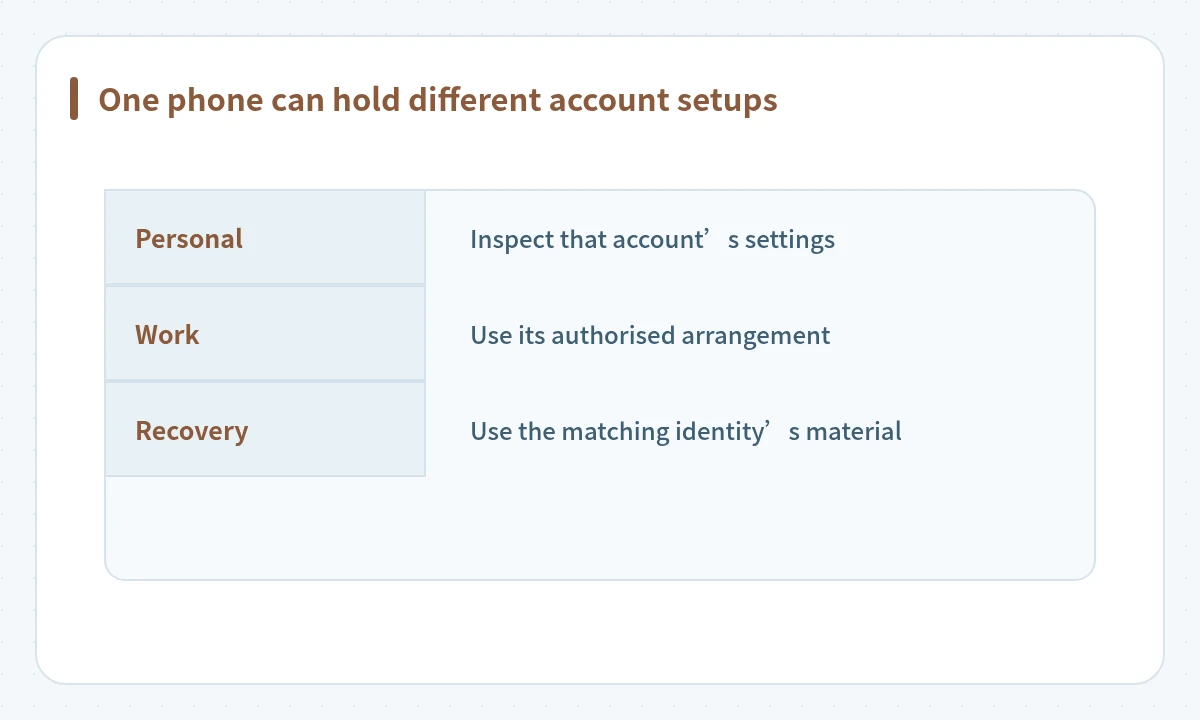
Read the username on the sign-in page and compare it with the identity you intended to open. When entering security settings through Accounts Center, check the selected Instagram account before changing anything. Inspect the method for the chosen account rather than assuming it belongs to whichever identity happened to be open most recently.
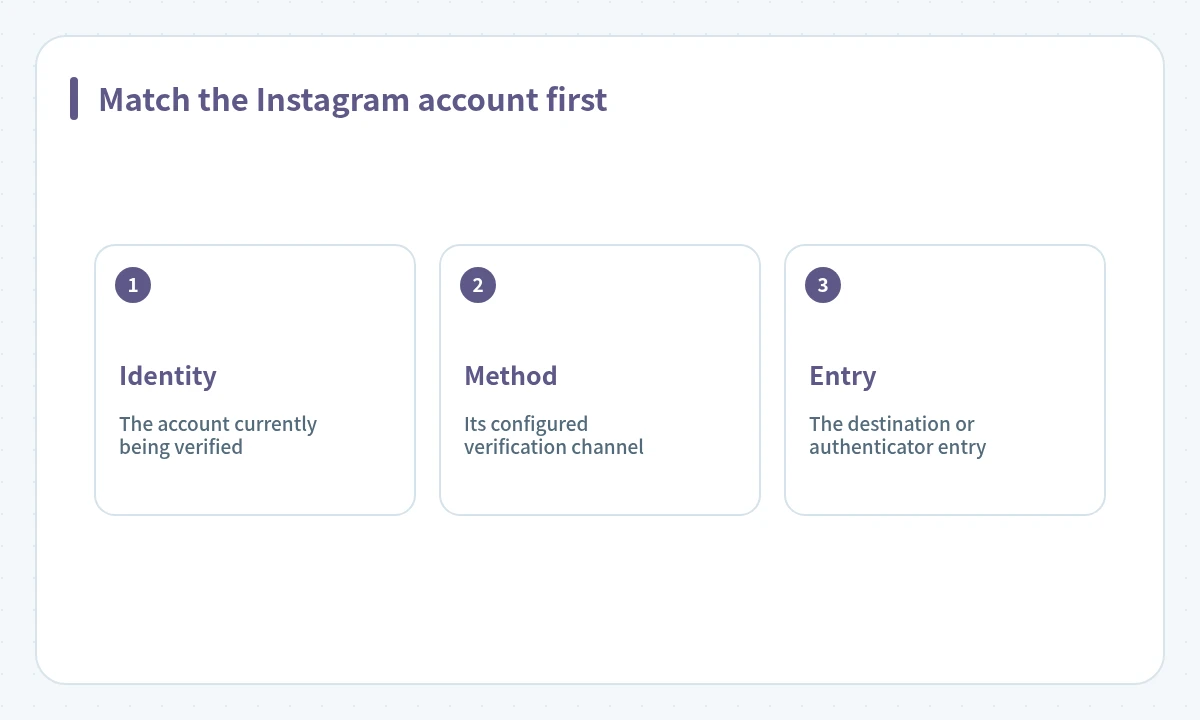
Use the order account, method, destination. Once the identity is clear, you can determine which inbox or authenticator entry matters. Starting with whichever inbox contains a recent message can reverse that logic and encourage you to treat an unrelated code as the current result.
Make account entries recognisable without exposing secrets
If you manage several accounts of your own, authenticator labels should distinguish them. Do not put a password, seed or recovery value in a label. Renaming a display entry is also different from configuring the verification method; perform security changes through the correct account's official process.
| Item | What it must match |
|---|---|
| Login username | The identity the page is verifying |
| Text destination | The number shown for that account |
| Authenticator entry | Your enrolled entry for that identity |
| Recovery material | The corresponding account's official information |
Keep setup QR codes and complete recovery lists out of public or ordinary shared work documents. For collaboration, use the platform's appropriate authorised management arrangement instead of making a team's access depend on forwarding one person's login codes into a group conversation.
Verification-device settings are not the whole session state
Meta's official Safety Center presents login alerts, two-factor authentication and logged-in-device management as distinct security tools. When retiring a phone or changing access arrangements, inspect verification settings and existing sessions as separate tasks through the current official controls.
If an old number is inaccessible, use the recovery options for that particular account. Do not change another identity's working number by mistake. Preserve a usable session while establishing the new arrangement, then handle old-device cleanup deliberately.
Describe which correspondence failed
A useful report says that the username has been checked, identifies the selected method and states whether the displayed destination is still controlled. Add whether the error occurred before requesting a code or after entering it. Hide live codes, direct messages and full contact information in screenshots.
That description lets support distinguish an identity mismatch from a method-configuration issue or a receiving problem. It avoids testing every account on the device without knowing which result belongs to the current attempt.
This guide does not decide which numbers Instagram accepts or replace its ownership checks. Its purpose is to keep each code tied to the account and action it actually authorises, while making a multi-account phone easier to manage safely.
References
Meta Safety Center: Account security tools.
