
Instacart verification codes should be interpreted within the product you are using. Customer shopping access and a separate service such as Shopper Rewards can have different fields, credentials and support instructions. Check that scope before applying a search result's steps.
Start with the customer guidance for a customer account
Instacart's customer help describes passwordless access using the email or phone selected on the current page and the corresponding code. Confirm the official shopping entry and intended identity first. Do not add wallet-passcode or device-enrolment assumptions from another product's tutorial to a page that never requests them.
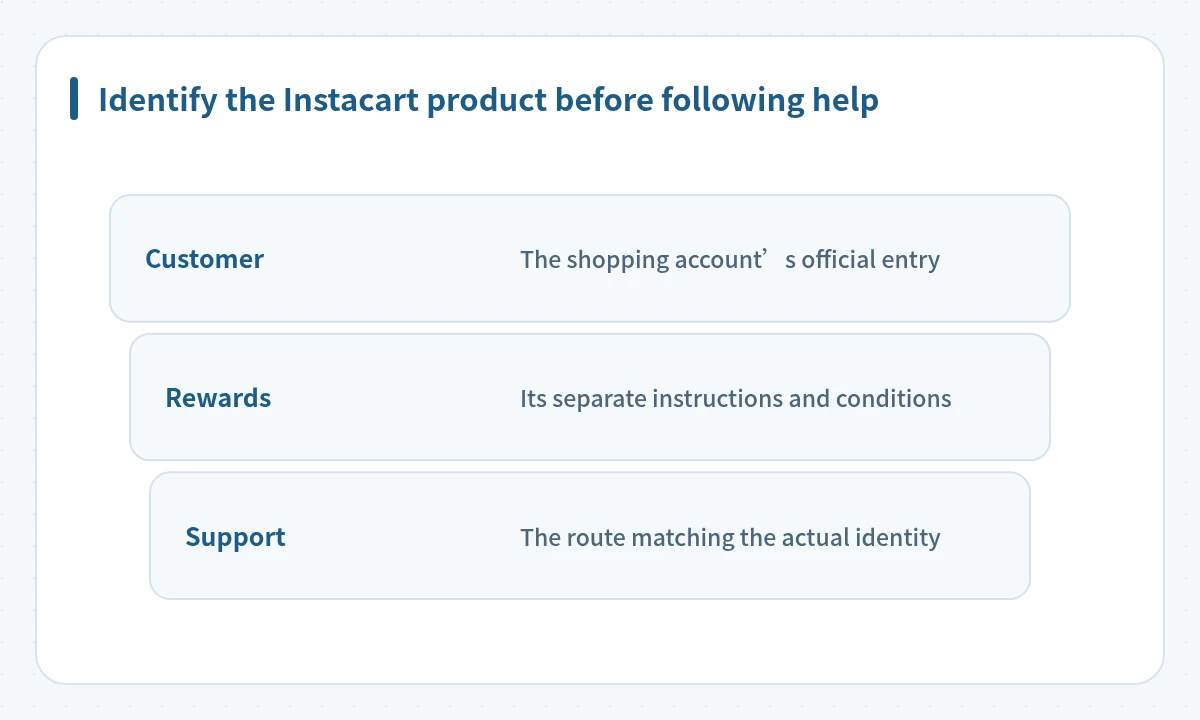
The separate Shopper Rewards login guidance describes its own product context and requirements. A customer trying to enter the shopping account should identify that distinction instead of treating every Instacart-labelled result as an interchangeable login guide.
Put the instruction's scope before its code format
| Information | How to check |
|---|---|
| Product | App name, official entry and account role |
| Task | Login, contact change or another action |
| Destination | The email or number requested now |
| Support | The help route for that product |
Several related applications on one phone do not make one incoming value suitable for them all. Keep the current action identifiable. If an earlier message arrives late, inspect its purpose before entering it into the screen that happens to be open.
A useful incident note records the product and account role before mentioning the phone model or network. That prevents an ordinary customer question from being routed into a separate service's device or credential process.
Contact updates are different from initial sign-in
Instacart's profile guidance describes verification for changes to email or phone information. Completing login and changing a recorded destination are separate actions. After entering an update code, inspect whether the page actually saved the intended result rather than inferring it from a message reaching the new phone.
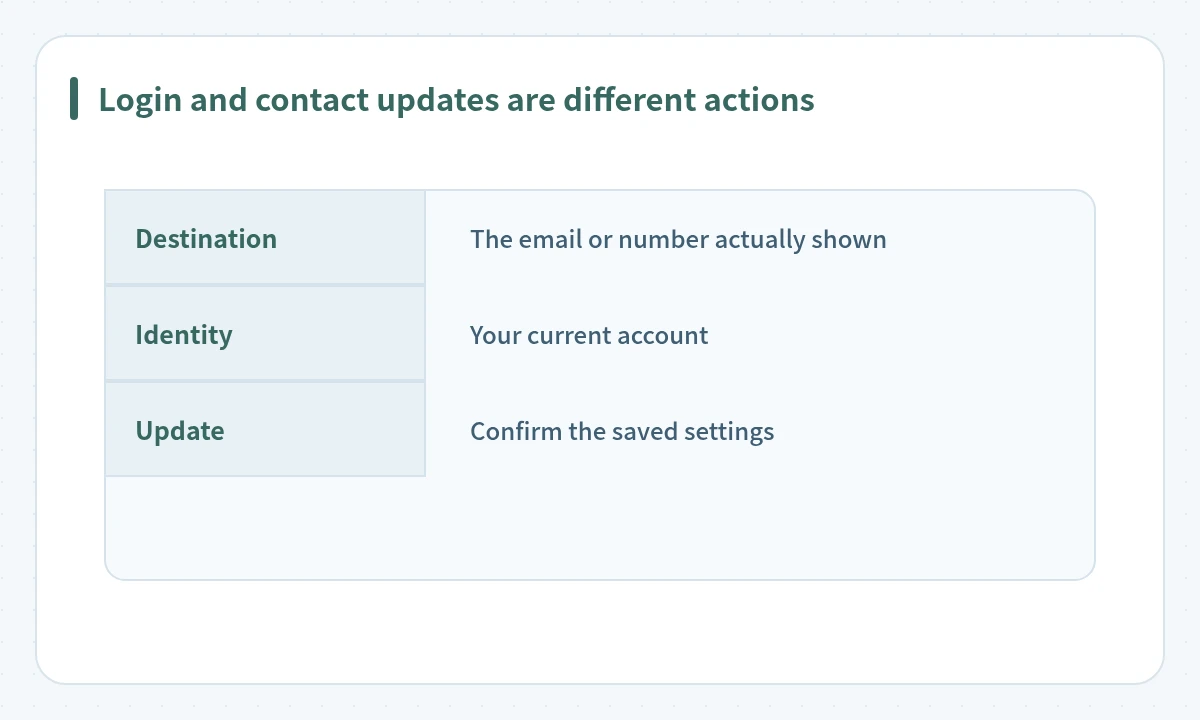
If an address or number is inaccessible, use the support route for the product involved. Do not apply another service's restrictions, waiting times or device procedures as guarantees for the shopping account. Outside helpers should not receive live codes, passwords or private order records.
When a different provider is used to sign in, inspect the current account and applicable instructions before changing contact information. Avoid opening a new identity simply because the expected profile does not appear immediately.
A restricted account needs its own investigation
Customer help also discusses locked or suspended accounts. Follow the formal assistance for that state instead of interpreting every inability to order as an SMS delay. Read the account's actual notice before deciding whether to inspect reception or resolve access restrictions.
Describe yourself as the customer, name the entry used, identify the task and quote the error, with security values hidden. That gives support a concrete problem in the correct service. Checking the tutorial's scope first can prevent several unrelated configuration changes while preserving the account that still contains the shopping information you need.
References
Instacart: Customer login and account access; Instacart Shopper Rewards: Separate product login guide; Instacart: Customer profile updates.
