
IKEA verification codes should be matched to the choice you made: one-time sign-in or password recovery. One completes an entry attempt; the other changes login information. Opening both processes at once can make incoming messages difficult to relate to the field still open.
Use the guidance for the account's actual region
IKEA's US Family-account help describes one-time-code access and password reset as different options. Other regional services and app versions can differ. Confirm the official site for the original account and follow the choices currently displayed, rather than treating a regional screenshot as a global account procedure.
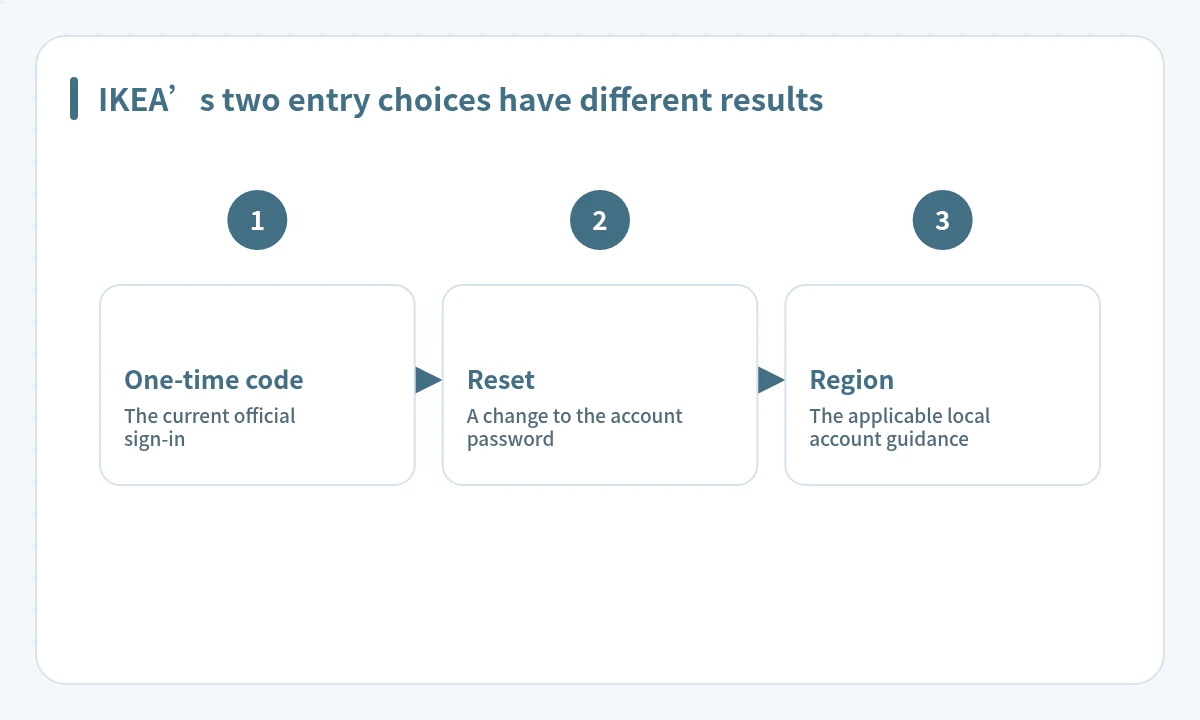
If you only need to enter the account, inspect whether an applicable one-time route is offered. If you genuinely intend to change the password, use the reset task. Keep the request identifiable instead of generating both message types and guessing which value the page now expects.
Match the destination to the original identity
| Object | First check |
|---|---|
| Regional entry | The official service applicable to the account |
| Contact detail | The recorded destination you can access |
| Action | Sign-in or password change |
| Result | The actual access or saved-setting state |
For email reception, inspect the address and filtering. If the page requests a phone route, inspect that line. Similar email addresses or family use of the same device can obscure the identity selected. Avoid creating another account simply to test delivery and then assuming it contains the original material.
A troubleshooting note can retain region, method and approximate timing without recording the secret. That helps support identify which request failed while reducing confusion between a local account-help difference and a receiving-device problem.
A sign-in code is not an order-status notification
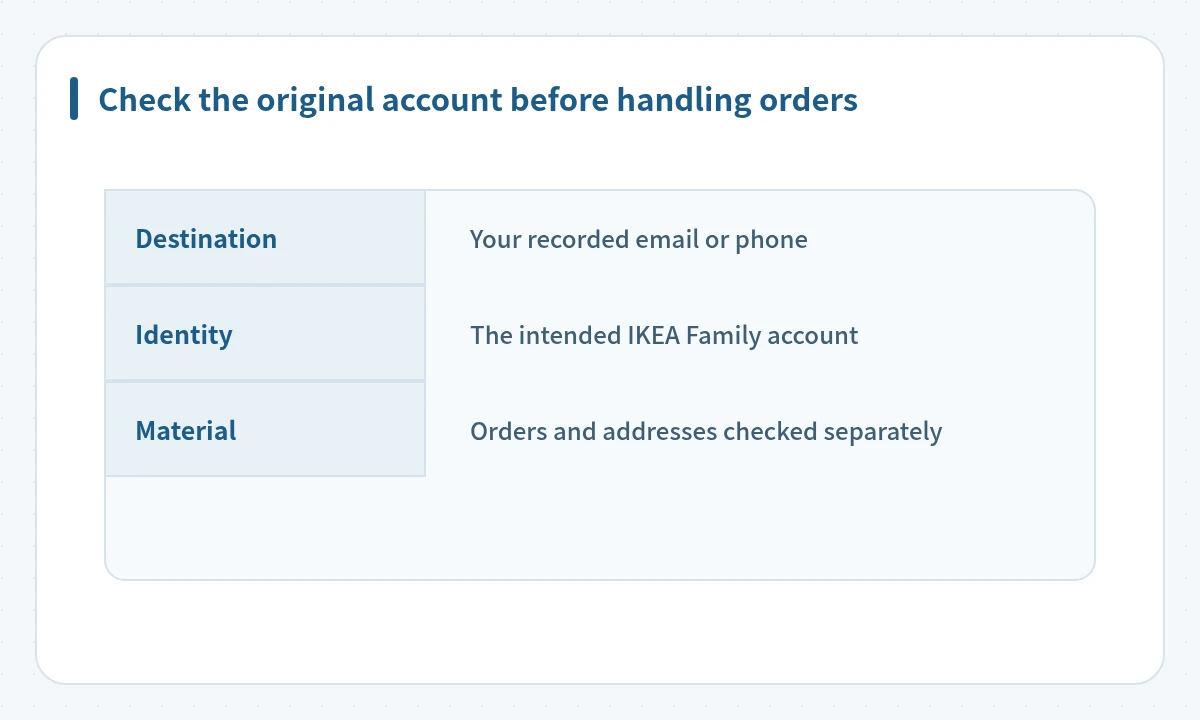
After entry, confirm the intended membership and inspect the relevant order, address or other information separately. Passing a challenge does not establish that an order changed, an item was reserved or another business task completed. Use the corresponding official page for those outcomes.
During password recovery, continue until the official page reports the result, then manage existing access as instructed. Do not paste a one-time value into unrelated places expecting a long-term password. An outside person offering order assistance should not receive a recovery email or login secret.
Use the relevant support when old details are unavailable
If the recorded email or phone no longer works, follow the formal assistance for that regional account and describe the access still available. Another region displaying a different option is not a reason to alter identity details merely to imitate its tutorial.
Hide codes, full addresses and private account information in screenshots. Retain the region, task label and error. Saying that one-time sign-in failed is more precise than saying password reset failed when no reset was attempted.
That separation helps support address the right process and prevents an order question from causing unnecessary changes to account security settings that were not responsible for it.
Keep the original business request identifiable too: an account-entry interruption and a pending delivery question may require different support information. A private note can name both tasks without including the login value or copying the full order into a public discussion.
References
IKEA US: Family-account one-time sign-in and password recovery.
