
Huawei verification codes should be matched to the field named on the page. A linked phone number and a security phone number can have different roles in HUAWEI ID. Changing one should not be assumed to update every destination used for verification.
Read the field name before comparing the digits
Huawei's HUAWEI ID guidance distinguishes security phone or email information used for identity checks and password recovery from linked account details. The options available depend on the actual account configuration. An unset backup field is not an existing route simply because a tutorial displays it.
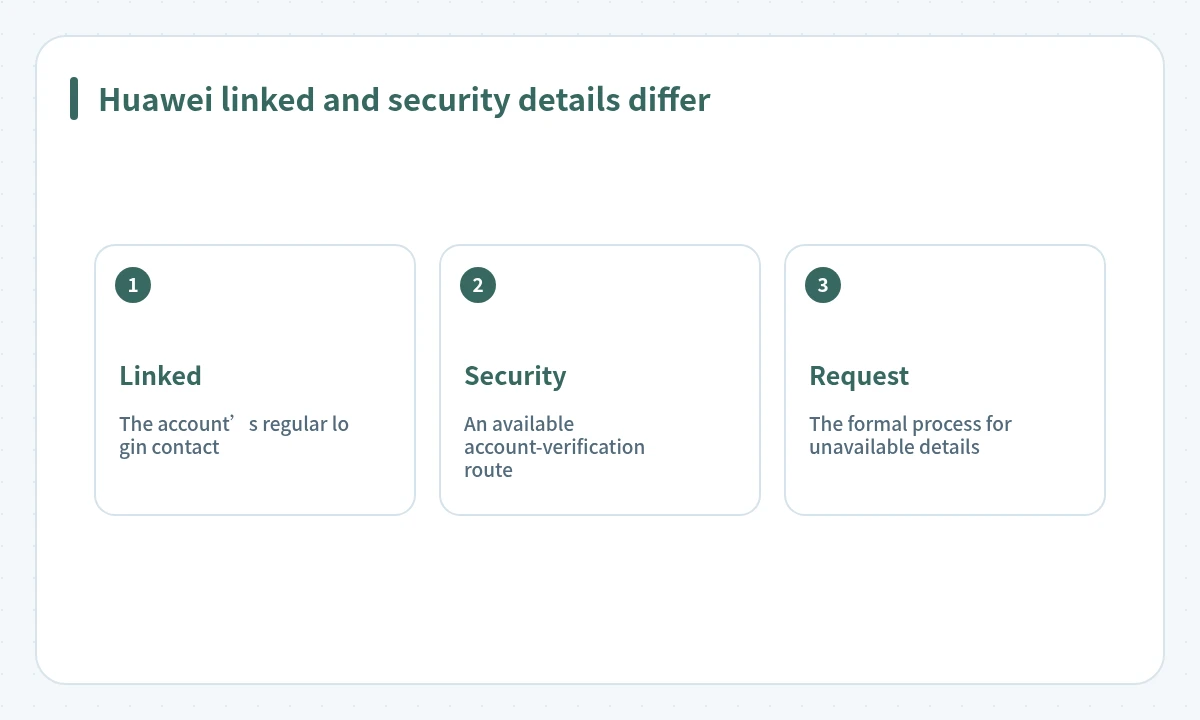
Record the field name and masked destination when checking the situation. Saying only this number can hide whether the page concerns a normal linked contact or a separate security choice. If Huawei Cloud is involved, also establish its relationship with the HUAWEI ID in use rather than merging fields from different account contexts.
Use the formal process when old details are unavailable
Huawei's consumer support describes account or security-information changes and progress checks. The entry can differ depending on whether a device is still signed in. Follow your current situation; do not sign out of the only usable device merely to reproduce a screenshot for a logged-out user.
| Object | What to inspect |
|---|---|
| Linked contact | The login or contact detail actually recorded |
| Security information | The configured method currently offered |
| A change request | Progress, final decision and resulting destination |
This distinction helps identify whether a message went to an old target, an assumed backup was never configured or a change has not yet finished. Those situations need different next steps even when the visible complaint is simply that no code arrived.
A request code is not an ordinary support reference
Huawei's acceptance notice explains that a request code can be used to check progress and add supporting information, and warns against sharing it. Do not publish the complete value as though it were a harmless ticket number. A support conversation can identify the stage without exposing a resource that permits further request actions.
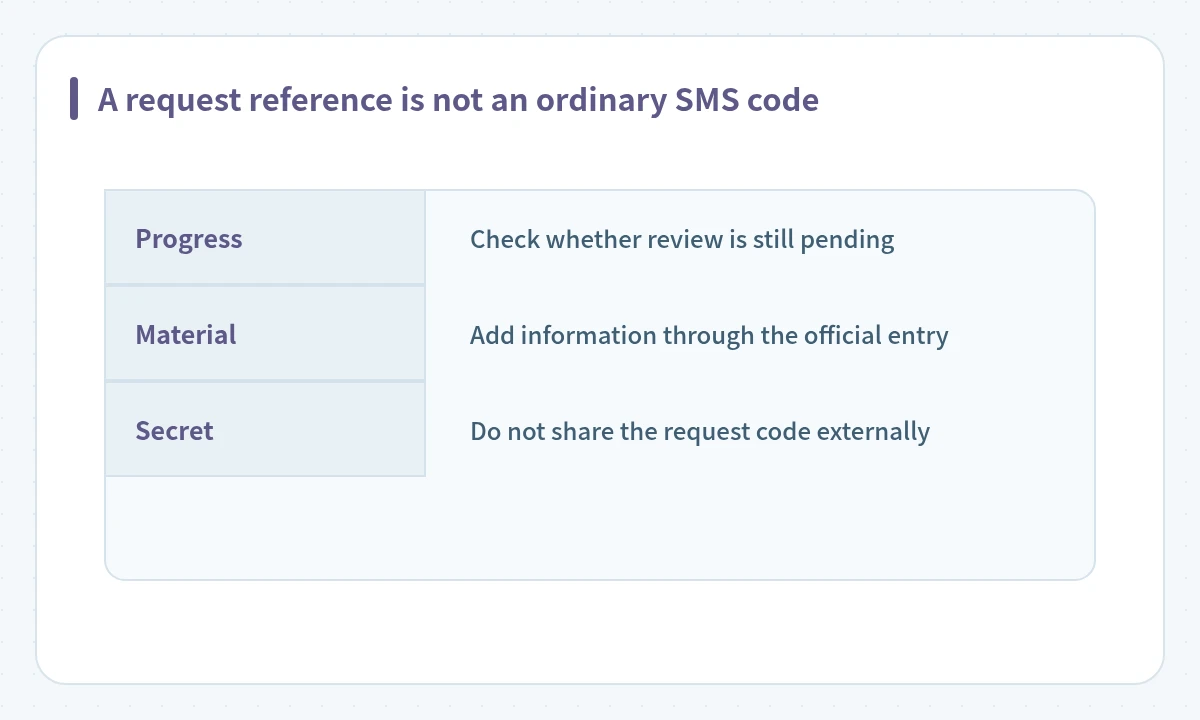
An acceptance message means the request is being processed, not that the final change is complete. Inspect official feedback before creating overlapping applications. Add requested material through the formal entry, with attention to which request you are continuing.
Review the resulting security information
After completion, inspect linked and security destinations in the account's own settings. Keep only arrangements that you control and can maintain. Another person's willingness to receive messages today is not a durable account-recovery plan.
Manage old-device cleanup separately from the immediate account change. Confirm usable access before deleting remaining resources, and avoid treating a single successful text as evidence that every security field is now correct. A deliberate inspection of the recorded details gives a clearer result.
For help, provide the field name, masked number, stage and exact error. Hide passwords, changing codes and request secrets. That keeps the investigation tied to the destination and process actually involved, rather than encouraging changes to another field that was working normally.
References
Huawei: HUAWEI ID security phone and email definitions; Huawei: Account or security-number change acceptance and progress.
