
Gopuff verification codes in the UK user flow can involve an original phone number and its associated email. UK help asks users to check the correct number and describes delivery to the phone and account mailbox. The number used to identify the account and the place a message arrives have different roles. An email appearing does not make the original number irrelevant.
Start with the actual UK account prompt
This article uses the UK customer help rather than promising identical behavior in another market, a driver application or every future version. Compare the current service, number and named destination. A screenshot from another country cannot establish an entry or alternative that the active page does not offer.
For example, after changing phones, identify the original Gopuff number before attempting the old account. Entering a newly acquired line and expecting all original mail to appear does not establish that the same relationship remains. Inspect the account context instead of treating a working phone as evidence of ownership of earlier records.
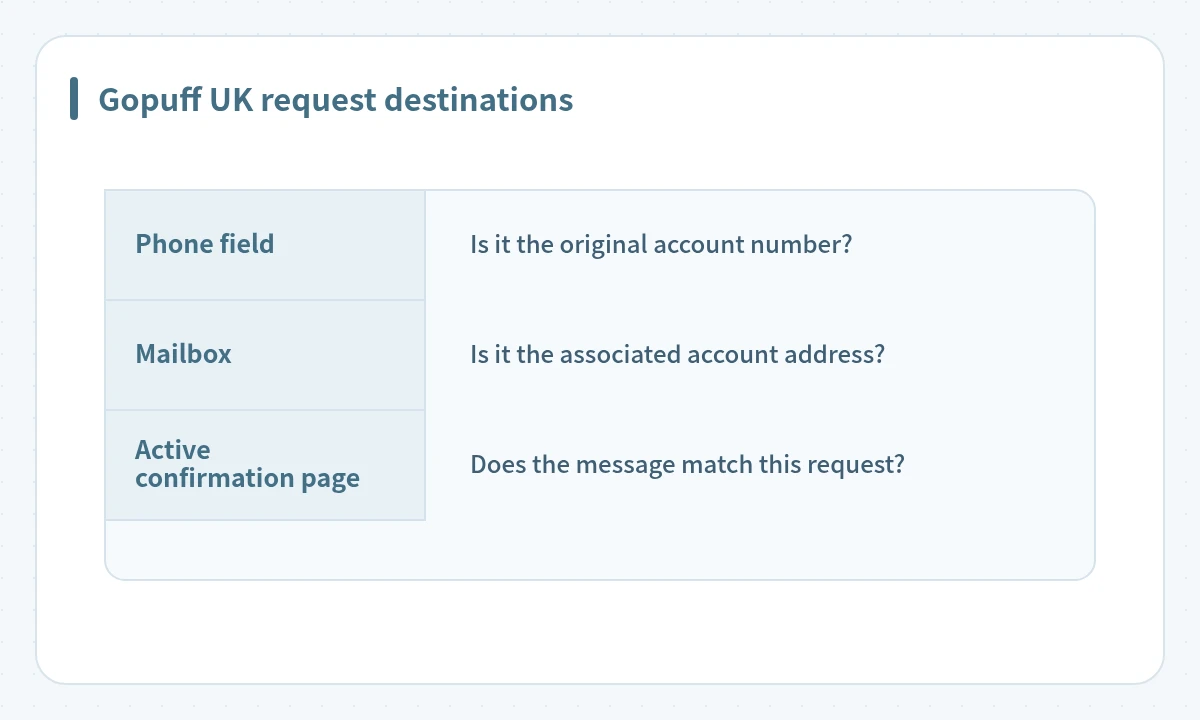
Compare the three relevant locations
| Location | Question to establish |
|---|---|
| Phone field | Is it the original account number? |
| Mailbox | Is it the associated account address? |
| Active confirmation page | Does the message match this request? |
The help description is not a promise that any newly entered email can recover any identity. A destination must have the appropriate account relationship. Possession of an inbox alone does not replace ownership checks or establish that an old number was updated successfully.
Inspect the channel actually offered when the phone is silent
Where the active flow names email delivery, check the corresponding inbox and junk folders. If that option is absent or nothing arrives, describe the actual response to official support. Do not guarantee an identical fallback button for every account based solely on the older help description.
For a message that arrives but fails on submission, compare the request and time. Do not carry an earlier attempt's value into another page. If the registered line is retired, explain that resource state; restarting another handset cannot restore control over it. This distinction keeps contact recovery separate from a temporary lack of delivery.
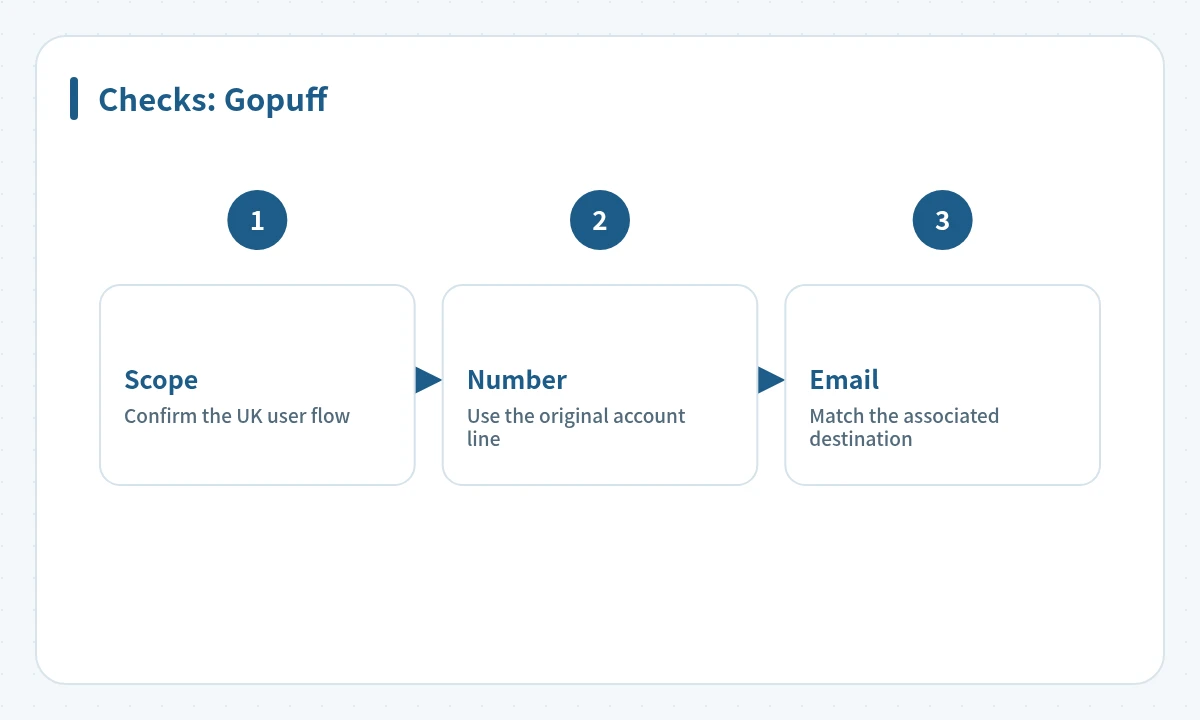
Verify the original account before interpreting order results
The official help directs customers toward in-app support. Identify the UK user account, whether the original phone and mailbox remain available, and the stage that fails. A normal support description does not require passwords, complete values or payment records unrelated to the account question.
After entry, inspect the intended identity and relevant orders. A fresh account opening does not demonstrate that the original records were recovered. Do not place another order merely to test whether the old identity is back. Account access and an existing order's handling need their own visible results.
If the current interface differs from earlier guidance, record the app version and response and ask official support which route applies. The finish is the correct identity completing the intended task, not simply the arrival of any message on a phone or mailbox. A short record of the accepted stage and remaining error makes later follow-up coherent without storing the live code.
References
Gopuff UK: phone, associated email and login help; Gopuff: official customer-support direction.
