
Gojek verification codes are not the only possible content of a login text. The official help also describes login links. When your message contains a link instead of digits, follow the corresponding flow rather than searching for a value that the current message does not provide.
Read what the message asks you to do
Initiate access from the official app, compare the registered number and country choice, then identify whether the response is a code or link. Both can concern account entry, but they require different actions. A familiar brand name alone does not determine which one you received.
If a previous page remains open while a later request produces a message, identify your active task first. Keep one clear sequence instead of copying content among devices until you lose track of which request you are approving.
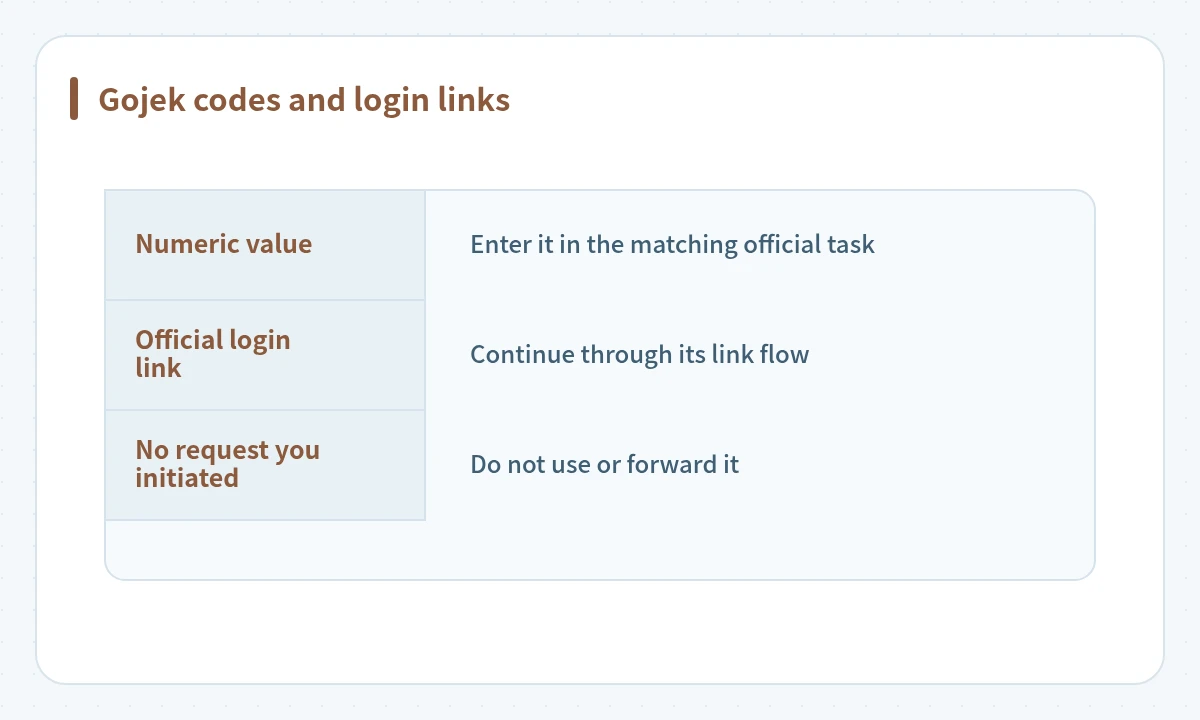
| Message form | Action for this request |
|---|---|
| Numeric value | Enter it in the matching official task |
| Official login link | Continue through its link flow |
| No request you initiated | Do not use or forward it |
The link is an access resource too
Do not assume a message without digits is suitable for public forwarding. Gojek's help says not to share either OTPs or login links, including with people claiming to represent Gojek. Hide the complete link in a diagnostic screenshot, not just the phone number.
If the message reaches another device you own, read the official options concerning the device and registered number. Do not post it to a work group or trading conversation and ask somebody else to open it. You need to understand which account and request the action continues.
The distinction also matters when copying text. A value can be typed into the requested field, while a link is a destination to follow in its intended flow. Pasting the whole URL into a numeric field will not turn the operation into the same kind of confirmation.
Check delivery location separately from message form
Where the current task offers SMS or WhatsApp, inspect the resource you selected. A shared phone number does not mean the response appears in both inboxes. Follow the destination named by your page instead of changing channels merely because the first location you checked was empty.
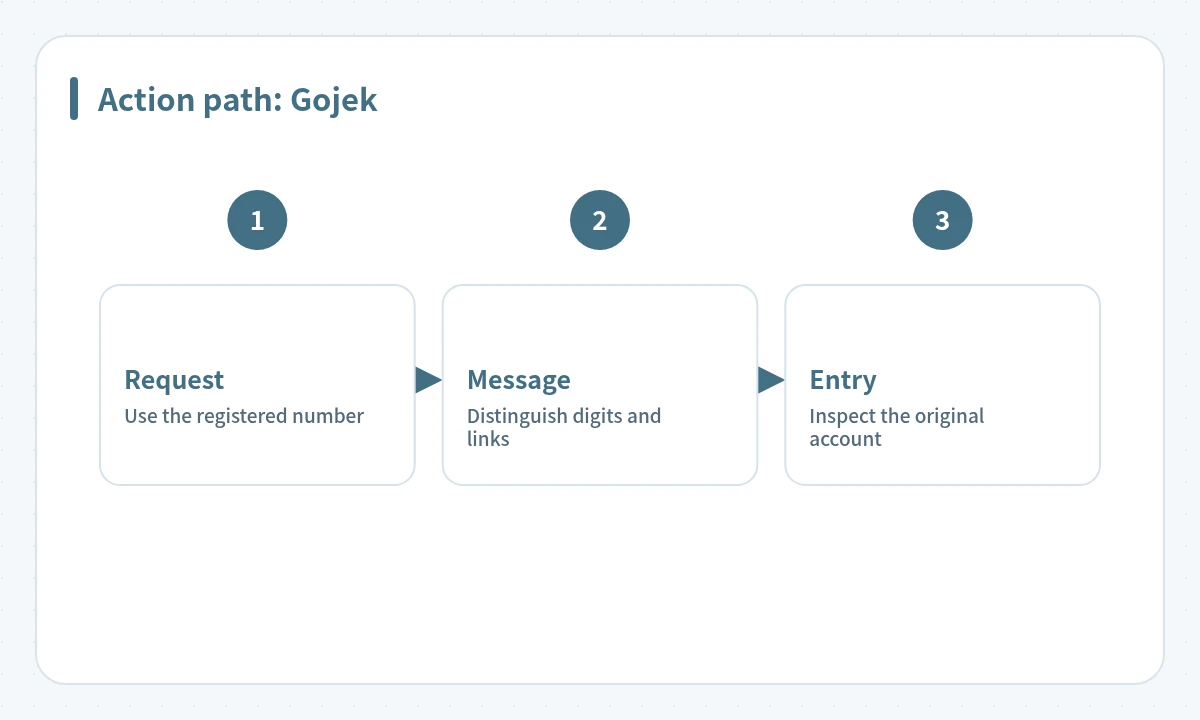
After opening the link, inspect whether you entered the original account before continuing your earlier task. A page loading does not establish that your own orders or information are present. If an unexpected identity appears, check the original number rather than immediately registering again.
For support, say whether the response contained digits or a link, which channel was used, which device initiated access, and what error followed. Do not paste the complete message publicly. Keeping form, location, and identity separate prevents waiting indefinitely for digits the current request never promised.
If the task completes but another feature fails, report that later outcome independently. There is no reason to keep reopening a completed access link as a test of unrelated account functions.
References
Gojek: Codes, login links, and account access
