
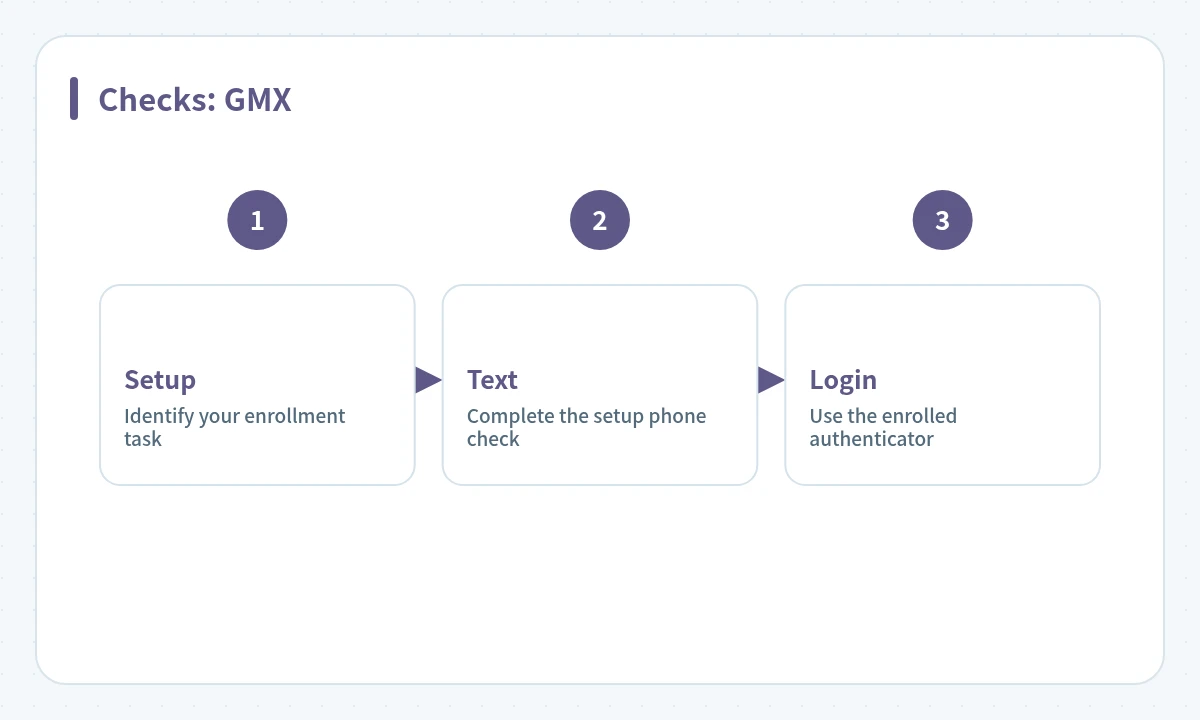
GMX verification codes need to be identified as setup confirmation or routine authenticator login. GMX's official information describes a phone confirmation during enrollment, while the additional browser-login value comes from the configured authenticator. Receiving a setup text once does not establish that every later visit should generate another SMS. Read the active stage before investigating a missing message.
Identify enrollment or ordinary sign-in
Use the official GMX mailbox and security help to establish the task. During enrollment, follow the phone and authenticator instructions supplied by that setup page. After enrollment, use the app entry associated with the intended mailbox. A remembered setup action should not replace reading the current login prompt.
For example, someone might recall a text arriving on the day protection was enabled and expect another one weeks later. If the browser now requests an app-generated value, inspect the enrolled authenticator. Asking the carrier to resend a locally generated credential would not address the actual requirement.
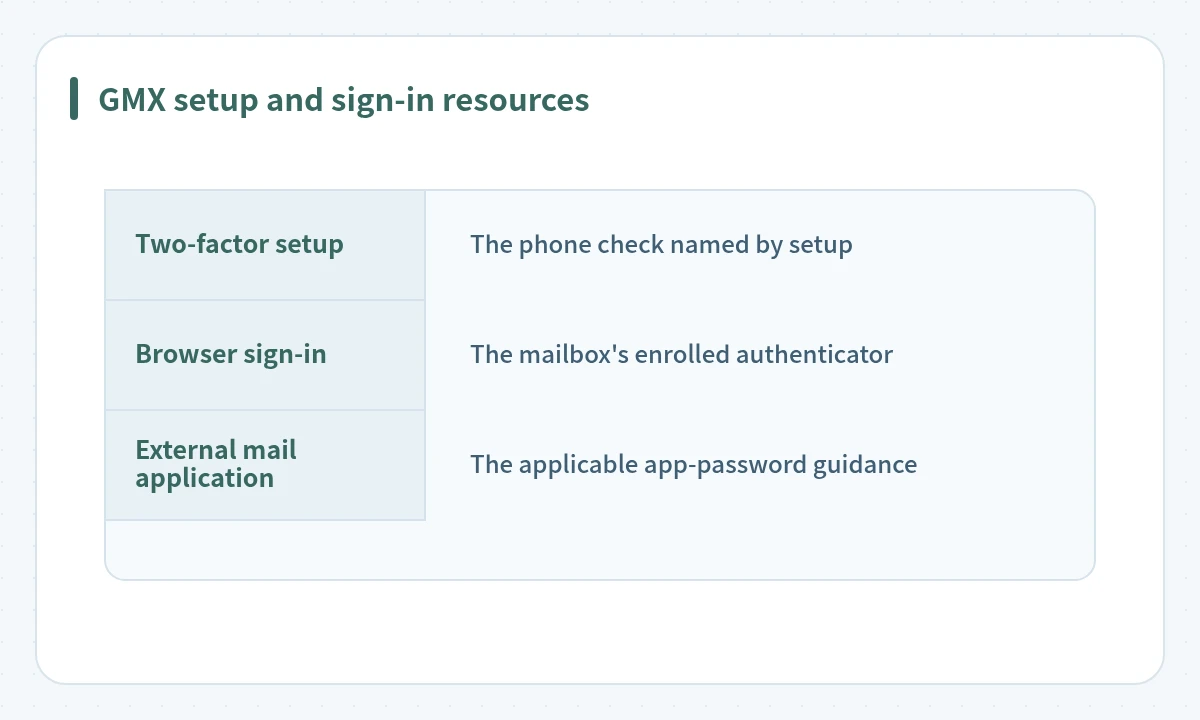
Choose the resource appropriate to the stage
| Stage | Resource to inspect |
|---|---|
| Two-factor setup | The phone check named by setup |
| Browser sign-in | The mailbox's enrolled authenticator |
| External mail application | The applicable app-password guidance |
This discussion follows the relevant international GMX information. Do not assume that every regional account has identical menu names or recovery options. The current account interface determines what is offered, particularly when the remembered instructions came from a different service or older application version.
Match the authenticator entry before entering its value
Several mailbox entries can coexist in one authenticator. Similar labels are not evidence that they represent the same identity. Compare the account clue, then use the value for the intended browser request. Cycling through every visible number produces repeated failures without establishing which entry actually belongs to the account.
If the original authenticator is unavailable, inspect formal recovery options. Installing an empty replacement app does not recreate an old enrollment. Protect setup keys and recovery resources rather than placing them in ordinary screenshots or sending them to a private intermediary. The useful support information is the stage and response, not the secret behind the account relationship.
Investigate a mail-client failure through its own credentials
GMX distinguishes browser access, its mail app and external POP3 or IMAP programs. An external program can need an application-specific password and the applicable access settings. A changing one-time value should not be saved as the permanent credential in the client's password field. Follow the current instructions for that access method.
A support request should identify browser, GMX app or external program, then specify the failed stage and exact error. Keep complete keys, passwords and live values out of public reports. An external client's response should not automatically trigger another browser recovery attempt when that browser already works.
Finish by inspecting the original mailbox and the sending or receiving function needed. An authenticator displaying changing digits is only one observation. Record whether browser access completed and whether the relevant mail program works, so a later investigation begins with the unresolved method rather than repeating a successful setup-phone check.
References
GMX: setup texts, authenticator login and mail-program access; GMX: two-factor help directory.
