
Fiverr verification codes involve a requesting device and a receiving device with different roles. The official phone-verification guidance says to begin on a computer. A phone receiving texts normally does not establish that every setup action can be completed from the mobile interface.
Identify where the request starts and where it arrives
Open your own Fiverr account settings on a computer, inspect the account and destination, then use an available text or call option. Read the code on the receiving phone and complete the corresponding request you initiated. Do not let an outside operator open another account and then ask for your incoming message.
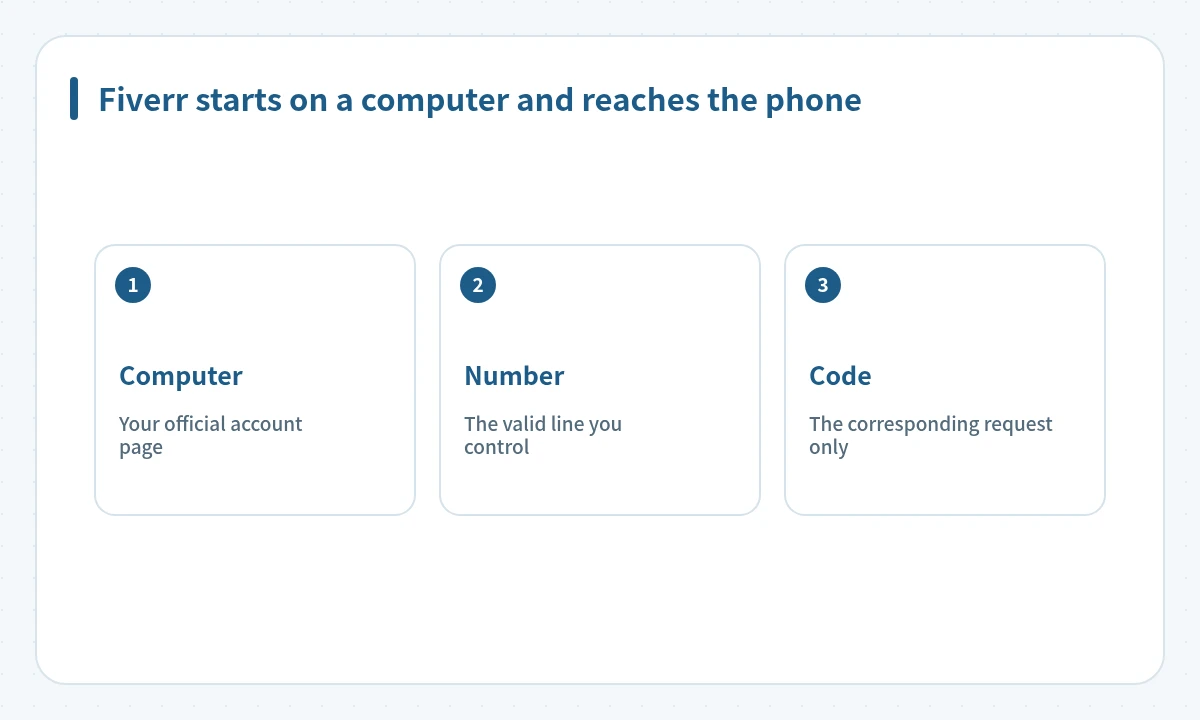
Fiverr's guidance calls for a valid, reliable number, excludes services such as Google Voice and similar VoIP offerings, and restricts number association. A number rejected during submission calls for a requirements check. An accepted request without a message calls for examining the destination, filtering and line status.
Keep three objects connected in one flow
| Object | What to establish |
|---|---|
| Computer page | Your official account and current task |
| Phone number | The accurate destination you control |
| Code | The value for that request only |
Requesting on a computer and opening a different task on the phone can leave you unsure whether both screens concern the same operation. Keep the original flow identifiable and follow its retry instructions rather than generating overlapping requests on several pages.
Do not treat a call and an SMS from separate attempts as interchangeable simply because their values look similar. Read the current page and message purpose, and avoid recording either live value in a troubleshooting note.
Inspect the official number-change requirements in advance
Fiverr's help describes old-number information and security-question requirements around changes. If those details are forgotten, use formal customer support. Do not publish a security answer or email it to an outside helper for investigation. Knowing a number and satisfying the account's ownership check are different things.
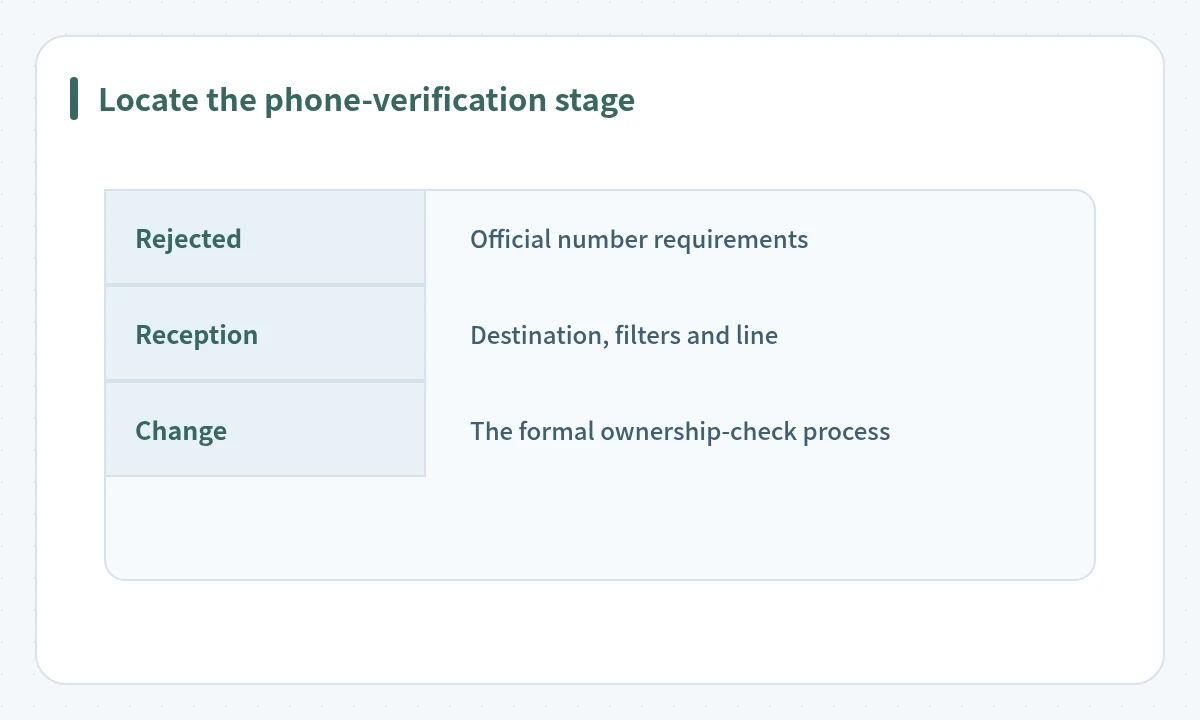
Before retiring a line, review the account's phone and recovery arrangement while access remains available. Do not wait until the old phone is erased and the line disconnected to inspect the change process. A successful initial setup does not remove the need to maintain usable account information.
If the number is rejected, do not cycle through temporary lines or alter information to defeat the requirement. The official process should be used for your own identity and supported receiving resource.
Collaboration does not require sharing login secrets
A customer can discuss work without receiving your password, security answer or verification code. If an outside message claims verification is needed to continue a project, open Fiverr independently and inspect whether that task exists. Do not follow an unfamiliar credential-collection link.
For support, name the requesting device, selected method, exact error and approximate time with complete numbers and codes hidden. This distinguishes an unsuitable setup device, an unsupported number, a reception issue and forgotten account information instead of collapsing them all into a report that the platform never sends texts.
References
Fiverr: Computer-based phone verification, number requirements and changes.
