
FastMail verification codes may work perfectly for web login while a mail client continues to reject authentication. These are different entry points. A one-time text or authenticator value should not be treated as a permanent password for a third-party mail program.
Identify the program before changing credentials
Fastmail's two-step guidance explains that most third-party mail and calendar clients need app passwords rather than the interactive web-verification sequence. Identify the program and connection arrangement first. The official Fastmail app and an unrelated desktop client should not automatically be diagnosed in the same way.
While your own web account remains accessible, inspect the app-password arrangement for that device. A clear device name makes later revocation easier. Do not rotate the account password, recovery code and one-time value through the client's password box to see which one works.
Keep three credential purposes separate
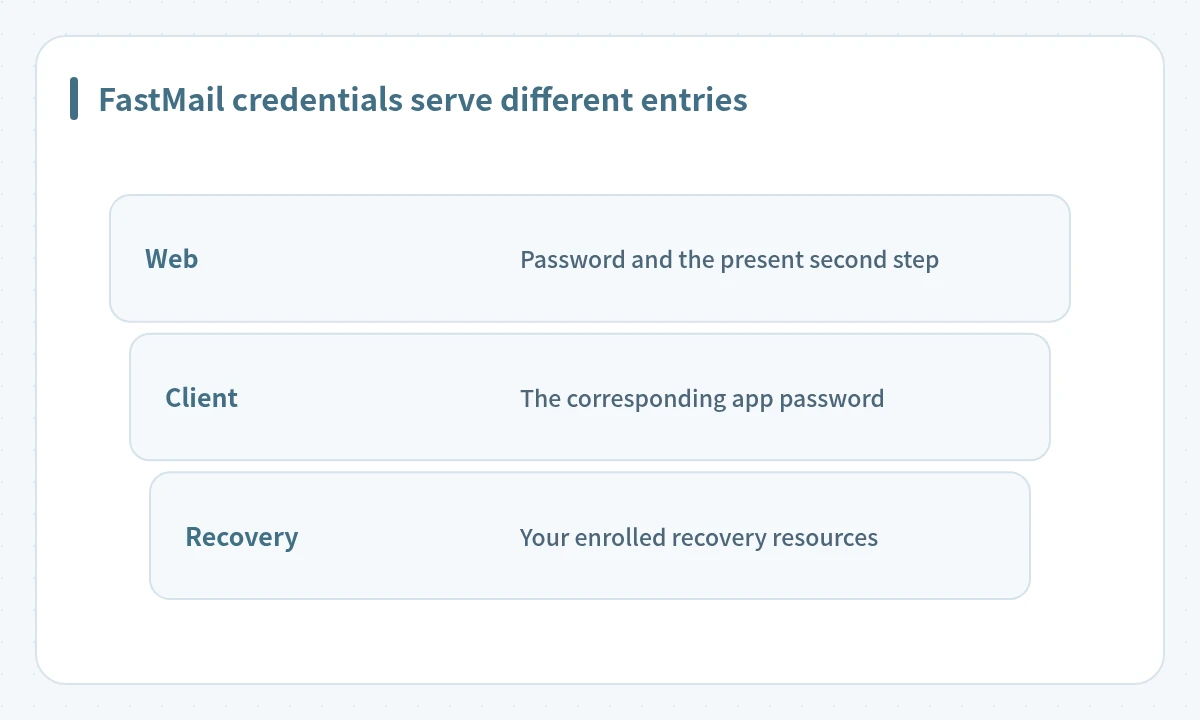
| Entry | Relevant material |
|---|---|
| Web account | Password and the current second step |
| Third-party mail client | The appropriate app password |
| Account recovery | Your enrolled recovery resources |
If the client previously worked, record when it stopped and whether the device or credentials changed. A successful browser login proves that route works; it does not establish that a stored app password remains valid. Avoid deleting every device's access arrangement as a first diagnostic action.
Keep app passwords out of screenshots and public discussions. A private record can name the device and whether its credential was replaced without retaining the secret. This is enough to distinguish a forgotten update from a broader account-access failure.
A recovery phone is a fallback resource
The official documentation describes the recovery phone as a backup for two-step verification, alongside separate recovery-code preparation. These resources do not become the regular credential for a mail client. Complete a phone-code task on its matching formal page instead of storing that value in the client's settings.
Before changing numbers, review the recovery information recorded on the account and complete any required update. If the old phone also holds an authenticator, inspect that arrangement separately. Transferring a telephone line does not establish that every authentication record moved with it.
A planned replacement should leave you able to identify which device and account each resource belongs to. That is more useful than keeping a folder of unlabeled screenshots containing sensitive setup information.
Preserve mail while investigating connection errors
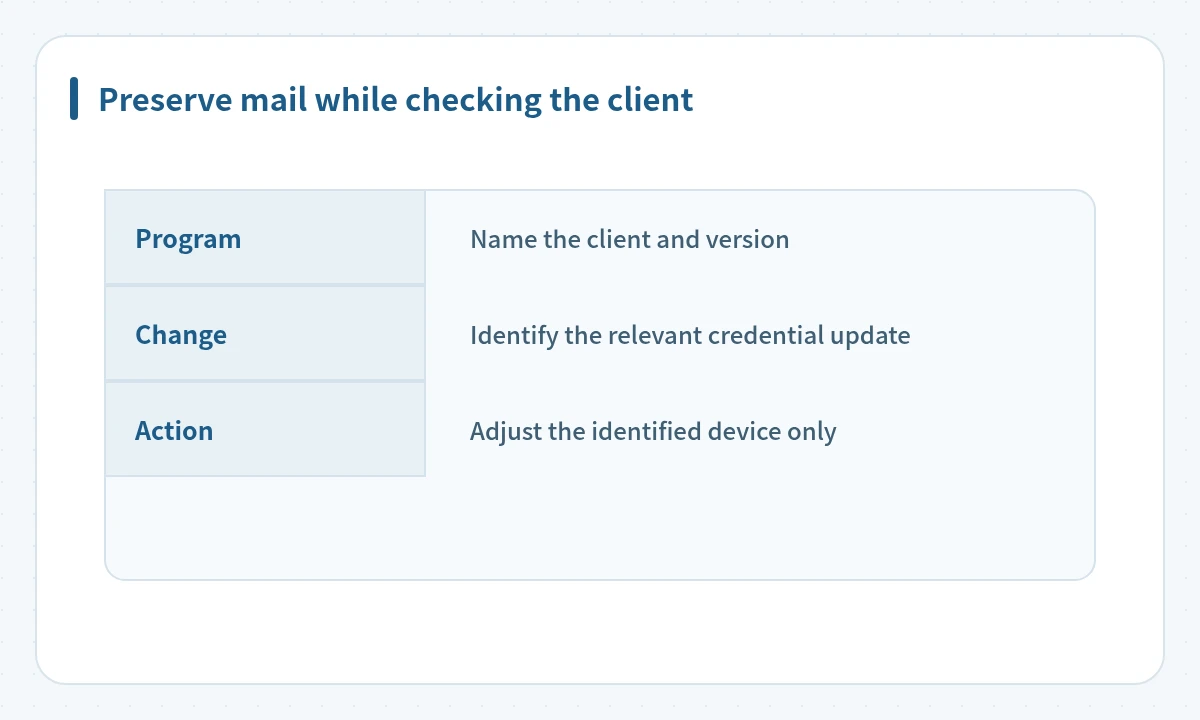
A useful support report names the client, operating system, time and masked error. Before removing a mail profile, understand whether it contains local messages or configuration you need to retain. Authentication troubleshooting should not accidentally become an unrelated data-recovery problem.
If web login also fails, resolve account access before attempting new client configuration. The account-recovery tool and an application repeatedly submitting an old credential have different roles. Restoring the original identity first gives you a controlled place to inspect the client-specific settings afterward.
If only one client fails while another still retrieves mail, compare their specific configuration rather than replace everything at once. Record the differing device and app-password arrangement. Keep a working client available while checking the affected program through the applicable official setup instructions.
References
Fastmail: Two-step verification, recovery and mail clients.
