
FACEIT verification codes after a phone replacement should be investigated by identifying the lost resource. An unavailable authenticator entry is different from ordinary message reception. Installing an app with the same name does not establish transfer of the original enrolment.
Inventory access that remains usable
Inspect your own available devices, account email and official security settings. Record the method the current page requests. For an authenticator challenge, check the correct entry and normal device time rather than repeatedly waiting for SMS.
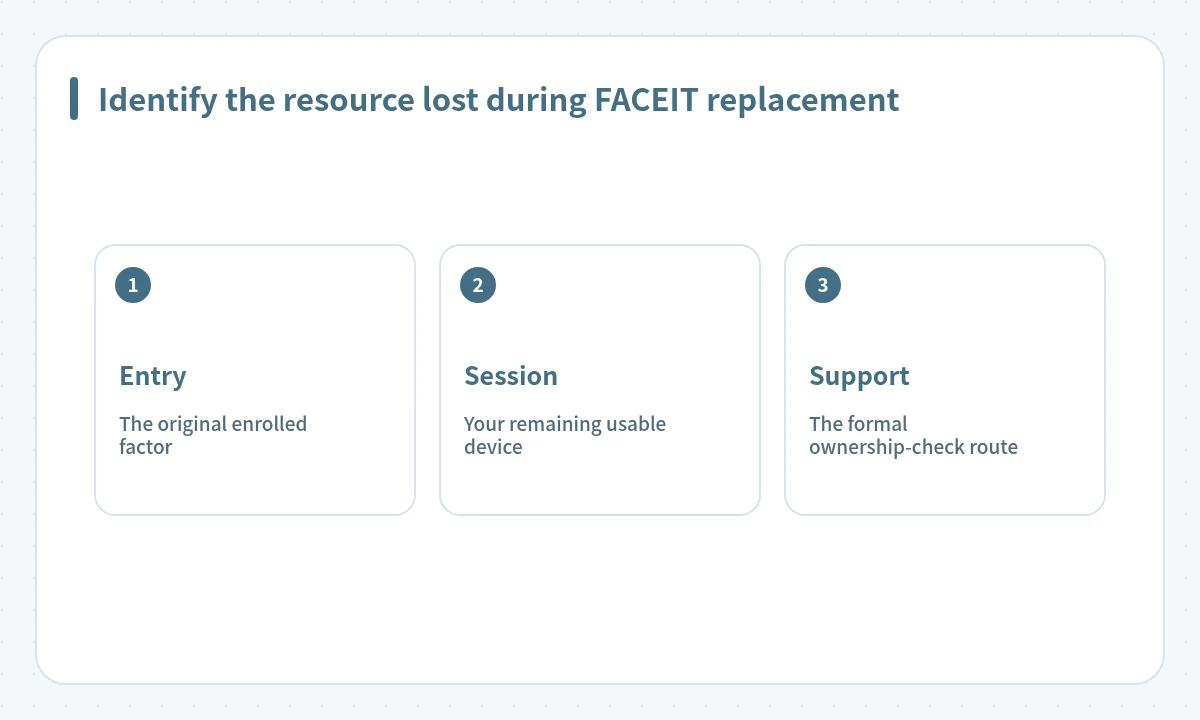
FACEIT's official two-factor help describes contacting formal support when replacing a phone leaves the original authentication unavailable, followed by restoring protection after recovery. The actual ownership checks and required information come from the current official process. An outside person cannot guarantee their result.
Make the support description identify the affected identity
| Information | Appropriate scope |
|---|---|
| Stage | Original authentication unavailable after replacement |
| Account evidence | Necessary identifiers requested by formal support |
| Observation | Selected method, error and timing |
| Remaining resources | Your accessible devices or mailbox |
Provide ownership information through the trusted support entry, not a public group. A complete collection of names, birth details and contact data should not be posted merely to explain an error. Passwords, current values and setup secrets also do not belong in ordinary troubleshooting attachments.
Keep a concise record of what changed: the phone, the line, the app installation or the available session. This helps distinguish loss of an enrolled resource from a code that is present but rejected, without collecting the secret itself.
Do not use account deletion or new numbers as experiments
Preserve an old working session rather than clear everything, create another identity or borrow an account to test the replacement. Inspect the official transfer and recovery arrangement before making changes that remove remaining access.
An offer to force-disable protection, bypass waiting or recover everything through an arbitrary receiving number is not authority to obtain your account information. The process concerns your identity and its enrolled resources, not finding any line capable of receiving digits.
If a support request is already open, keep the relevant case and account context identifiable. Adding unrelated attempts can make it harder to explain which state remains current. Follow the formal request for further information instead of distributing it among outside helpers.
Inspect protection after access returns
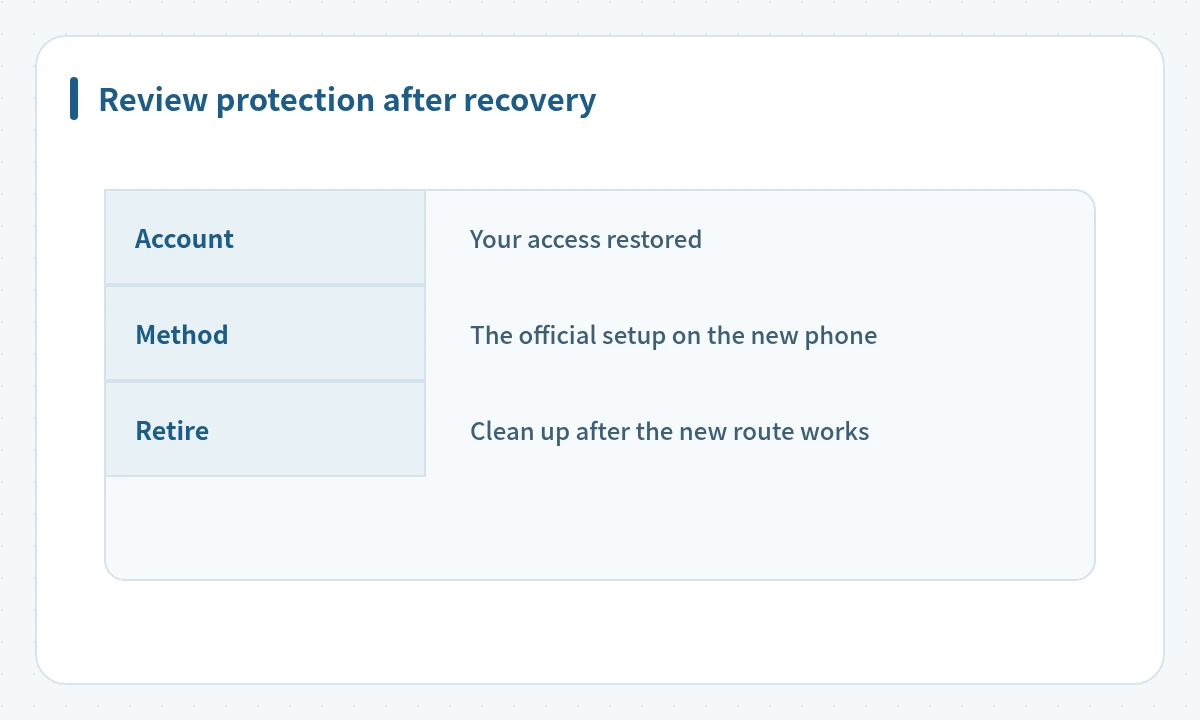
The official help reminds users to enable two-factor protection again after the relevant recovery. Do not stop merely because sign-in works. Review the method on the new device, your applicable backup arrangement and the old-device plan before ending the replacement task.
Account entry and a remaining competition or game-connection issue should then be investigated separately. Another code may not answer a product-specific error. State which stage is unfinished and retain the exact message, while keeping authentication and personal material out of public screenshots.
A recovery plan should leave the account under your own maintained access, with a clearly configured method, rather than dependent on a person who offers to receive secrets for you.
References
FACEIT: Support after losing an authentication device and restoring protection.
