
Facebook verification codes should be connected to a sign-in that you actually initiated. When waiting for a message, it is easy to assume that anything arriving at the same time belongs to your request. The code's purpose still depends on the particular account and action behind it.
Start from an independently opened official page
Use an official Facebook entry you have confirmed yourself, then check the account and requested method. Facebook's official safety material describes SMS and authenticator-based two-factor verification. That background does not mean every challenge sends a text, and older menu screenshots should not be treated as a fixed path for every current device.
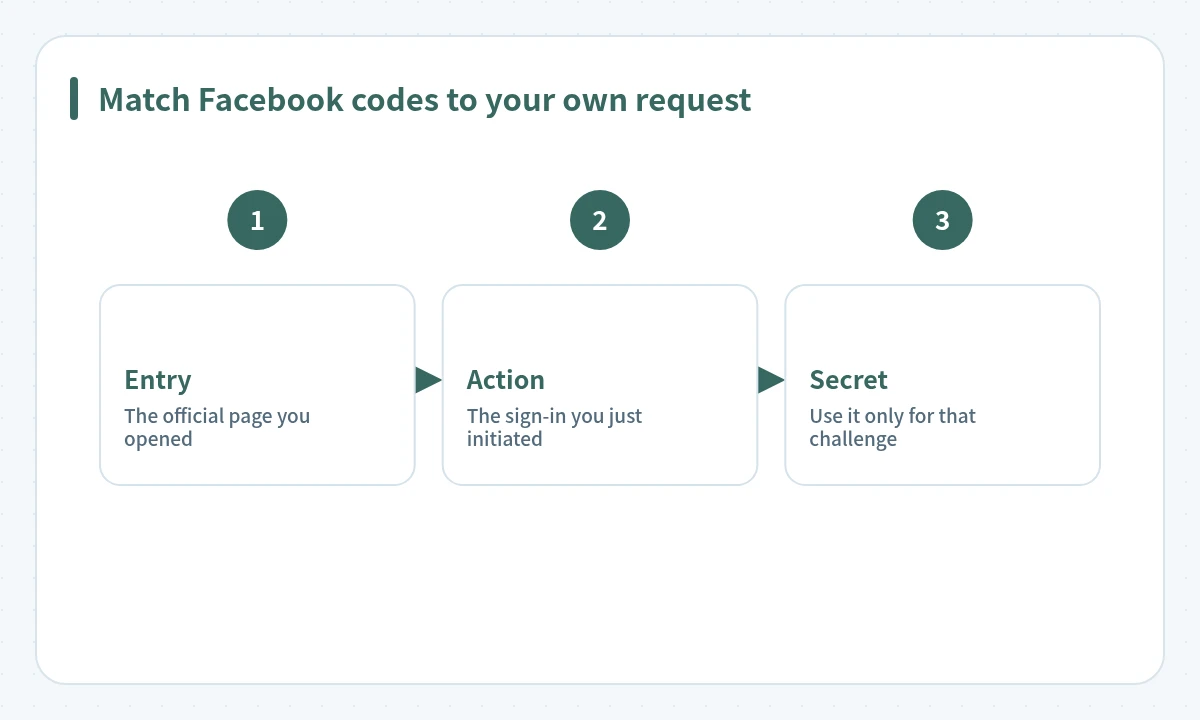
If the page asks for an authenticator, inspect the entry previously configured for that account. If it explicitly asks for SMS, inspect the destination shown. Do not try numbers from an earlier registration, a contact-information change or another account simply because they look like the expected format.
An unexpected message is a separate situation
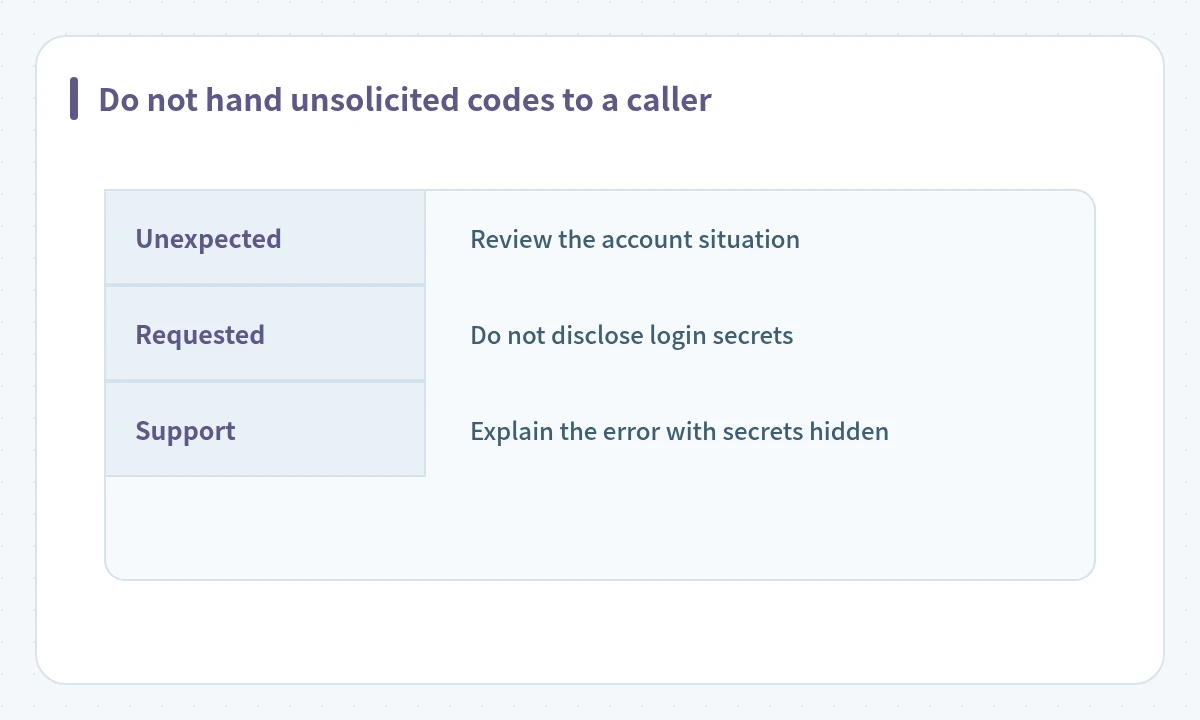
If you did not begin the action, do not pass the code to someone claiming to have mistyped a number. Requests framed as cancelling a login, removing a warning or collecting a reward do not change what a verification value can authorise. A caller's explanation does not establish entitlement to your account.
Keep the message without following an unfamiliar link, and open the official application independently to inspect the situation. Familiar branding or an account picture on a page is not enough to establish a safe entry point. Check where you are before entering a password or completing a challenge.
For your own missing code, identify the current route
| Situation | Useful check |
|---|---|
| You requested a text | Masked destination, line and message filtering |
| You requested an authenticator step | The account entry and device time |
| You made no request | Do not disclose; review account security independently |
If the number is no longer yours to use, inspect the official account-access options. A stranger offering to receive the old account's messages is not a replacement for number control. Preserve a working session while reviewing the settings instead of clearing the old phone before learning whether the recorded information remains usable.
Observe the retry instruction on the page and avoid making several indistinguishable requests in different tabs. A clear sequence makes it easier to relate any arriving message to the action still open. Record times and error wording rather than storing the code in a troubleshooting log.
Share the problem without sharing the credential
A support report can name the account, action, selected method and exact error. Hide full numbers, codes and private messages. There is no need to publish the whole security message for someone to understand that the request was unsolicited or that the displayed destination is outdated.
After a legitimate settings change, review the usable devices and recovery arrangements through official account controls. Keep a note of which methods you can actually access, with secrets stored appropriately elsewhere. This guide concerns your own account verification; it does not offer a way to access another person's account or promise that a particular number type will be accepted.
References
Facebook official digital safety material: Two-factor verification basics.
