
Epic Games verification codes can successfully protect an account that is different from the one your game uses. If two-factor authentication is enabled on the web but the game still reports otherwise, match the identities before requesting another message.
Start with the platform you actually use to play
Epic's official help says a common reason Fortnite fails to recognise enabled two-factor authentication is that setup occurred on another Epic Games account. Console players should inspect the platform identity used to enter the game, rather than assuming a remembered email is necessarily the connected account.
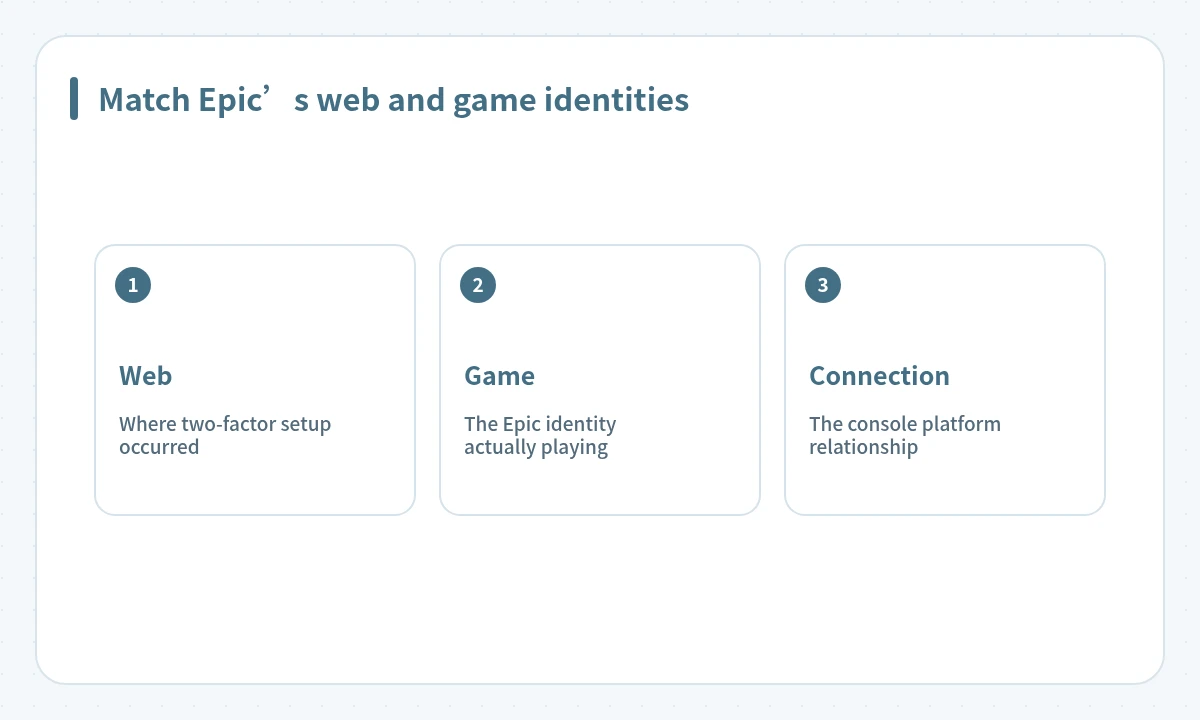
Preserve the account information visible in your own game and compare it through official account settings. Similar nicknames do not establish an identity match, particularly if you previously created a separate web account. You do not need to disclose a password or live code to another player to perform this comparison.
Do not unlink accounts as a casual experiment
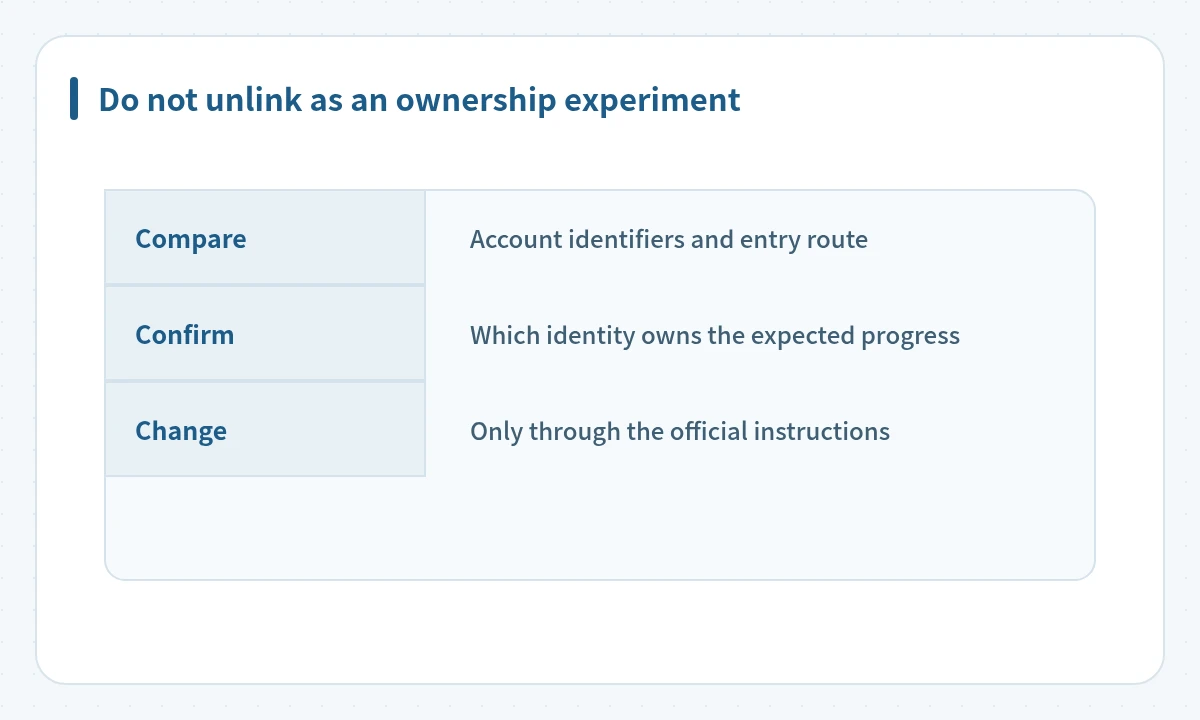
Epic's guidance on unexpected progress explains that the wrong account or a changed console connection can leave you seeing different saved progress. Read the relevant official instructions before unlinking, creating another identity or reconnecting a platform. Those are changes to account relationships, not harmless tests of SMS reception.
| Item | What to compare |
|---|---|
| Web account | Where two-factor setup actually occurred |
| Game identity | The Epic account and platform entry in use |
| Console connection | The relationship shown in official settings |
| Saved progress | Whether it belongs to that identity |
Keep an account-change plan separate from the immediate observation. First identify the relationships you have; then decide whether any correction is necessary. Repeatedly unlinking and signing into different accounts can obscure the original situation.
Check codes only after locating the intended identity
Once the account match is established, inspect the method configured there. Follow the current page for email, SMS or an authenticator. A code from a different account does not diagnose the intended account's security setup. If the recorded email is inaccessible or account information needs completion, use the official process rather than purchasing purported verification assistance.
A console-created account may have account-information steps still to complete, depending on its actual state. Follow the official page for that identity. Do not attach a new email or platform account at random simply to make an incomplete prompt disappear.
Provide support with an identifiable account sequence
State the platform used to play, where two-factor authentication was enabled, the game's exact message and the approximate time. Share necessary account identifiers only in the trusted official support process. Keep passwords, changing codes and recovery material out of public groups and screenshots.
After correction, confirm the game's identity, expected progress and intended security setting together. Two-factor setup answers a question about one account; the game using that account requires a separate match. Checking both prevents the same confusion from returning during the next platform switch.
The aim is to establish continuity of the account you own and protect it through the correct settings, without changing relationships merely to see whether a new code produces a different screen.
References
Epic Games: Two-factor authentication enabled but not recognised in game; Epic Games: Account connections and unexpected progress.
