
eBay verification codes do not always mean an SMS is on its way. Your account may request app approval, a text or an authenticator code. Read the selected method before refreshing the message inbox, particularly if a useful prompt may already be waiting inside the app.
App approval is a different action from reading a text
The official eBay account-security guidance describes app confirmation, SMS and authenticator methods. Each points to a different place. An app request needs inspection in the correct signed-in account; an authenticator uses the corresponding entry; a text belongs to the number identified by the current page.
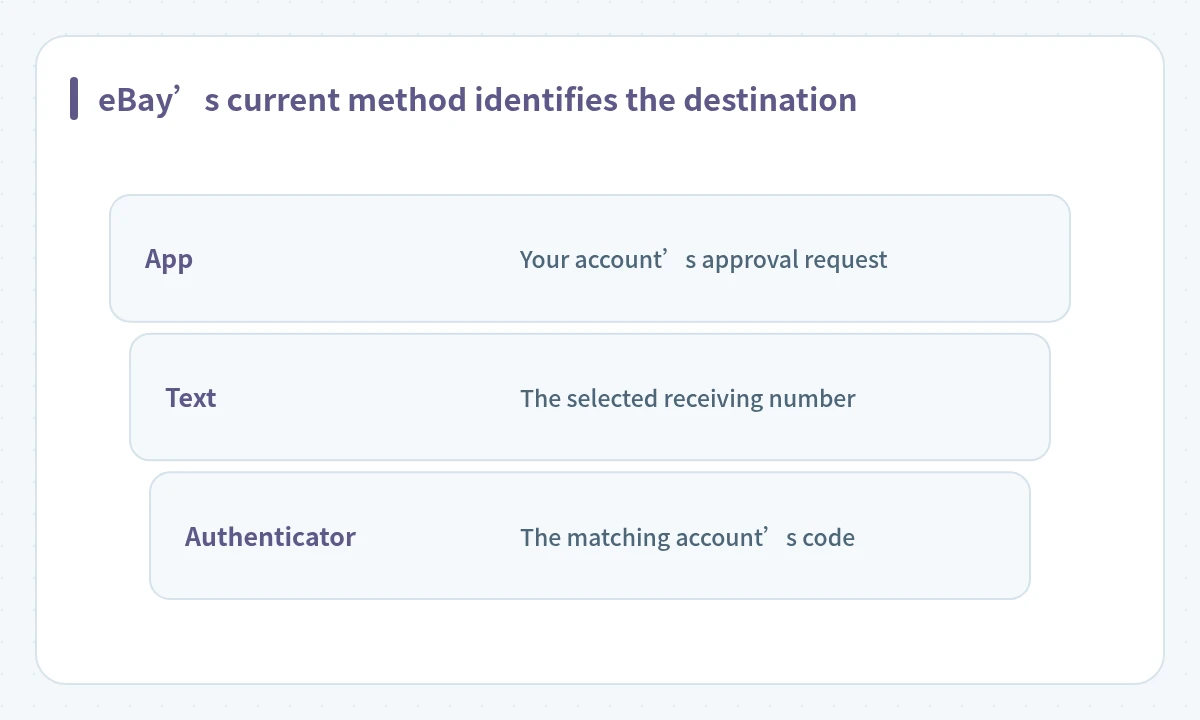
Confirm the account name first if the device has been used for more than one shopping or business identity. An eBay icon in a notification does not identify the intended account by itself. Open the request and relate it to the login you just started before approving anything.
Relate each request to an identifiable attempt
A small private note can record the device being signed in, selected method and approximate request time. Those observations help connect the result to the correct screen without recording the actual secret. An earlier message arriving late should not automatically be treated as the answer to whichever tab is now open.
| The page requests | Inspect | A common wrong destination |
|---|---|---|
| App approval | The request in your eBay account | Only the SMS inbox |
| A text code | The selected number's messages | The other SIM's inbox |
| An authenticator code | The matching account entry | An ordinary shopping notification |
A quiet phone needs a channel-specific check
For app approval, inspect the app and whether relevant device notifications are muted or filtered. Do not install an external verification assistant to obtain a prompt. For SMS, check the destination, message filtering and line status. An ordinary transaction alert arriving does not establish that the current sign-in message reached the same destination.
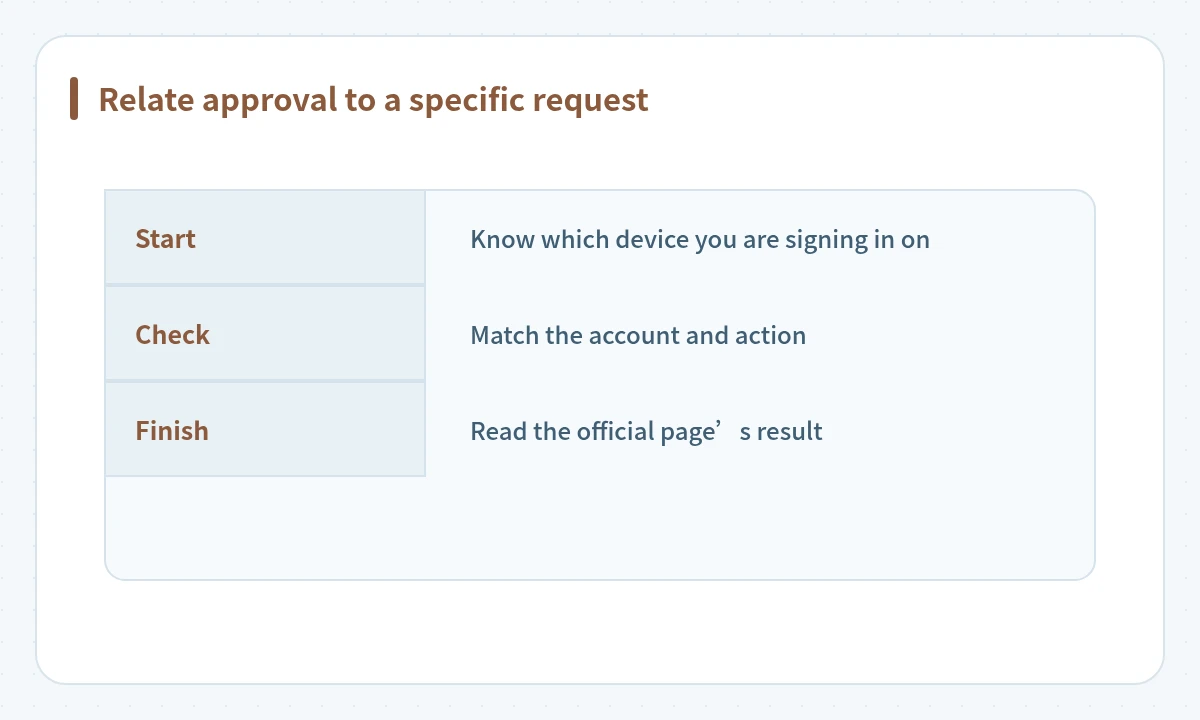
If the official page offers another method already configured for the account, follow that option. A stranger cannot legitimately supply a missing account method simply by offering to receive a code. Do not delete existing security information as an experiment, and preserve a working session while reviewing the settings.
Check what actually moved to a replacement phone
Installing eBay on the new device does not establish that an authenticator entry transferred or that an old number remains usable. Before changing phones, identify the active method and its supported transition process. Confirm access on the new device before clearing the old one.
If the original phone has already been lost, follow the official recovery choices available to the account. Keep account ownership and the current verification method central to that process, rather than trying unrelated numbers until a message appears.
A useful support request names the method, error and time while hiding codes and complete contact information. That lets support distinguish app-notification display, text reception and account configuration. It also avoids handing over a login secret to explain a problem that can be described without it.
References
eBay: Protecting your account and two-step verification methods.
