
DoorDash verification codes can belong to contact-number confirmation or to an account MFA challenge. The purposes appear within the same help system, but the current page determines the receiving options. An email alternative on one task should not be assumed to exist on every other task.
Identify the customer-account task on the page
DoorDash's consumer guidance discusses phone verification separately from account multi-factor authentication. The former concerns the contact line, while the latter follows the options presented by the current identity challenge. Read the field's context before deciding which inbox to inspect.
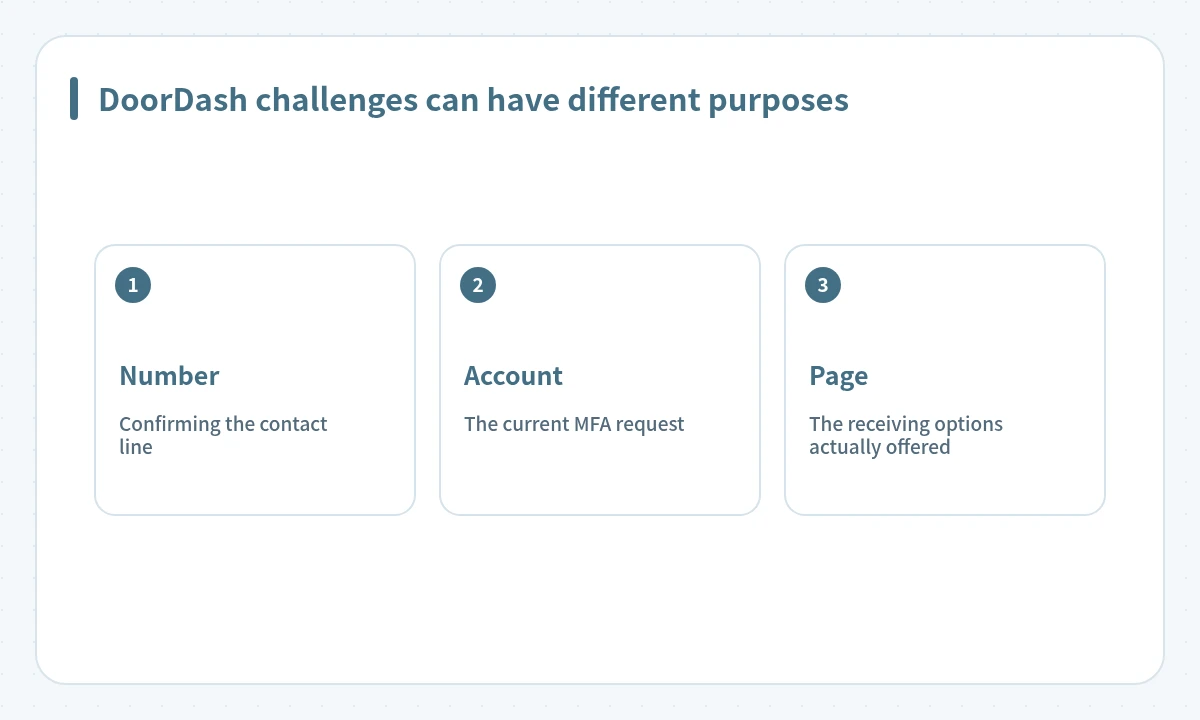
Also confirm that you are using the customer account, rather than a Dasher, merchant or another business entry. Shared branding does not establish shared credentials, methods or support responsibilities. A search result about codes needs a scope check before it becomes an operating instruction.
Relate request, destination and result
| Object | Question |
|---|---|
| Task | Phone confirmation or account challenge? |
| Destination | Which email or number does this page show? |
| Code | Does it belong to your current request? |
| Result | What happened after entry? |
An ordinary order message arriving does not establish delivery of the present account challenge. A promotional email in a mailbox does not locate the verification email either. Search with attention to purpose and timing, not just the brand name in the sender.
Follow the current retry and expiry instructions
Official help describes attempt restrictions and code expiry. Follow the actual prompt rather than trying values from different requests in succession. Do not cycle through identities or numbers to get around the limit. Use a different method only when the official page offers it for this task.
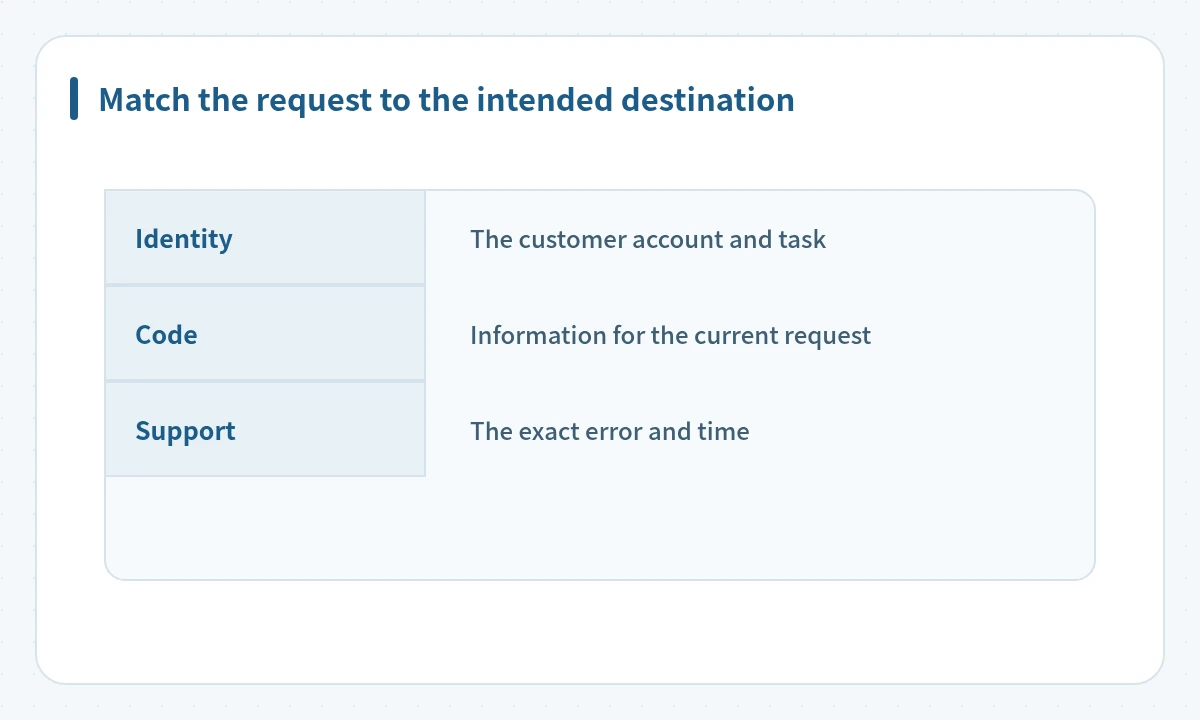
If the destination is an old number, inspect the account-information and access route. If it is correct but reception fails, inspect filtering and the line. Tell support the task and failed stage instead of sending an isolated picture of an empty code box.
Keep a single identifiable page while testing. A private note can retain the selected method, masked target and approximate time without recording the live value. This makes a later support conversation easier to relate to the actual request.
Review unfamiliar login notices independently
If a new-device message appears without your own sign-in attempt, open the official account directly and inspect its security state. Do not disclose a code based on an unsolicited caller's explanation. Passwords and recovery links also remain access material rather than normal chat attachments.
After account access is restored, inspect orders, addresses and other business outcomes in their appropriate pages. Passing a challenge does not confirm that an order was changed or completed. Keep those results separate when checking what the original task achieved.
A support screenshot should retain the task, error and timing while hiding addresses, full contact information and credentials. That lets customer service distinguish reception, account security and the actual order question without receiving unnecessary private material.
When reporting the issue, include the app or website entry and the customer role before describing the phone. This helps support avoid applying instructions for a merchant or delivery-worker identity to the consumer task.
References
DoorDash: Consumer phone verification and account MFA.
