
Dominos verification codes used in an Indian gift-card flow should be distinguished from the card PIN. The official Domino's India FAQ treats card details, the associated mobile, and redemption confirmation separately. Digits printed with a card are not automatically the value requested for the current phone task.
Identify the feature before entering anything
Read whether the current page concerns a gift card, account access, a promotion, or delivery. Several features can use the word code without referring to the same resource. Field labels and message purpose are better evidence than the number of digits.
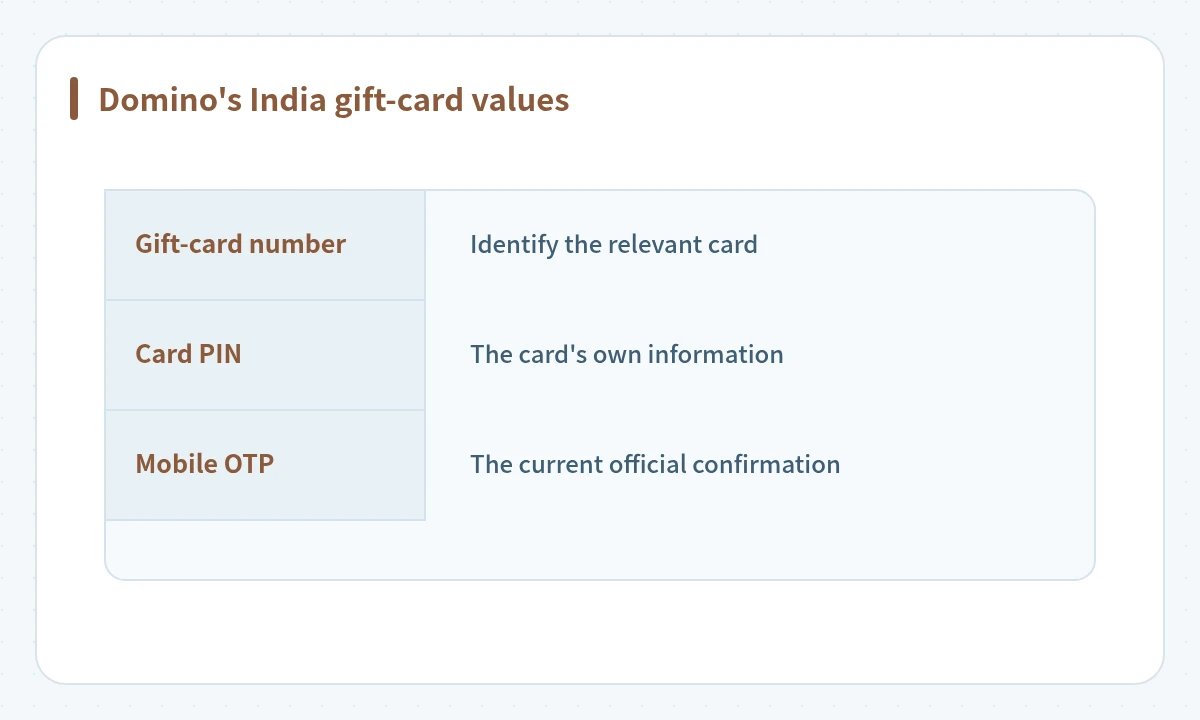
A card number identifies the card, its PIN belongs to the card information, and a mobile OTP concerns the active confirmation. Keep those purposes distinct. Do not send a complete card photograph and every value to a public conversation for somebody else to work out.
| Resource in hand | Purpose to distinguish |
|---|---|
| Gift-card number | Identify the relevant card |
| Card PIN | The card's own information |
| Mobile OTP | The current official confirmation |
Check the mobile associated with the gift card
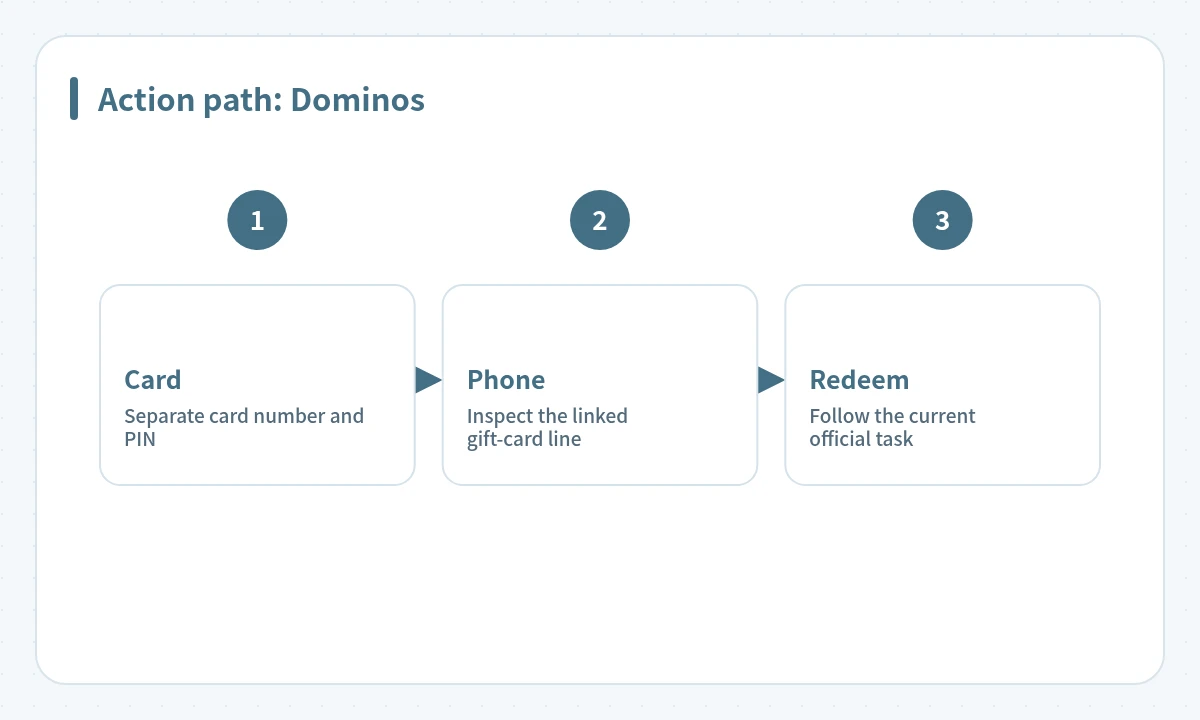
The India help describes mobile association during card activation and use of the registered number for relevant redemption confirmation. Inspect that particular relationship rather than assuming the preferred contact on another account page is necessarily the same resource.
If an older line is unavailable, consult current official gift-card support. An arbitrary replacement is not already associated simply because you control it. An account-login message should also not be substituted for a value requested inside the gift-card task.
Where a card was received as a gift, separate the person who originally obtained it from the account and contact resources used for the current official operation. Ask support about an unclear association rather than circulating complete card details among several people in an attempt to identify the right field.
Inspect redemption separately from message receipt
A value being accepted and an order actually using the card are different outcomes. Check the intended card, page state, and order result. A text arriving does not show that a balance was consumed or that the purchase completed.
For errors, provide the non-sensitive wording, time, and location in the process through official help. Do not publish the full card number, PIN, or OTP. This follows the Indian help context rather than assuming Domino's in every country uses identical steps.
No balance, expiry, or redemption result is promised here. Check the current gift-card page when information is missing, and verify contact details or procedures found in older screenshots. Separating card information from a temporary confirmation reduces the risk of placing a correct value in the wrong field.
If the form returns to an earlier page, inspect whether the order record already exists before repeating the operation. Keep the actual state clear so that a support question concerns the missing outcome rather than an unnecessary second attempt.
If the displayed card ending differs from the one you intended, stop before entering any confirmation. Compare the selected card with your private record and correct the selection through the official page instead of testing credentials against the wrong object.
References
Domino's India: Gift-card details, mobile association, and redemption help
