
DistroKid verification codes requested on a new device should be checked in the account's email inbox. The official two-step help describes email authentication for a new device or IP environment. Waiting only in the phone's text inbox investigates a different channel from the one the account actually uses.
Relate the request to the login you initiated
DistroKid's help also says this two-step authentication cannot be disabled. If you have just changed computers, associate the message with that attempt. If you did not initiate any login, open the service independently rather than confirm access for an unfamiliar device.
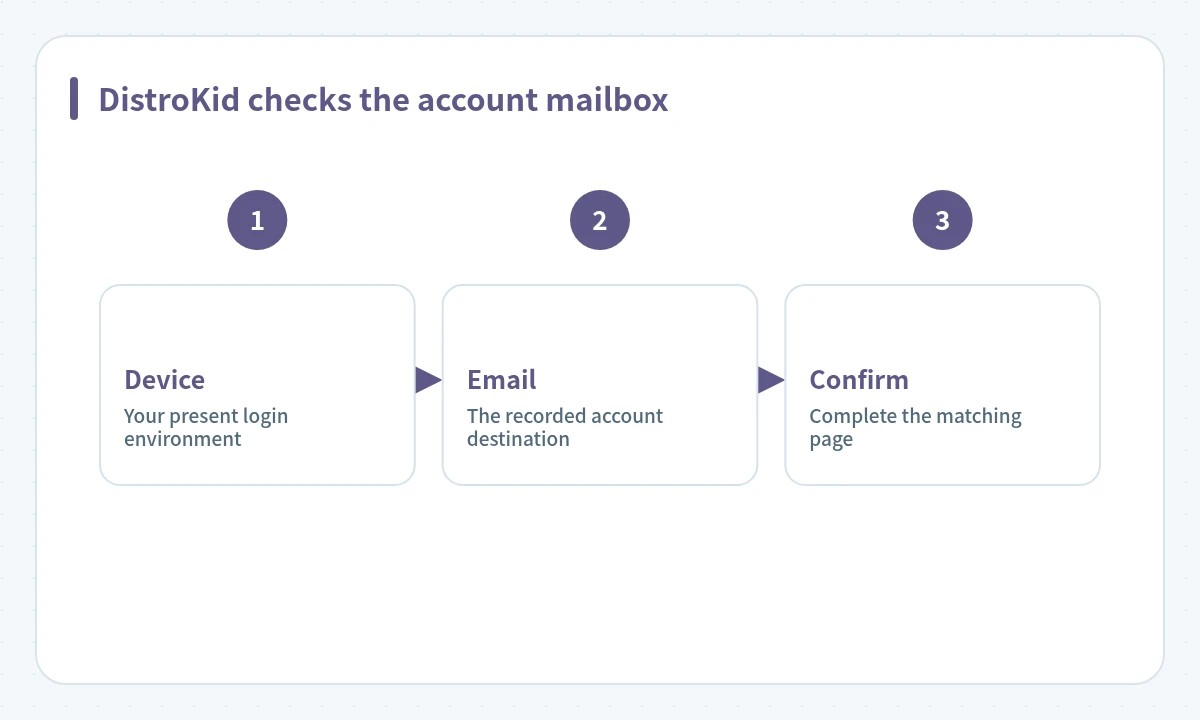
Record the device, request time and relevant account address. A former studio mailbox and a current personal address can lead to different identity contexts. Being able to view an artist's public page does not establish that you entered the account managing that artist's releases.
Inspect the email path in identifiable stages
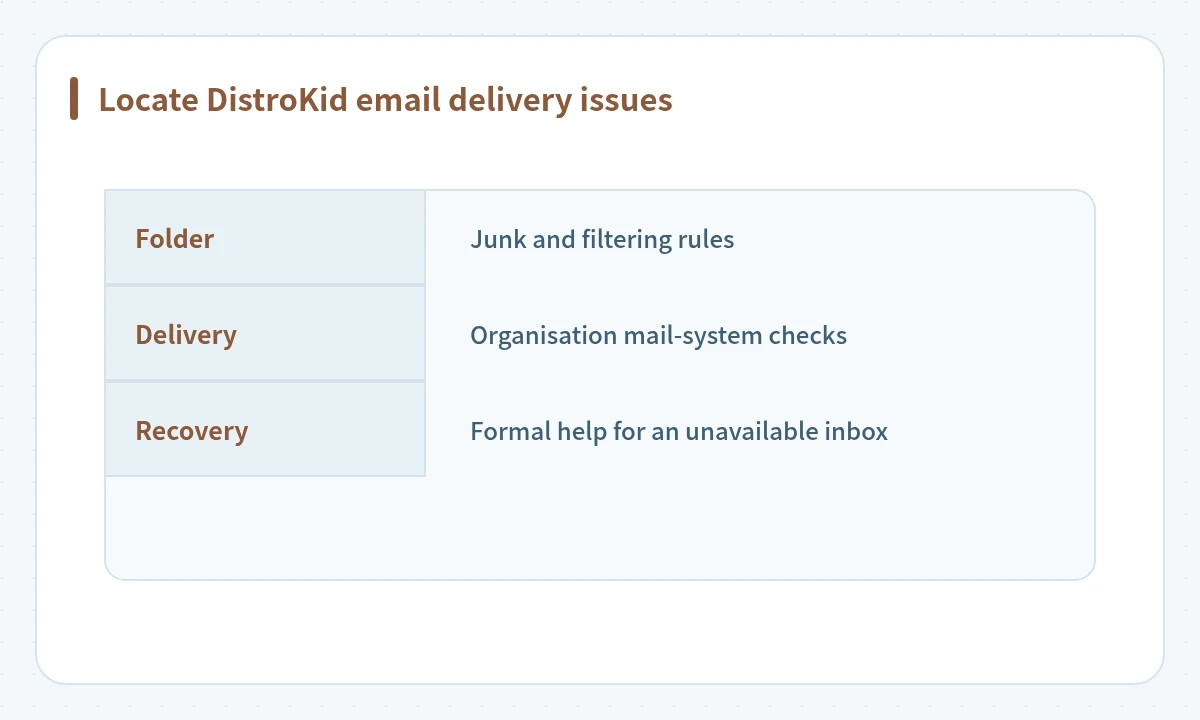
| Location | Observation to make |
|---|---|
| Junk and categories | Whether a message was moved |
| Filtering rules | Whether the service domain is blocked |
| Organisation mail system | Whether delivery was held or rejected |
The official guidance recommends checking the email provider's handling of distrokid.com messages. Give an authorised administrator the sender context and request period, not a live authentication value. A delivery investigation should establish whether mail was accepted, filtered or rejected without exposing unrelated correspondence.
Avoid switching off all mail filtering as a test. A specific rule or quarantine result is more informative than a broad configuration change that leaves the original cause uncertain and affects other incoming messages.
An unavailable mailbox needs account support
If a former work address has been closed, repeatedly resending to it will not restore access. Tell formal support that the missing resource is the account mailbox and follow the ownership checks they require. Another person's inbox is not a temporary substitute for control of your original address.
Preserve any legitimate session that still works while reviewing the permitted maintenance route. Clearing every signed-in device before checking email access can turn a manageable update into a complete lockout. A controlled description of the existing identity is preferable to several new account attempts.
If the address remains active but mail is delayed, say so explicitly. Support can then distinguish a delivery investigation from a request to change the account's contact information.
Verify the distribution account after entry
An accepted code establishes login progress, not release delivery, store availability or another music-distribution outcome. Inspect the expected account, artist and release records on their actual pages. Missing records should be investigated in that identity context before assuming that authentication failed again.
A support report can name the environment, mailbox availability, time and masked error. It should not contain unpublished recordings, complete identity documents or credentials in a public conversation. Give further necessary material only through the verified support process. Keep the objective clear: restore access to the original authorised distribution account, then inspect the separate business task you intended to perform.
For a shared studio arrangement, identify the authorised account owner before contacting support. A colleague recognising the artist name does not establish control of the original mailbox. Keep any permitted team arrangement distinct from a request to recover an individual login.
References
DistroKid: New-device authentication and missing email codes.
