
Discord verification codes need different troubleshooting depending on whether the number was accepted. An invalid-number message is not the same as an accepted request with no text received. Repeatedly pressing resend before identifying that difference can keep you working on the wrong stage.
Read the rejection before investigating the inbox
Discord's official guidance excludes certain number types, including VoIP, burner and landline numbers, from phone verification. If the page rejects a number at submission, inspect those requirements and the number's actual type. Reformatting an unsupported number repeatedly is not a way to make it meet the requirement.
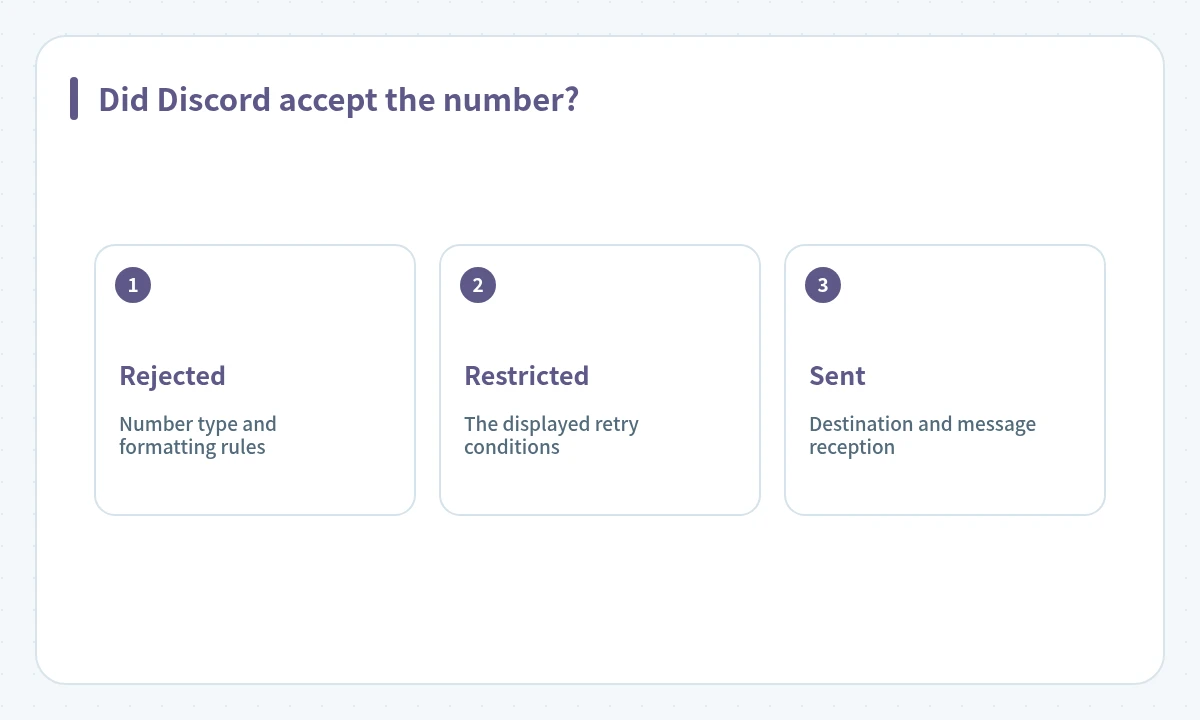
Other messages concern request limits, recent use or association with another account. Keep the cases separate. Observe the official waiting instruction for a rate limit. For an existing-account association, work only with an account you own or ask official support to clarify the situation. Do not try to access someone else's account to investigate a recycled number.
Follow the evidence from the page
| What you observe | What to inspect next |
|---|---|
| Rejected at submission | Number type, formatting and official requirements |
| Request restricted | The displayed restriction and next allowed action |
| Accepted but no message | Destination, filtering and line status |
| Another account mentioned | Your existing account or official support |
A message from a friend arriving normally does not establish the delivery state of Discord's service message. If necessary, ask the carrier about relevant restrictions and give the approximate time through its normal support channel. There is no need to send a Discord password or a live code to explain an incoming-message problem.
Do not confuse other challenges with SMS
A verification flow may include additional security steps. Passing the text-code stage and seeing another challenge does not automatically mean the SMS became invalid. Read the new request and continue only on the official page. Avoid extensions or services advertising forced verification or automatic removal of account restrictions.
Keep a clearly identified verification window while checking the result. Several tabs making requests for different numbers create confusing error sequences and can introduce further restrictions. The current page governs when another attempt is appropriate; another person's reported waiting time is not a commitment for your account.
Make a focused support report
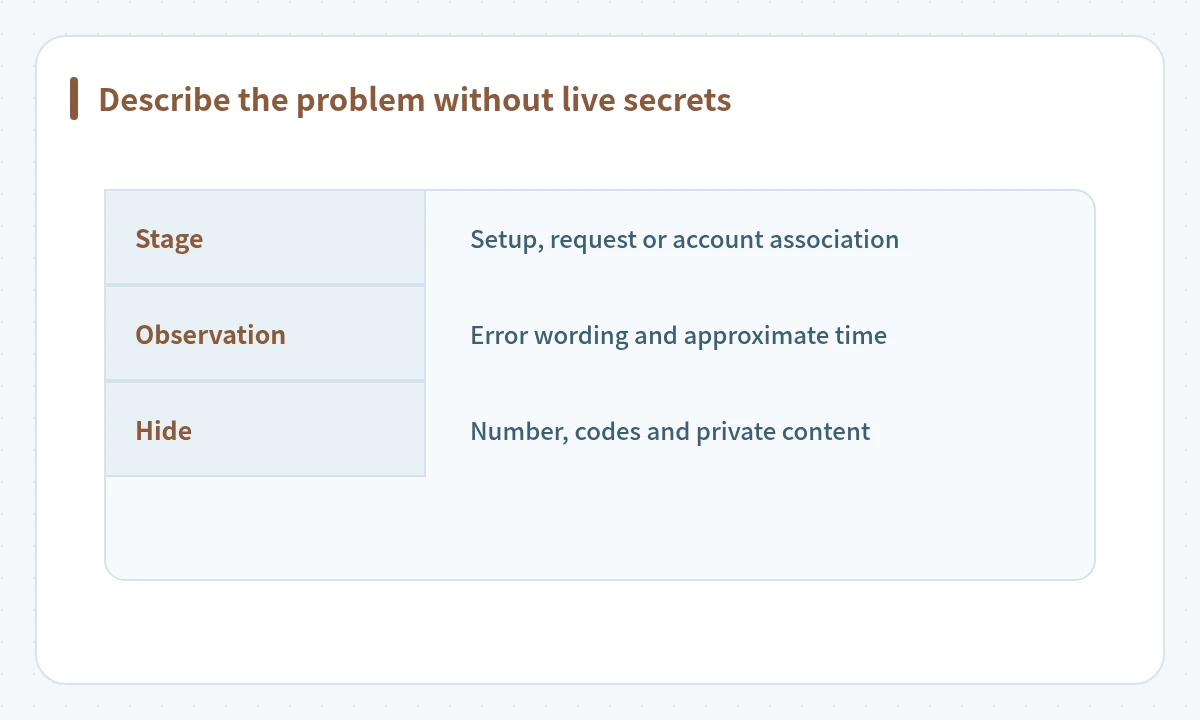
Describe the action you were performing, the exact error, the approximate time and whether the line is your own mobile service. Hide the full number, private messages and verification values in screenshots. If an existing session still works, preserve it rather than signing out solely to reproduce the problem.
For a phone change, inspect the account's current contact and security settings before retiring the old line. A number's earlier acceptance is not a substitute for checking that you can still control it when needed. Resolve uncertain account associations through the official process rather than experimenting with credentials.
The useful result of this investigation is a named next step: meet the number requirement, observe a restriction, clarify an account association or inspect text reception. It does not imply that a new purchased number will resolve every Discord verification problem, or that this site can decide which numbers Discord accepts.
References
Discord: Verify your account and troubleshoot phone verification.
