
Depop verification codes can support web sign-in without making every two-factor setting available on the website. Before changing a number, using recovery material or adjusting protection, inspect the official distinction between mobile-app and web capabilities.
Web login and mobile configuration are different actions
Depop's help explains that an enabled account can require a text for website login, while security-setting changes and recovery-code use have their applicable mobile entry. A code box on the computer is not evidence that every later security action can be completed there.
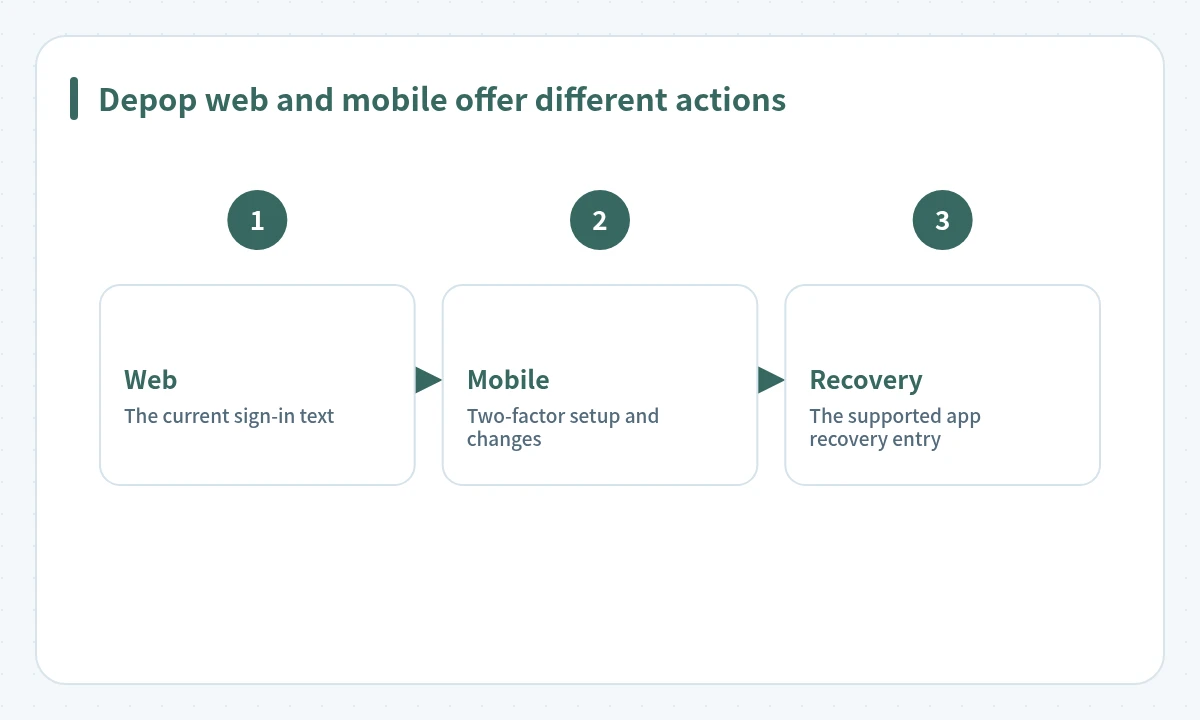
Confirm the account, enrolled number and current request first. If the number is correct but a text is absent, examine reception. If the goal is to change an old number, inspect the formal mobile settings or support instead of requesting more codes from the web screen indefinitely.
Prepare recovery material before losing the phone
Official setup provides a recovery code. Save it while access works, protect the value and confirm you could retrieve it if the phone became unavailable. A copy only on a device about to be erased is not a useful independent arrangement. Do not forward it to a chat contact to test whether it works.
| Action | First check |
|---|---|
| Web sign-in | The current text and account |
| Two-factor setting change | The official mobile-app entry |
| Recovery-code login | The supported app route and your saved material |
| Recovery completed | The resulting protection state |
A preparation checklist can identify the protected storage location without duplicating the secret into shared records. Keep method names and access responsibilities clear, particularly before clearing the previous phone.
Preserve a usable session during a number change
While the app remains accessible, inspect the verification requirements for changing the number. Do not sign out of the only working session to simulate a lost phone. Menu wording can change, so use the current application and official guidance rather than altering personal information to force an old screenshot's path.
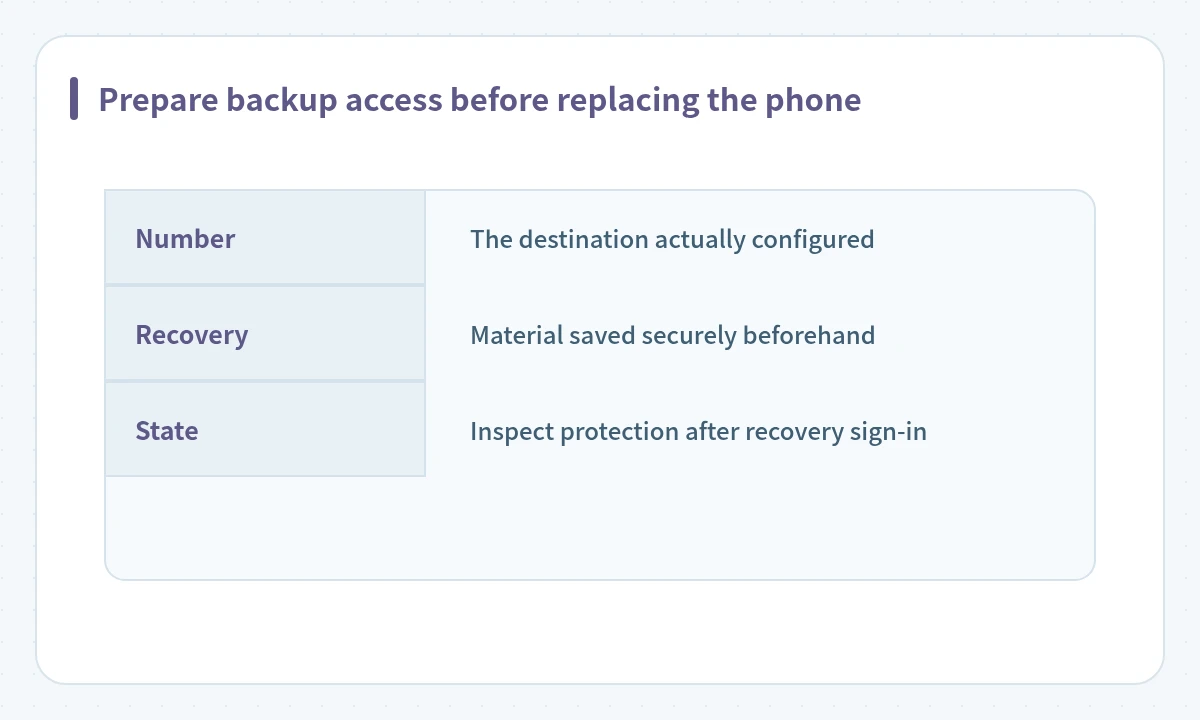
If neither the line nor recovery material is available, follow formal support. A stranger's receiving number does not become a reliable route into the existing account. After recovery-code sign-in, inspect the current two-factor state and re-establish the intended protection as instructed.
Login codes do not belong in transaction conversations
A buyer, seller or collaborator does not need your account code for ordinary communication. When someone says verification is necessary to continue, inspect your Depop account independently for the task. Do not follow an external link and disclose a password or recovery secret simply because the request is framed as account assistance.
For support, name the client, action, exact error and approximate time. Hide complete numbers, changing values and private content. That distinguishes a web-login problem from a mobile-setting problem and directs attention to the route capable of performing the required action.
The aim is to preserve your own legitimate access while changing the appropriate setting, rather than repeatedly testing a text that does not perform the task currently needed.
References
Depop: Web, mobile and recovery-code scope; Depop: Current security and number-change guidance.
