
Deliveroo verification codes in the UK Rider application should be checked through the account's recorded email. Official Rider help says SMS one-time-login requests were disabled for that entry. Waiting for a text can therefore leave the actual requested mailbox unchecked.
Do not merge customer and Rider instructions
This article concerns the UK Rider account, not every Deliveroo customer or regional service. Confirm the application, role and official help source before inspecting the destination. A phone option in a customer page or older tutorial is not a substitute for the email requested by this Rider flow.
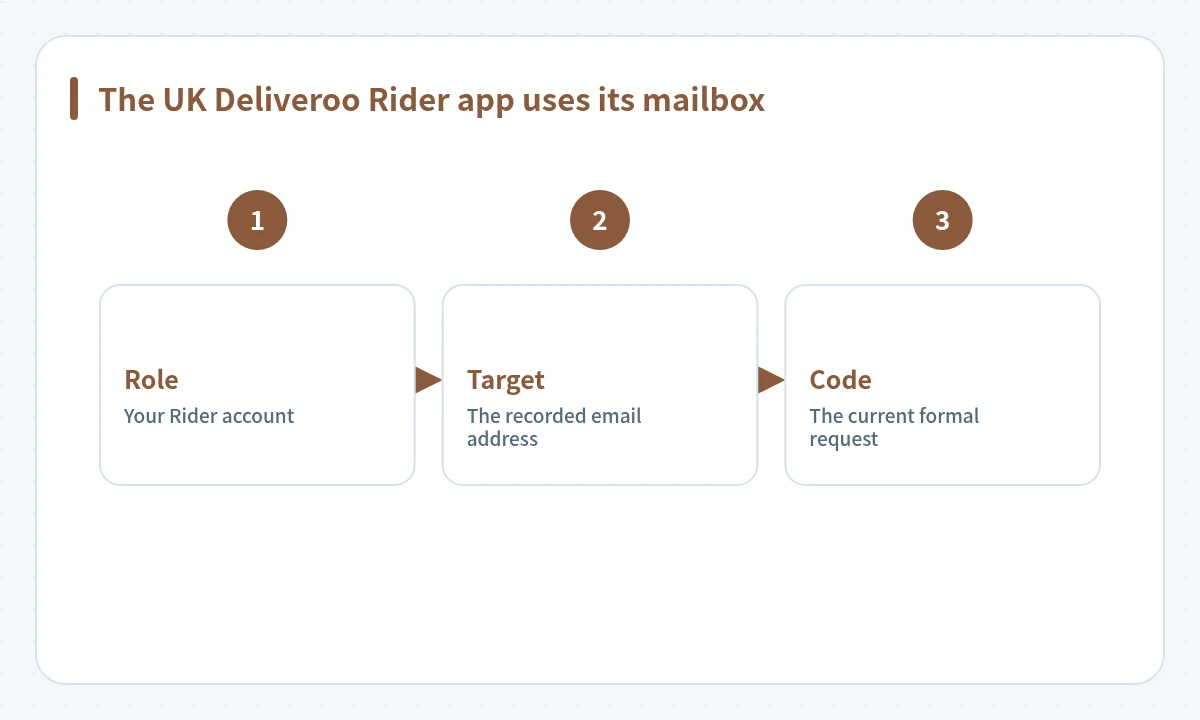
Compare the recorded address with the account you intend to use, then inspect the current message and filtering. A phone receiving ordinary texts does not change the selected email method. Device SMS settings should not be changed solely to obtain a message the current entry never requested.
Check the task in three stages
| Stage | Observation |
|---|---|
| Identify the product | The UK Rider app and your account |
| Request access | The correct recorded email |
| Complete sign-in | The current page and matching message |
If the email is forgotten or inaccessible, official help directs users to its email-recovery option and Rider Support. Follow the choices actually offered rather than register new identities repeatedly or use another person's mailbox to bypass the original account's ownership check.
A preparation note can identify the registered address in an appropriately protected context and name the support route. It does not need to contain a code, full access link or copied private account material.
Business messages are not automatic login credentials
Delivery, handover and other work-related information have their own objects. A number in one of those messages does not become suitable for the account login field. Use the current code only for the request you initiated, not forward it to a contact advertising account-recovery assistance.
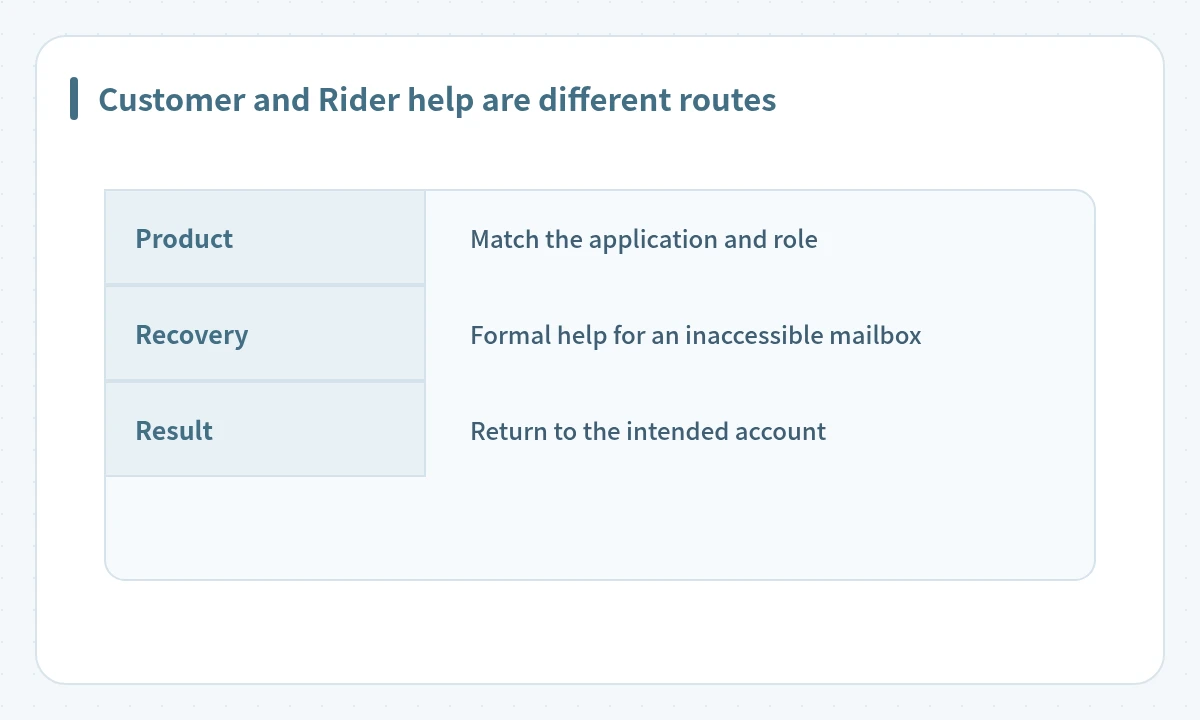
Keep one identifiable request and follow the page's validity and retry instructions. When a message arrives late, inspect the current task before entering it rather than choose randomly among values generated by several windows.
For an organisation-managed mailbox, explain the message type and approximate time through the proper support channel. The mail administrator can inspect delivery without taking the value to enter the Rider account on your behalf.
Confirm the intended identity after access returns
Once sign-in completes, inspect the account before reviewing work information or other functions. A feature remaining unavailable should be described through its specific notice. It is not automatically a reason to request more login messages.
Tell support that the issue concerns UK Rider access, whether the recorded mailbox is available, the failed stage and exact error. Hide changing values and private information. Preserve an old usable device while arranging a supported new route rather than discard working email access in pursuit of an unrelated SMS test.
The useful result is maintained access to the original Rider identity through its actual email process, with a clear distinction between sign-in and later work-related actions.
References
Deliveroo UK Rider: Email rather than SMS one-time login.
