
DeepSeek verification codes, account passwords and API keys serve different purposes. If a code was disclosed, investigate account access first. If an API key may also have escaped, review that application credential separately rather than assume one password change automatically invalidates every form of access.
Identify what information was exposed
DeepSeek's account terms discuss protecting verification information and using the formal recovery process when access is lost. Its API documentation separately describes key-based application authentication. Establish which resource is involved without posting its secret value again in a support conversation.
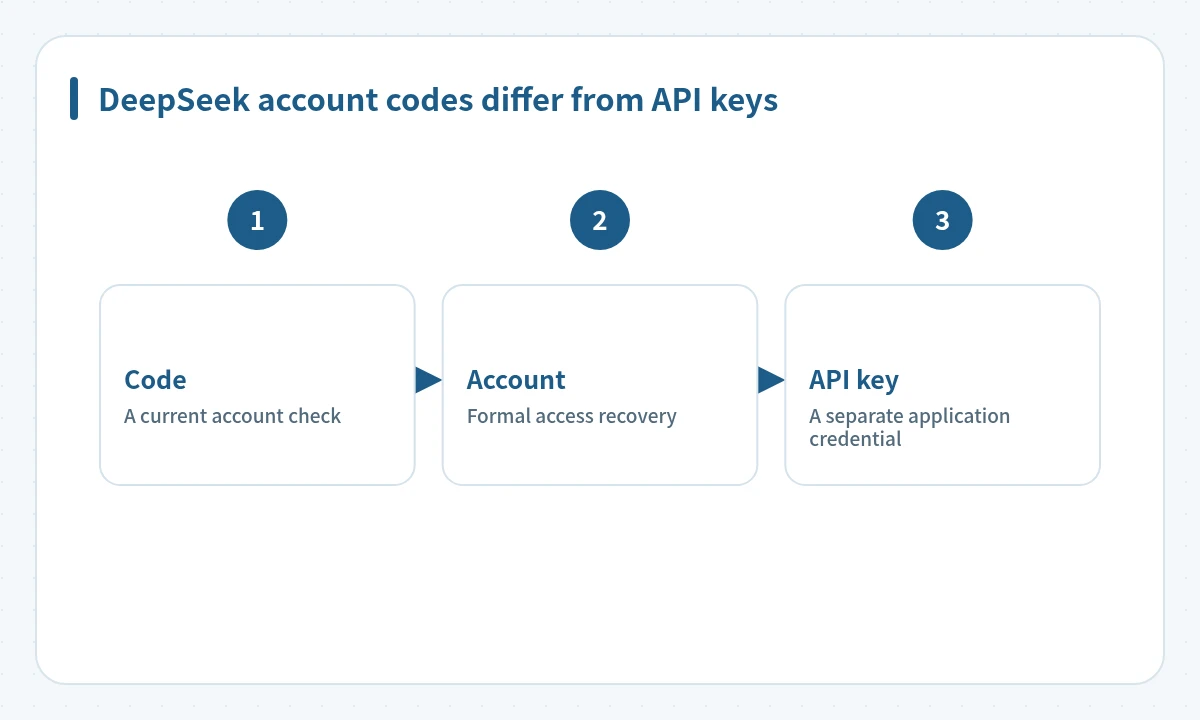
For a message you did not request, open the known official account entry independently. Do not follow an unknown sender's claim that a second code is necessary to reverse the first. If information was already shared, note when and in what context, then use the relevant official route to protect the original identity.
Separate account and application work
| Object | Relevant task |
|---|---|
| Account access | Secure the original sign-in and recovery route |
| API key | Manage the affected control-panel credential |
| Dependent application | Update authorised settings and inspect results |
An API key does not belong in a login-code field. Likewise, an email code is not a persistent application credential. A person who only uses the chat interface should first establish whether any API configuration actually exists, rather than assume every account error concerns a key.
If several applications use a credential, identify that dependency before changing unrelated settings. The maintenance task should have a clear scope, so a later failure can be associated with the relevant update.
Replace application credentials through their authorised controls
Someone authorised to manage the application should handle the affected key in the official panel and place the replacement only in appropriate protected configuration. Do not put the new value into a public page, browser-delivered source or ordinary team message.
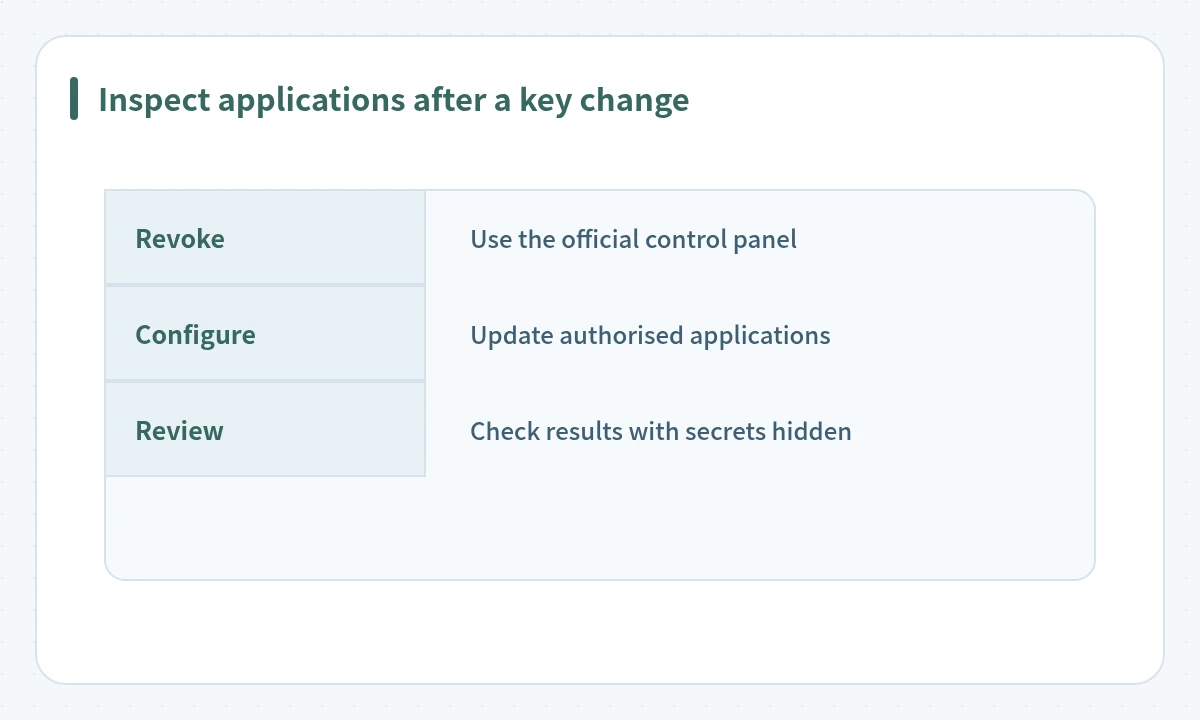
Inspect both sides of the change: the old credential's state and the application's use of the replacement. Those are separate observations. An edited configuration file alone does not prove the running application loaded it, and a successful account login does not test the application's request path.
Use the application's documented configuration process. Avoid changing business parameters, accounts and network settings simultaneously merely to test a key, because those extra changes can obscure the cause of any resulting error.
Inspect results without collecting new secrets
Confirm that the account is controlled by its owner, relevant activity is understood and authorised applications behave as expected. Logs and screenshots can retain timestamps, statuses and masked identifiers. They do not need complete codes, passwords or keys.
Use official support for unexplained account or usage problems. This guide distinguishes the work involved; it does not promise an identical recovery procedure or outcome for every identity. Borrowing, renting or repeatedly registering accounts does not replace ownership verification for the original one. A clear description of the account issue and any separate application dependency gives each part an observable result without further exposing the material you are trying to protect.
References
DeepSeek: Account and verification-information protection; DeepSeek: API-key authentication.
