
Cursor verification codes or unfamiliar login messages should prompt you to identify the actual sign-in route. Email links, external providers and enterprise single sign-on depend on different identity resources. Changing an editor preference does not necessarily secure the resource that controls entry to the account.
Protect the provider that grants access
Cursor's official compromised-account guidance separates email-link login from Google or GitHub login and directs enterprise SSO users to their identity administrator. Establish your original method, then secure that resource through its own known official entry. Another user's sign-in screenshot does not identify your arrangement.
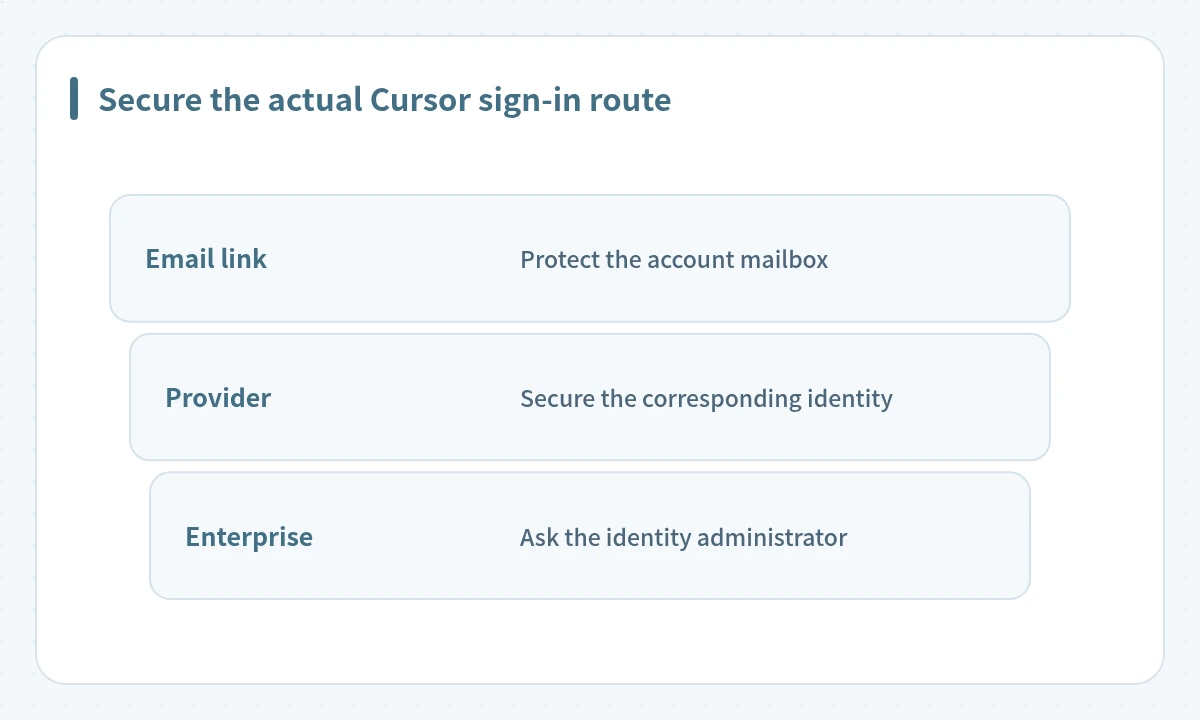
For email-link access, check the mailbox itself. For an external provider, investigate its password and second-factor protection. If someone already received a login value, do not forward later messages because they claim another code is needed to cancel the first attempt.
Review observable account changes
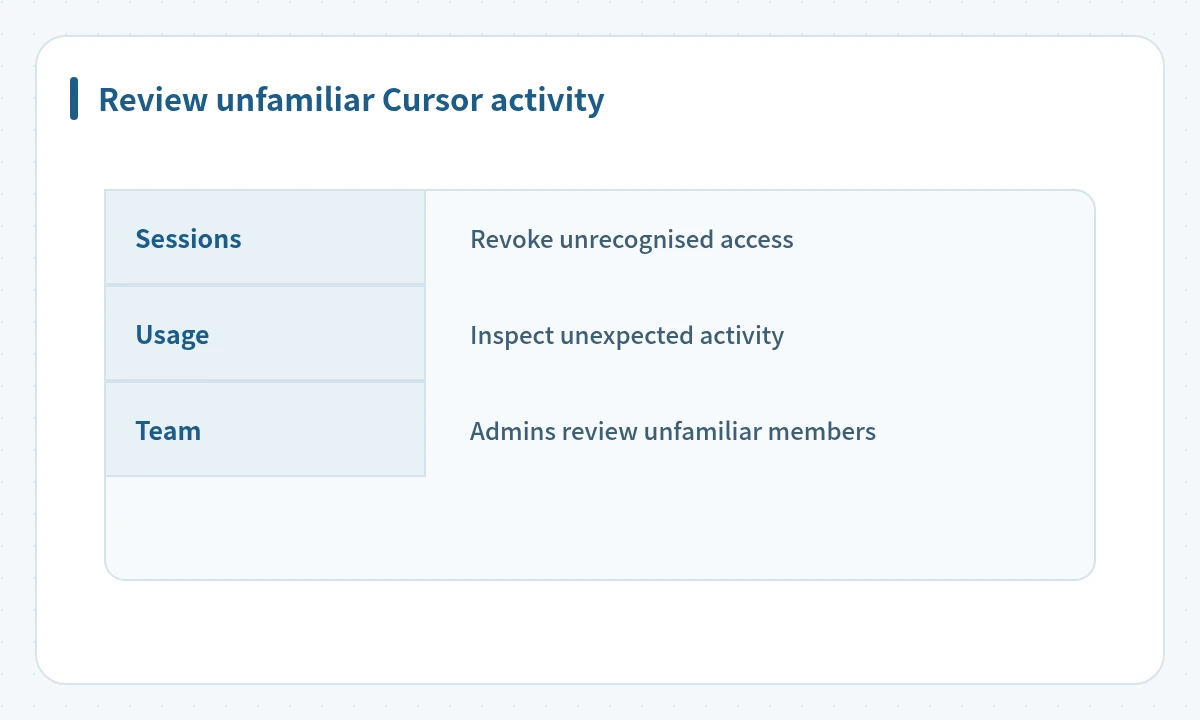
| Area | Relevant observation |
|---|---|
| Active sessions | Access you do not recognise |
| Usage and billing | Activity inconsistent with your work |
| Team administration | Unplanned members or invitations |
The official help describes reviewing and revoking active sessions through account settings. Use a confirmed dashboard, not an unfamiliar message's repair tool. Session revocation and protecting the sign-in provider complement one another; completing one does not establish that every other access route was addressed.
An unusual error alone is not proof of compromise. Compare the timing, your own device changes and account observations before describing what happened. Report facts that can be checked rather than inventing a cause or a financial loss.
Keep project secrets out of an initial support record
A useful record can show times, environment and masked screenshots. It does not need customer source code, private repository contents, mailbox sign-in links or full API credentials. Provide enough context to locate the account event, then respond to legitimate requests through the formal process.
Enterprise users should identify their team and provider to the administrator. The organisation can inspect its identity records and access arrangements. Creating another identity repeatedly to test membership can make the original authorisation problem harder to describe.
If you have legitimate access remaining, use it for the relevant inspection rather than copy sensitive settings into a public discussion. Keep investigation notes limited to the information needed for the account-security task.
Review independent application credentials when relevant
If you configured your own third-party API keys in the editor, inspect any suspected exposure through the corresponding provider's control panel. Securing Cursor login does not by itself establish that an independent key was revoked. Update authorised application settings only after the appropriate credential action.
After recovery, inspect the original identity, expected configuration and active sessions before continuing project work. Contact official support for access you cannot regain or activity you cannot explain. Separate an unavailable mailbox, an unknown session and an exposed application key so each receives a concrete response rather than one broad claim that everything was fixed by another login code.
For a team administrator, compare unfamiliar invitations with planned onboarding before classifying them. Ask the responsible colleague through an established internal route. The aim is to distinguish legitimate team activity from access that nobody authorised, without posting a member list publicly.
References
Cursor: Sign-in protection, sessions and unfamiliar activity.
