
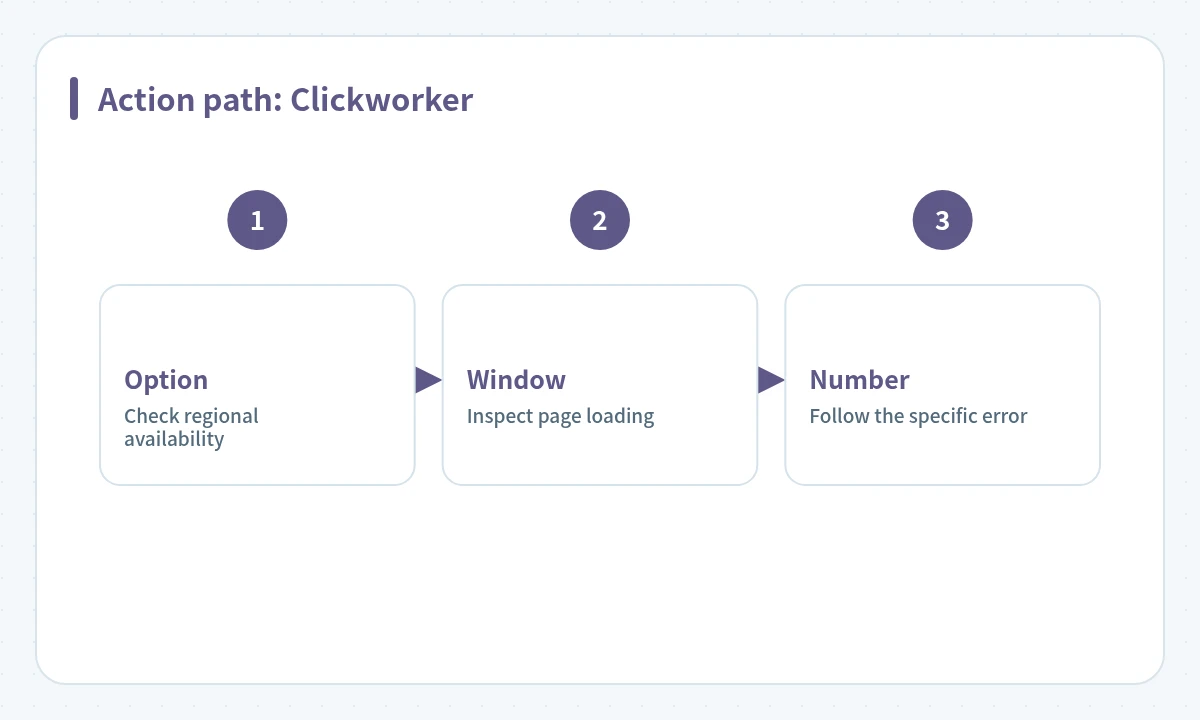
Clickworker verification codes may not have an available request button because phone verification is not enabled in every country. The official help identifies that regional difference. Establish whether the feature applies before diagnosing a text that the account may never have asked you to receive.
Separate an absent option from an empty window
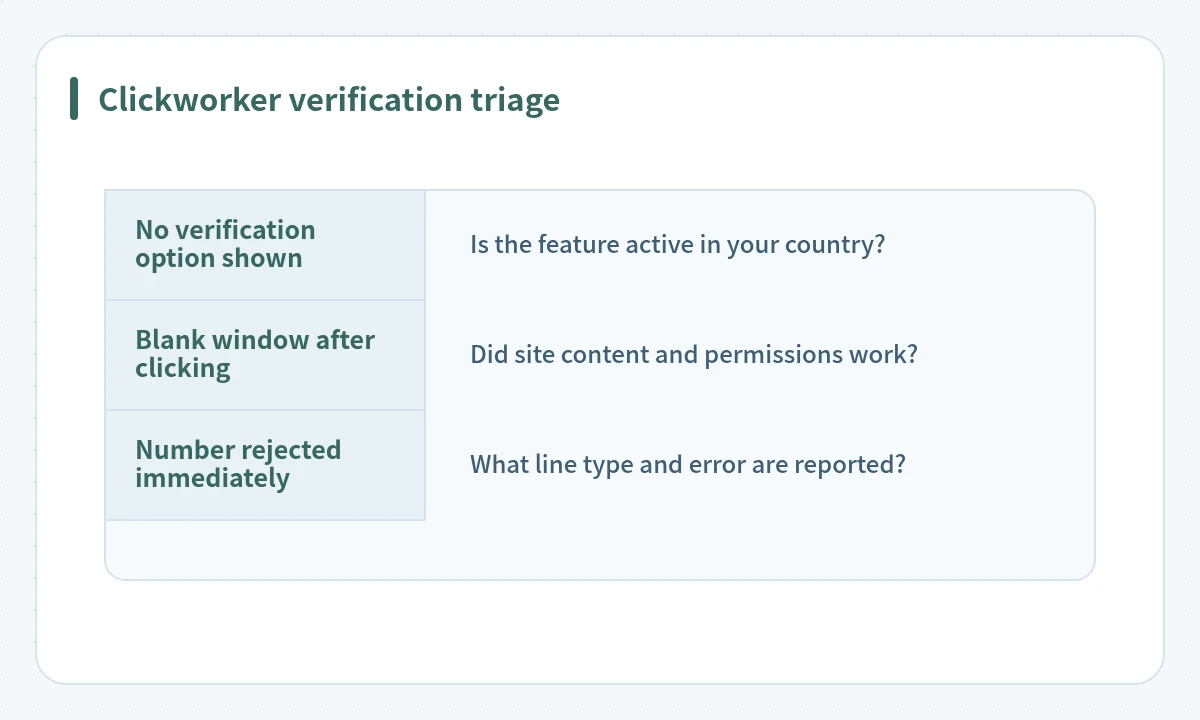
An account with no verification option is different from an account whose verification pop-up opens blank. Clickworker's help discusses these separately. The first concerns feature availability; the second concerns whether the site content loaded properly in the browser.
For a blank window, record the browser and any blocked-content indication. Inspect permissions for the official site instead of applying an old instruction to lower every browser security setting. A targeted permission check or an updated supported browser is a more specific way to investigate the page.
| Observed problem | Relevant question |
|---|---|
| No verification option shown | Is the feature active in your country? |
| Blank window after clicking | Did site content and permissions work? |
| Number rejected immediately | What line type and error are reported? |
A project list is not a test of the missing button
The official explanation says regional absence of this verification does not negatively affect work or project availability. A missing button alone therefore does not explain why the list lacks your preferred project. Do not change accurate country details in an effort to make an option appear.
Keep your profile truthful and read each project's actual conditions. If a location field seems inconsistent with where you live, describe the field and its saved result to support. Starting another account merely to compare screens would introduce another identity question without resolving the first.
The existence of a project, eligibility to access it, and display of a phone tool are separate observations. Record which one is actually missing. That distinction keeps an ordinary availability question from becoming unnecessary changes to account contact information.
Address a number error only when one is present
The help distinguishes unsupported virtual numbers from certain provider-line cases that may require additional investigation. Preserve the precise message and ask official support whether proof of number ownership is relevant. Do not treat every immediate rejection as weak cellular reception.
Provide ownership material only through the designated private process, following the request for relevant information and redacting unrelated billing details where appropriate. Full numbers, addresses, and live codes should not be placed in public screenshots. A documented investigation route is not a guarantee that every submitted number will be accepted.
Use a concrete description such as no option, blank pop-up, or rejected number, together with device and browser details. If you changed a site permission, note that change and whether the window loaded afterward. This gives support a sequence they can assess instead of a vague report that messages never work.
After the page behaves normally, return to its actual task and inspect the outcome. Do not continue adjusting contact details once the only unresolved question concerns a project rather than verification.
References
Clickworker: Different phone-verification problems
