
Chess.com verification codes requested by Extra Security belong in the account's email flow. The official description uses a one-time email value for this additional login protection. Do not apply another website's SMS or authenticator tutorial simply because it also discusses security codes.
Identify the Extra Security request
Chess.com's official guidance describes email checks for suspicious logins, such as an unfamiliar device, location or repeated failed attempts, using a verified address. This concerns the documented feature, not a claim that every service has the same option or triggering rules.
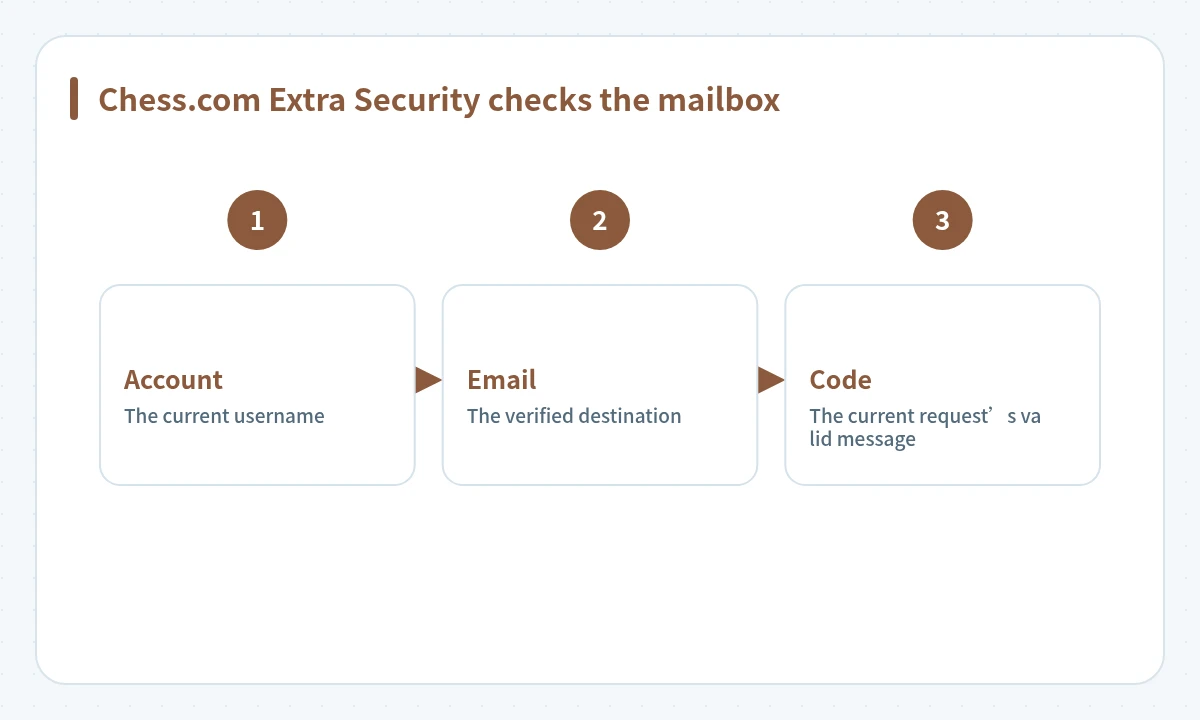
When the page says to inspect email, confirm the username and destination, then check filtered folders. An empty text inbox does not establish that nothing was sent. Avoid adding a purported universal authenticator entry from an unofficial guide to repair a method the current page never requested.
Match setup confirmation and later sign-in separately
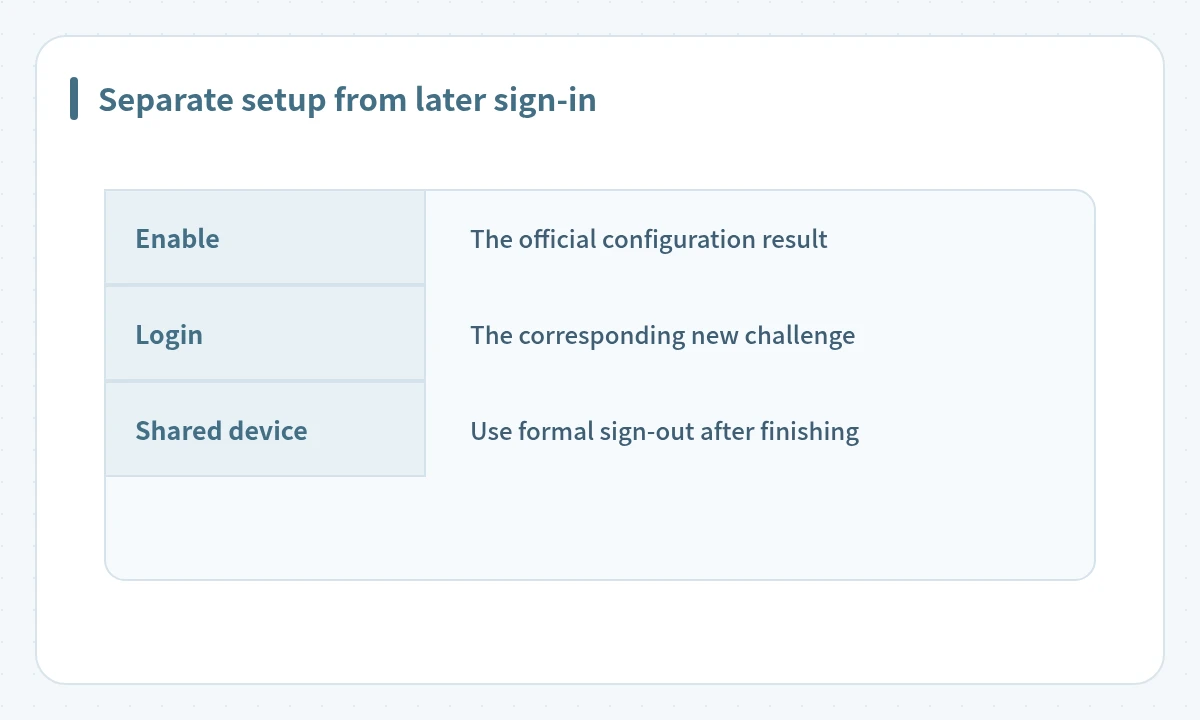
| Action | Corresponding observation |
|---|---|
| Enable the extra protection | The current setup requirement and saved result |
| A later sign-in | The current challenge and account mailbox |
| An unfamiliar request | An independent account-security review |
A value received during setup is not a fixed password for future entries. Follow each current request and its validity instructions. Avoid generating several indistinguishable attempts across tabs and then trying whichever message appears most convenient.
A private record can retain the method name, destination's masked details and approximate time. It need not preserve the actual value. This gives support a clear sequence without creating a shared archive of account-access information.
Treat shared computers and player conversations differently
Use the formal sign-out controls after finishing, especially on a public or shared device. A familiar avatar does not establish that the current account is yours. Do not send a code or password to another player for help with a game, membership or competition issue.
The official security help says staff will not ask for your password. Verify unsolicited support claims through the actual help entry rather than hand over account access in a private conversation. Avoid unfamiliar attachments presented as a verification repair.
If the request was not yours, inspect the account independently before treating it as a routine delayed email. The purpose of an alert or challenge needs to remain connected to the activity it describes.
Use recovery help when the mailbox is unavailable
An inaccessible recorded address calls for the corresponding account process. Preserve a usable session while reviewing the available account information instead of clearing all devices as a test.
Tell support the checked username, Extra Security prompt, whether its destination is accessible, exact error and approximate time. Hide codes and private mail. If sign-in completed but a particular feature remains restricted, examine that feature's instructions rather than request another unrelated email.
That keeps message delivery, account ownership and a chess-specific service problem separate. It also prevents a generic second-factor tutorial from introducing settings or expectations that the official Extra Security flow did not describe.
References
Chess.com: Extra Security email codes and account safety.
