
Cdiscount verification codes in the French Cdiscount Mobile customer area need to be understood in the context of its access migration. The official first-access guide says to keep your previous identifier while creating new access credentials. This is a Mobile customer-area procedure, rather than a general instruction for the retail marketplace.
Keep the original identifier in focus
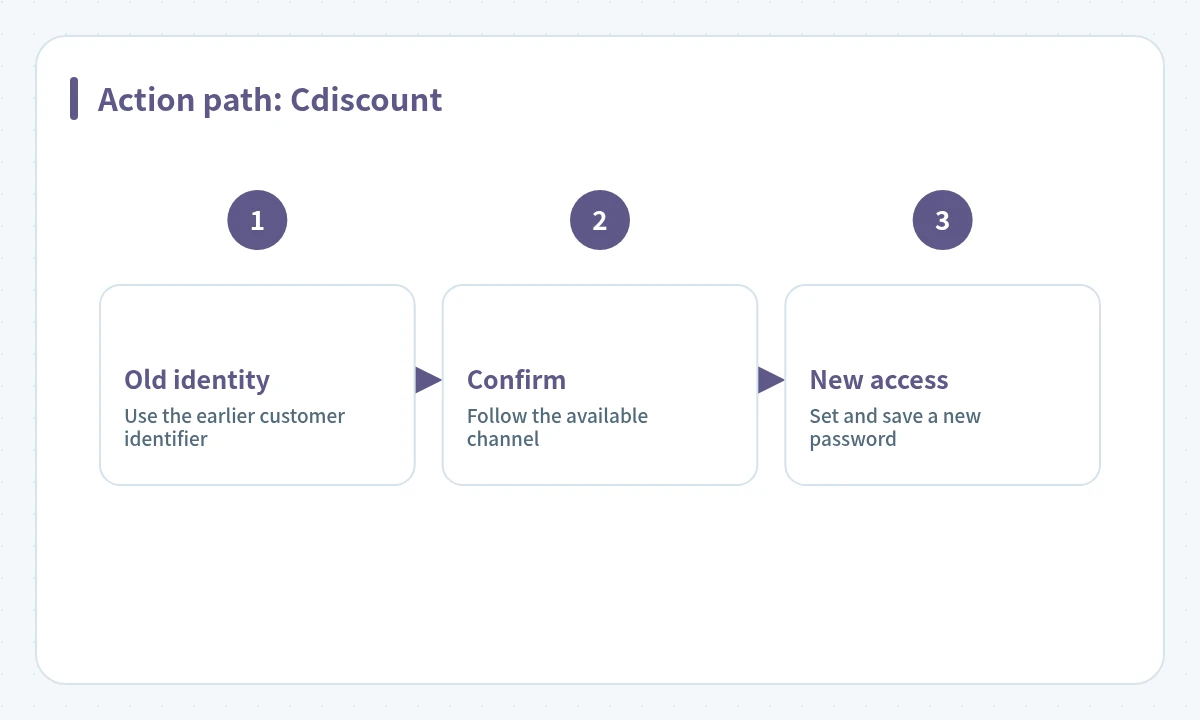
The Mobile guide starts with the email address or line number used in the previous customer area. That identifier locates the existing customer relationship; the new password is a separate part of access. Do not assume both need to change together.
If the page rejects the identity immediately, check whether you used a shopping email instead of the original Mobile identifier. Your own previous customer correspondence can help establish which address or line you actually used. Resetting a password for an unrelated account will not resolve that mismatch.
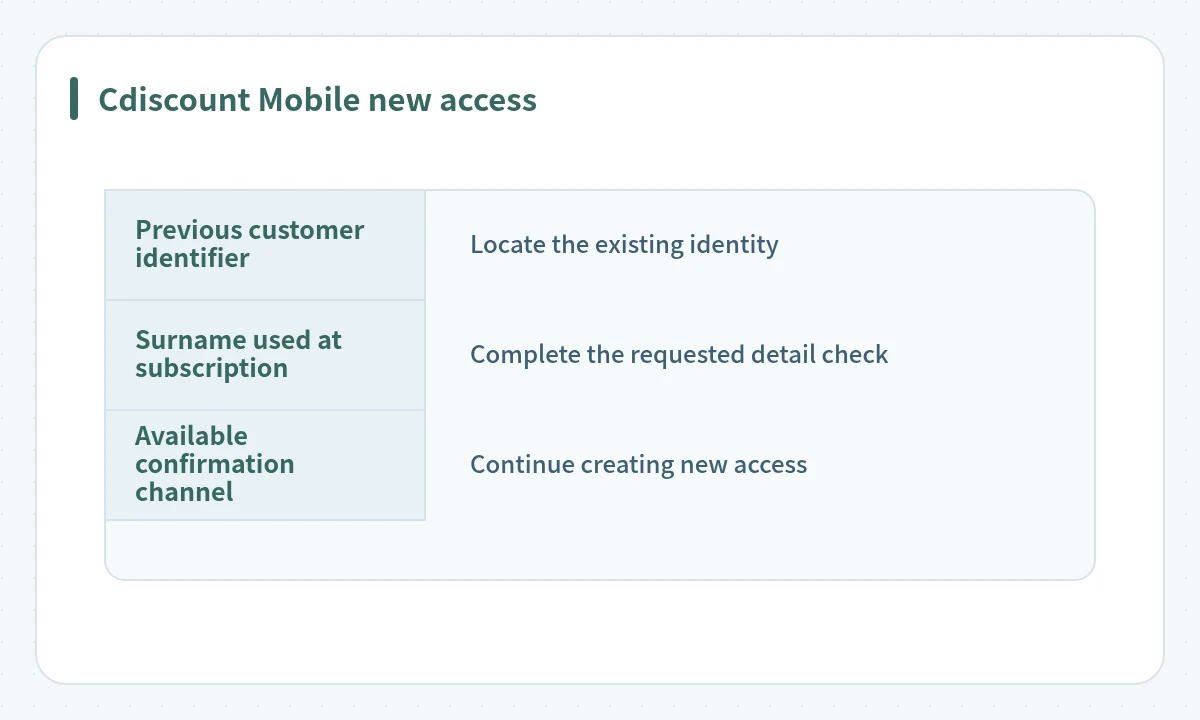
| Resource to prepare | Purpose |
|---|---|
| Previous customer identifier | Locate the existing identity |
| Surname used at subscription | Complete the requested detail check |
| Available confirmation channel | Continue creating new access |
Read the channels offered now
At the time checked, the official first-access article carries a notice that SMS security-code sending is temporarily unavailable. Follow the options actually offered by the current page. Searching for a phone code does not establish that this particular operation will deliver one by text.
If the page offers email, inspect the stated destination, inbox, and junk folder. An inaccessible mailbox needs the official customer-help process; entering a different address does not automatically connect it to the original customer identity. Available channels may change, so the live prompt matters more than an old screenshot.
Keep one request open while handling its message. If you restart the process, note that you have done so before returning to an earlier email. This avoids mistaking a message associated with an abandoned attempt for the next action on your current page.
Check the customer record after setting new access
Once the new password is saved, inspect the customer identity and existing lines. If the process asks you to add an email that was not previously present, read what it will be used for before continuing. You should know which identifier to use on a later visit.
Creating access to the migrated area is not a reason to order a replacement service. If an expected line is absent, first establish whether you entered the correct customer identity. Making further changes under the wrong identity can make the original problem harder to explain.
For support, state that this is the Mobile customer area, whether it is your first migrated access, whether you used the original email or line identifier, and the point where the error appeared. Redact private values from screenshots. The site address, identity match, available delivery channel, and saved-password result are distinct checks, so describe the one that actually failed rather than reporting every interruption as missing SMS.
References
Cdiscount Mobile: First access to the new customer area
