
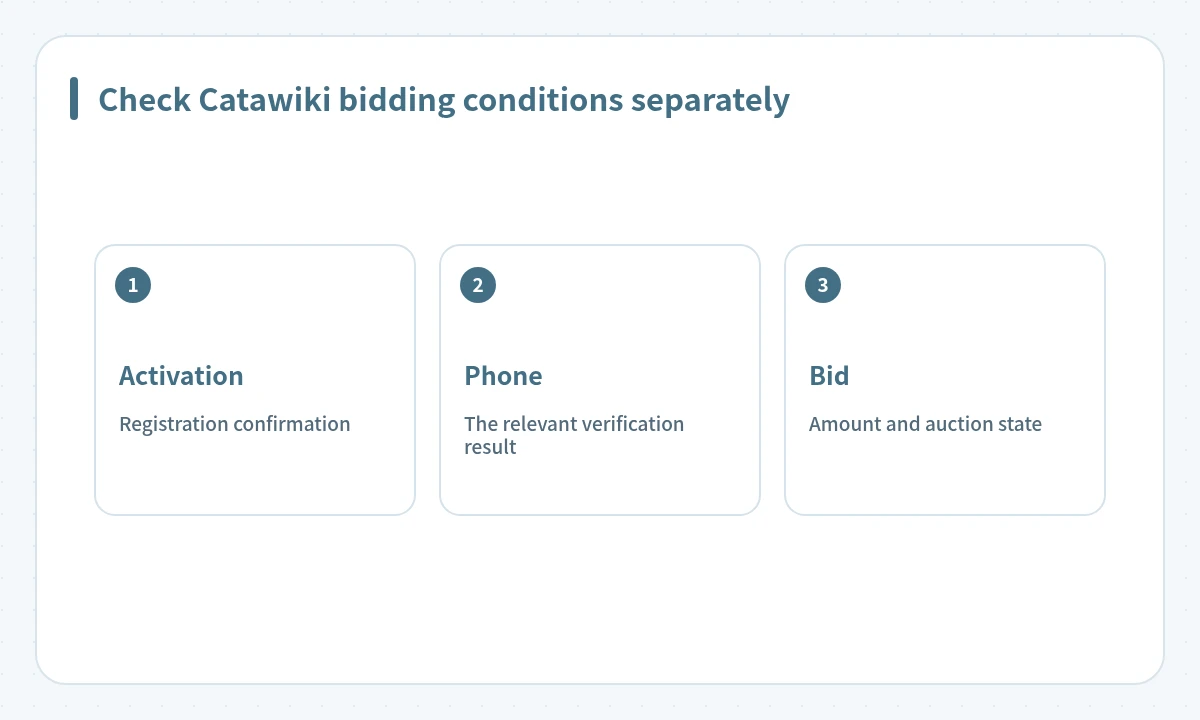
Catawiki verification codes do not resolve every error encountered while bidding. After phone verification succeeds, inspect registration confirmation, the signed-in identity and the bid itself. Repeatedly requesting a new message may revisit a stage that is already complete while leaving the actual interruption untouched.
Read the precise bidding error first
Catawiki's official help distinguishes account activation, phone verification, login and problems with the submitted amount or auction state. Retain the current response before choosing the next action. The phrase “cannot bid” alone does not identify which condition needs attention.
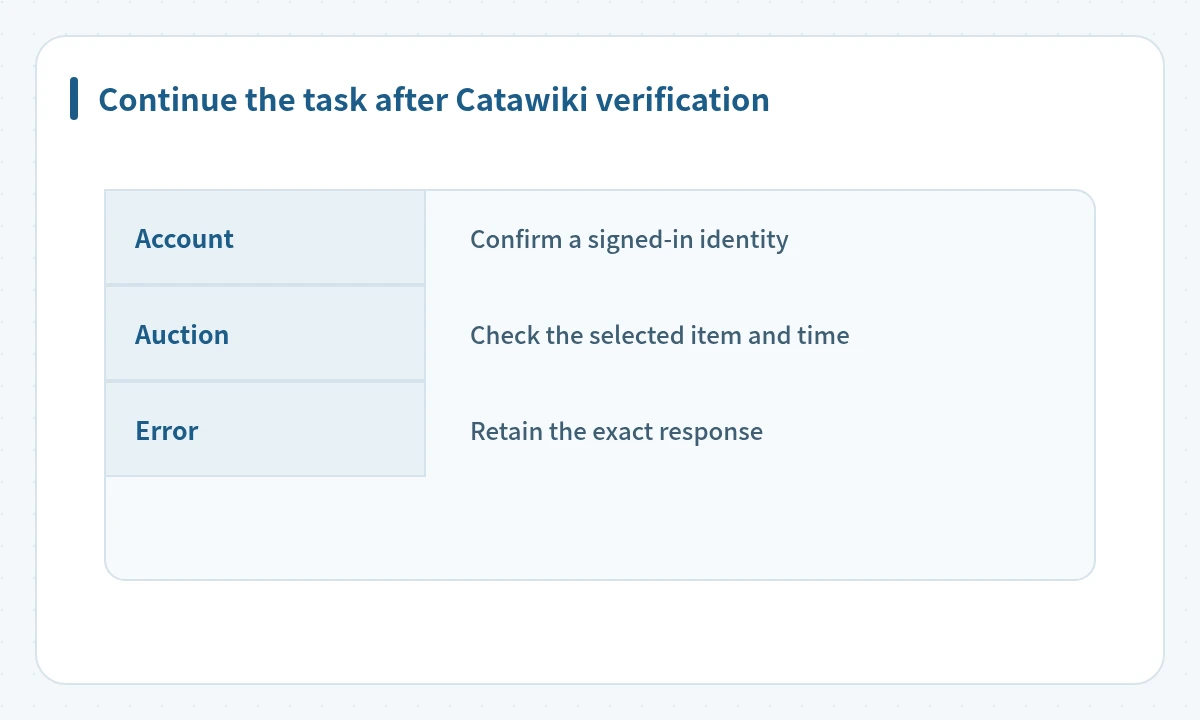
Check whether the expected username appears in the interface. A second browser may be using a different identity. Message receipt establishes that a request reached its destination; it does not establish that the page accepted it for the account now being used.
Check the relevant condition and result
| Condition | Observable result |
|---|---|
| Registration | The account confirmation was completed |
| Phone check | The verification page accepted it |
| Current bid | The amount and auction state permit it |
An amount containing an invalid character, an insufficient amount or an auction that has ended needs the response appropriate to that condition. Another text cannot reopen an ended auction. Follow the actual page rather than repeatedly completing an unrelated security check.
If you changed interfaces while investigating, note which account and item each screenshot belongs to. A current bidding error and an earlier registration prompt can otherwise appear to describe the same unfinished step when they do not.
Investigate reception only if verification is unfinished
For a phone check that genuinely remains incomplete, inspect the number, country code and sending result. Follow the permitted retry schedule. Do not guess codes or borrow another person's account to see whether bidding works; that would not explain your identity's state.
If the old number is unavailable, report an account-information problem through formal support. Preserve legitimate access instead of clearing every device or creating several identities. The original account relationship becomes harder to explain when the investigation produces unrelated new profiles.
Keep live values out of public screenshots. The method, request time, masked target and error are enough to describe the initial delivery problem without exposing the credential itself.
Do not place unintended bids as a diagnostic test
Bidding is a real business action, not a harmless test of whether a code box worked. Read the response and account state first. If its meaning is unclear, ask official support about the item, time and error before deciding whether to continue with a bid you actually intend to make.
After the issue is resolved, inspect the account and relevant action's result separately. Phone confirmation, acceptance of a bid and the eventual auction outcome are different stages. One successful check does not prove the later stages finished, and it should not be turned into a promise that a particular account or telephone line satisfies every platform condition. A stage-based description keeps both authentication and the intended bidding decision clear.
When discussing an amount error, copy the response rather than disclose payment details. The support question is which bidding condition failed. A receipt for an unrelated transaction or a complete profile export does not make that error easier to diagnose.
References
Catawiki: Different reasons a bid may fail; Catawiki: The phone-verification check.
