
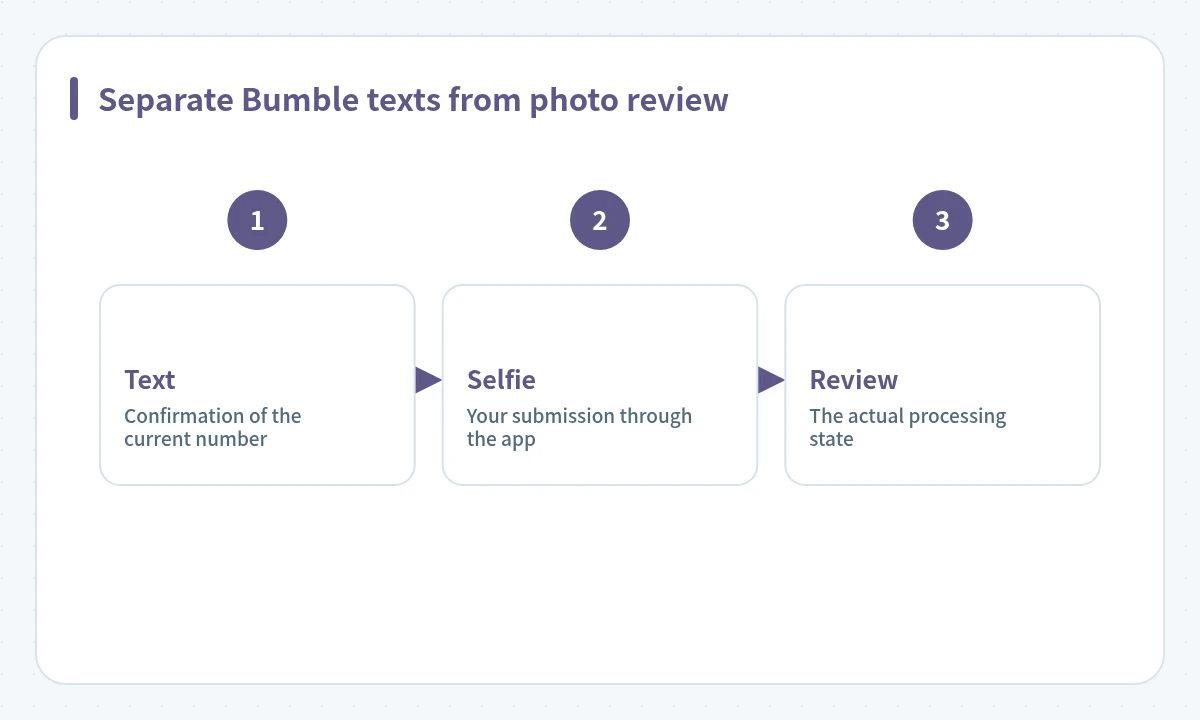
Bumble verification codes can pass while photo verification remains unfinished. That is not necessarily a text-delivery problem. Identify the account's current page before deciding whether to inspect the receiving line or the photo task.
Text confirmation and photo review check different material
Bumble's official privacy and help information discuss phone confirmation separately from photo verification. The latter asks for your own selfie through the app's procedure for comparison with profile images. An accepted text does not supply that image or determine its review result.
Confirm the actual Bumble service and account first. A BFF tutorial or another product's screen should not automatically be applied to the current identity. Another person's screenshot does not establish that your account has the same options or the same unfinished requirement.
Inspect the requirements of the photo stage
Read the prompt, check camera access and inspect your actual submission. Follow the official procedure using your own accurate information. Borrowed pictures, altered details or another person's identity should not be used to defeat the check. If review is pending, retain the state rather than creating more phone-based identities to try to change the result.
| Observation | Relevant object |
|---|---|
| No text arrived | The requested number and reception |
| Text passed; a photo is requested | The official photo task and your submission |
| The photo result is unclear | The exact message and corresponding support |
This distinction also helps when several people share a device. Inspect the selected profile before acting on a notification. A message arriving on the phone does not identify which account or task it belongs to without that context.
Do not send verification material to another member
An offer to perform photo verification or recover access does not entitle a chat contact to selfies, identity images, passwords or codes. Open the app independently to inspect the task. Submit necessary material only through the formal entry, rather than a verification website supplied in conversation.
Interpret a photo-related mark according to its purpose rather than as a guarantee about every later interaction. Account secrets remain yours to control. Ordinary communication does not require another person to receive or approve your login request.
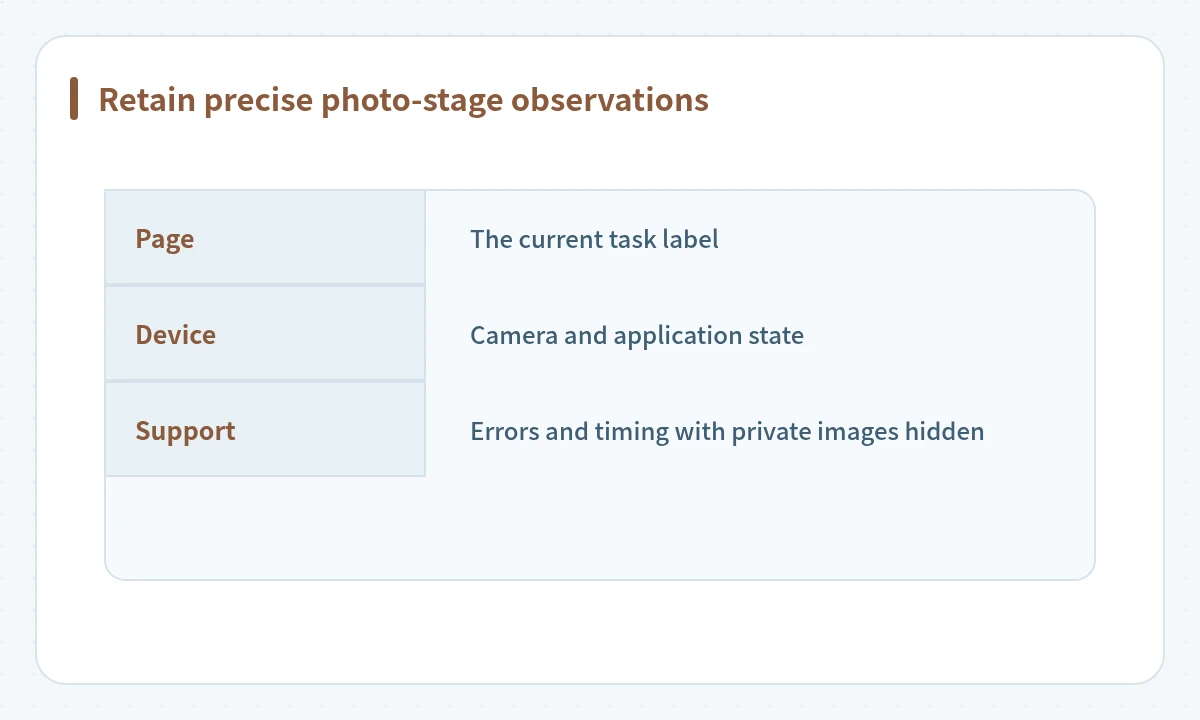
Keep troubleshooting material minimal. Support can identify a photo-stage error from its task label and message without receiving your complete photo collection or a live sign-in value in an ordinary conversation.
Preserve the stage information for support
A report can state that number confirmation succeeded but the photo page cannot continue, followed by the app version, exact prompt and approximate time. Hide private images and complete contact details in any shared screenshot.
During a device replacement, inspect remaining sessions and official transfer options before clearing the old phone. If an earlier step already passed, preserve that observation instead of restarting everything without a reason. Separating reception, material submission and review state directs the investigation to the unfinished task and reduces unnecessary requests to the phone line.
References
Bumble: Photo verification; Bumble: Account and verification information.
