
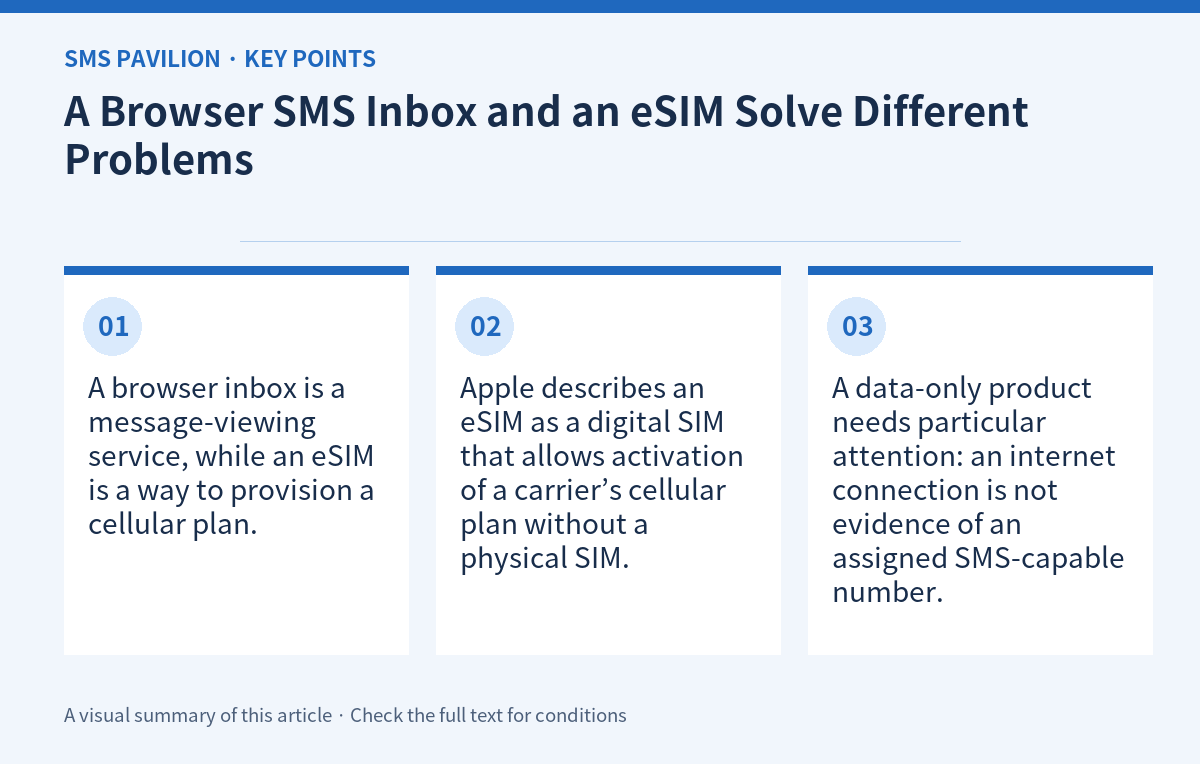
A browser inbox is a message-viewing service, while an eSIM is a way to provision a cellular plan. Neither the absence of a physical card nor internet access makes their number, receiving and connectivity conditions interchangeable.
For the complete workflow around this question, continue with Number Rental Guide: Selection, Renewal, Handover and Exit. The link opens the relevant section.
An eSIM is a way to activate a cellular plan
Apple describes an eSIM as a digital SIM that allows activation of a carrier’s cellular plan without a physical SIM. That describes the access technology, not every feature included in an individual plan. Check the actual carrier, supported device and package before assuming that voice or ordinary SMS is available.
A data-only product needs particular attention: an internet connection is not evidence of an assigned SMS-capable number. Ask whether the plan supplies a telephone number and the required messaging capability. Installation succeeding on the phone is not the same acceptance result as receiving a supported text.
A browser inbox is a service interface
With a web receiving service, the browser displays records supplied by that service. Opening the page does not turn the browser into a SIM or establish a cellular subscription on the device. The receiving resource, message-processing path and signed-in account each need to work for the intended task.
The browser also needs an appropriate network connection to obtain current content. It might use Wi-Fi or another cellular plan. That connection can make the inbox reachable without being the source of the virtual number shown on the page. Keep those two resource identities clear when diagnosing a problem.
| Question | Where to confirm it |
|---|---|
| Can this device activate the plan? | Carrier and device support information |
| Does the plan include a number and SMS? | The selected package’s actual features |
| How are web messages displayed? | The receiving provider’s documented workflow |
| Will a target website accept the number? | That website’s current requirements |
Changing the connection used to open an inbox should also be kept separate from migrating the inbox itself. Moving from Wi-Fi to eSIM data does not establish that existing messages, resource ownership or account credentials moved anywhere. Evaluate those objects through the receiving service’s actual management process.
Compare against the task you need to finish
For continuing cellular use, assess the device, activation conditions and included services. For a web inbox, establish supported incoming message types, authorised readers and allocation duration. These can be legitimate different needs rather than rival names for one interchangeable product.
Write the receiving path in plain language: who supplies the address, which system first handles a message and where you read it. If those answers differ between two offers, their sign-in, troubleshooting and recovery arrangements may differ too. A shared marketing phrase cannot supply the missing details.
Finally, separate ordinary receipt from a third-party verification requirement. Neither successful eSIM activation nor a readable web inbox proves acceptance for every registration or recovery flow. Use the target service’s approved method and keep any unsupported condition explicit. An allowed harmless test can establish a bounded observation, but it is not a permanent compatibility guarantee.
Reference: Apple: what an eSIM is.
